
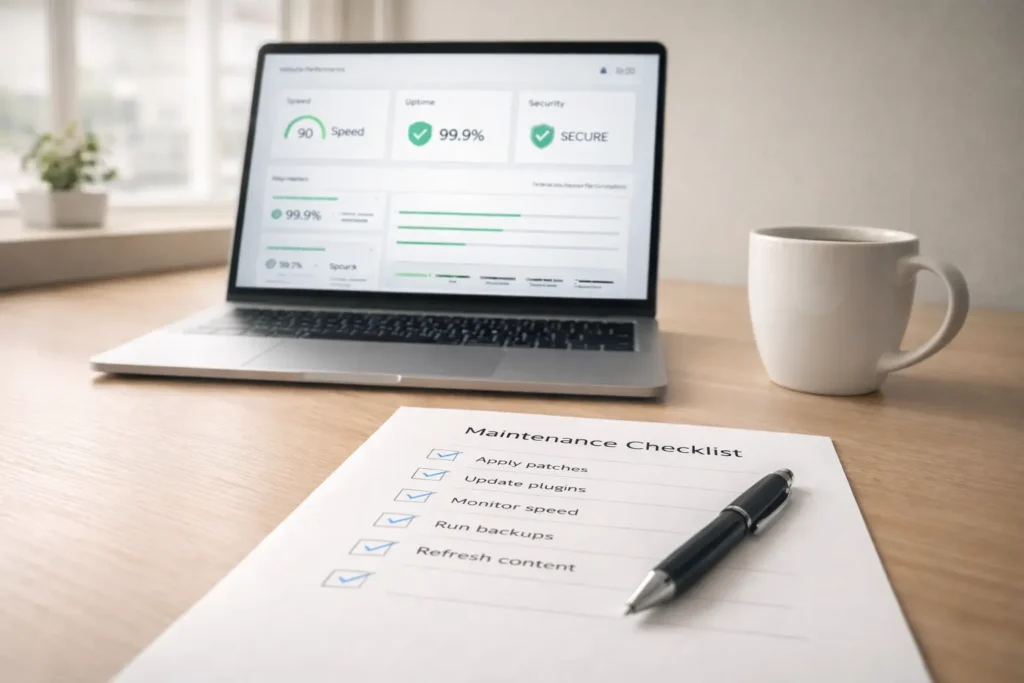
Small business website maintenance keeps your site fast, secure, and reliable. It’s a simple routine of updates, backups, testing, and quick fixes that prevent downtime.
Website maintenance is the ongoing set of tasks that keep a business website healthy. It includes applying security patches, updating plugins and themes, checking forms and carts, monitoring speed, fixing broken links, refreshing content, and running verified backups. The goal is simple. Fewer surprises. Better performance. Happier customers.
When maintenance is routine, your pages load faster on mobile, contact forms deliver every inquiry, and your checkout does not break after an update. Search engines trust stable, secure sites. Customers do too. If you serve local clients, stable pages with accurate hours, current promos, and working click-to-call buttons convert more visitors into bookings or sales. Want an at-a-glance view of what strong maintenance looks like in practice? Review real builds and redesigns in this portfolio to see how clean architectures and lightweight themes simplify upkeep: Sample Work. If you would rather earmark a team to own this for you, scan the scope items in the studio’s Services and note how they map to the maintenance cadences below.
Why Maintenance Matters: Business Outcomes, Not Just Tasks
Maintenance is not busywork. It is risk management and revenue protection. Here is what consistent care does for a small business owner.
It protects revenue. Fast pages reduce bounce on ads and directory clicks. Fixed forms capture every lead. Clean product feeds keep your catalog visible in Google and social shops.
It controls costs. Routine updates and staging tests prevent emergency rebuilds. A tested rollback plan avoids long outages.
It supports local SEO. Technical health signals influence crawling and indexing. Fresh, accurate content builds topical authority. Uptime and speed keep you competitive on mobile.
It builds trust. A site that looks current, is free of warnings, and loads quickly feels reliable. That signals your operations are reliable, too.
Pro tip: treat maintenance as a mini operating system for your marketing. Schedule a monthly 45-minute “site health meeting” with whoever owns your website and your paid media to align changes with campaigns.
How Website Maintenance Works: Cadence And Coverage
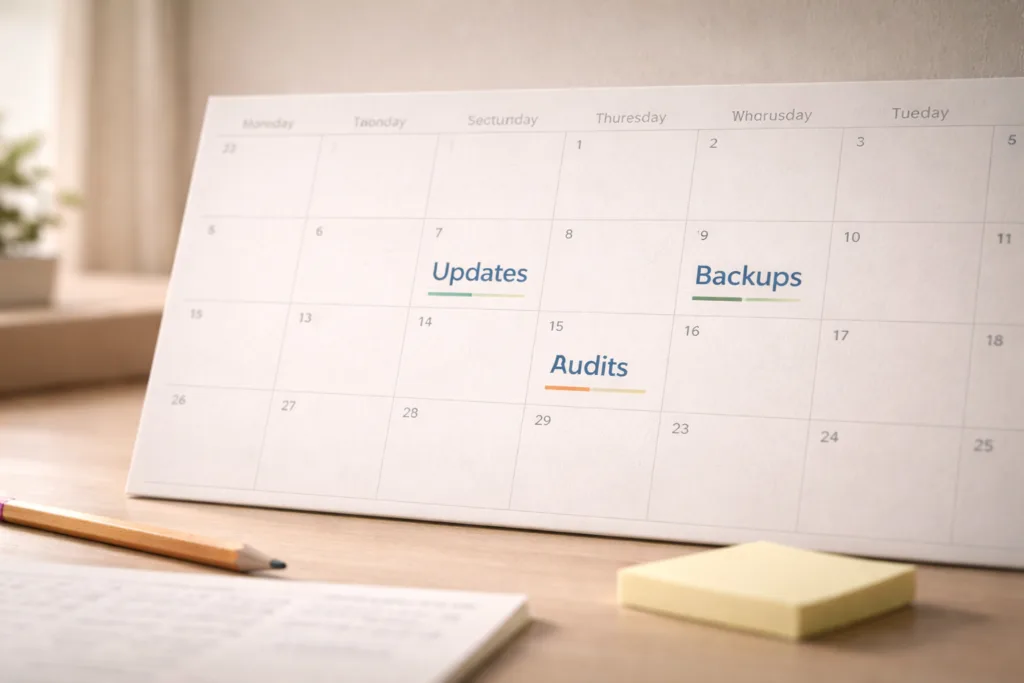
Routine beats intensity. The smartest way to plan Small business website maintenance is to group tasks by frequency and automate what you can. Use the table below as a starting schedule, then adjust to your stack.
Table 1. Maintenance Cadence And Core Tasks
| Cadence | Tasks | Tooling Notes | Owner |
| Weekly | Plugin and theme updates, check for 404s, scan for malware, verify backups ran, test forms and checkout on mobile | Use a staging site for updates. Enable uptime monitor alerts. | In-house or agency |
| Monthly | Performance audit, database cleanup, image optimization, review Search Console for errors, fix schema issues, and content refresh for top pages | Compare Core Web Vitals month over month. | In-house + agency |
| Quarterly | Full accessibility sweep, privacy and cookie review, verify licenses, renewal check, cross-browser tests, and UX friction review | Tag issues by severity and effort. | Agency lead |
| Before Campaigns | Landing page QA, A/B test setup, tracking validation, pixel events QA, load test for expected traffic spikes | Confirm conversions fire in GA and ad platforms. | Marketing + dev |
| After Major Updates | Regression test key flows, scan logs for spikes, roll back if errors exceed threshold | Keep the change log in one place. | Dev lead |

The Minimum Stack You Need
- Managed hosting with automatic daily backups, uptime monitoring, and server-level caching
- Staging environment for safe updates
- Security firewall and malware scanning
- Performance tooling to compress, lazy-load, and prefetch critical assets
- Analytics with consent controls, plus Search Console and error logging
- A documented change log and rollback playbook
If you prefer a partner to assemble and manage this stack, you can browse a services overview for deliverables and typical inclusions here: Services.
Which Option Fits Your Situation?
Three common paths exist: DIY, a freelancer, or an agency. The best choice depends on your risk tolerance, complexity, and how much you value your time.
Table 2. Maintenance Options Compared
| Option | Best For | Typical Scope | Pros | Cons | Approx. Cost |
| DIY | Very simple brochure sites, tight budgets | Core updates, backups, minor content edits | Low direct cost, hands-on control | Higher risk, time-consuming, and limited monitoring | Hosting only, plus tools |
| Freelancer | Small catalogs, simple bookings | Updates, backups, speed tuning, small fixes | Flexible, cost-effective | Single point of failure, limited coverage windows | Retainers from the low hundreds monthly |
| Agency | Revenue-critical sites, paid media, multi-plugin stacks | Proactive audits, SLAs, staging, performance, security, analytics, QA | Coverage depth, process, reporting, multi-disciplinary team | Higher price | Tiered plans, clearly scoped in advance |
You can also use a hybrid approach: an agency sets the baseline and automations, then your team handles content updates while the agency covers quarterly audits and emergency response. See examples of clean, maintainable builds for inspiration: Sample Work.
Costs And Budgeting: What To Expect And Why
There is no single price because sites vary. You can, however, build a sensible budget by tying cost to risk and complexity.
Simple brochure sites often fit into a light plan. Expect a monthly fee that covers updates, backups, uptime monitoring, and basic security. Add an annual deep tune for accessibility and performance.
Lead gen sites with forms, calculators, or multilingual pages need stronger QA and conversion checks. Budget for monthly performance sprints and analytics verification.
E-commerce needs staging updates, payment gateway tests, product feed checks, and load testing before big promos. Budget more for proactive work that prevents revenue loss.
Where money is saved: preventing outages, avoiding paid traffic to broken pages, and reducing time lost to guesswork. Where money is invested: speed, clarity, and safeguards that pay for themselves the first time they avert a bad update.
Practical Setup: A 10-Step Start Plan
- Inventory your stack: hosting, DNS, CDN, CMS, plugins, themes, analytics, pixels.
- Create a staging site. Clone production and lock it behind a password.
- Enable daily backups and test a restore once. A backup you have not tested is not a backup.
- Turn on uptime monitoring. Route alerts to the person who can act.
- Install a security firewall, set automated scans, and limit login attempts.
- Standardize updates. Run them weekly on staging, then promote to production after tests.
- Define a smoke test: homepage, a key service page, contact form, search, and checkout if you sell online. Run this after every change.
- Track Core Web Vitals and error logs monthly. Fix regressions within two weeks.
- Update content that gets the most traffic. Refresh headlines, FAQs, and calls to action.
- Keep one living document for changes, incidents, and decisions. It will save you in a crunch.
For owners who would rather delegate these steps, reach a human here and ask about maintenance tiers that match your site size: Salt Web Designer.
Examples And Tips That Keep It Real
Example 1: The broken form that cost a week of leads. A home services company paused its ad spend because calls dropped. The contact form failed after a plugin update. The fix took minutes. The lost leads did not return. A weekly form test would have caught it within 7 days.
Example 2: The slow catalog that scared buyers away. A boutique store added large hero images to every product page. LCP jumped above 4 seconds on mobile. A batch image optimization and script defer got LCP under 2.5 seconds, and cart abandonment improved.
Example 3: The site that kept getting flagged by antivirus software. A theme vulnerability allowed spam redirects. Cleaning the site without updating the root cause made the issue recur. A firewall, version updates, and removal of abandoned plugins solved it.
Quick tips you can apply today:
- Compress hero images to under 200 KB and lazy-load below-the-fold media.
- Replace outdated plugins. Fewer plugins mean fewer conflicts.
- Add a small sitewide announcement bar when you push big changes, so visitors know you are improving things.
- Use a content freeze before campaigns so you are not updating templates mid-promotion.
How To Choose A Maintenance Partner
- Offer a written scope that maps to weekly, monthly, and quarterly tasks.
- Use staging for all updates and keep a change log.
- Provide SLA response times for emergencies.
- Report on performance, uptime, errors fixed, and recommendations.
- Speak in plain language, not jargon.
Ask to see examples of previous work with lean, robust builds. Clean code and tidy theme choices make ongoing care easier. You can review deliverable styles here: Sample Work. When you are ready to map scope to your stack and budget, explore the studio’s Services.
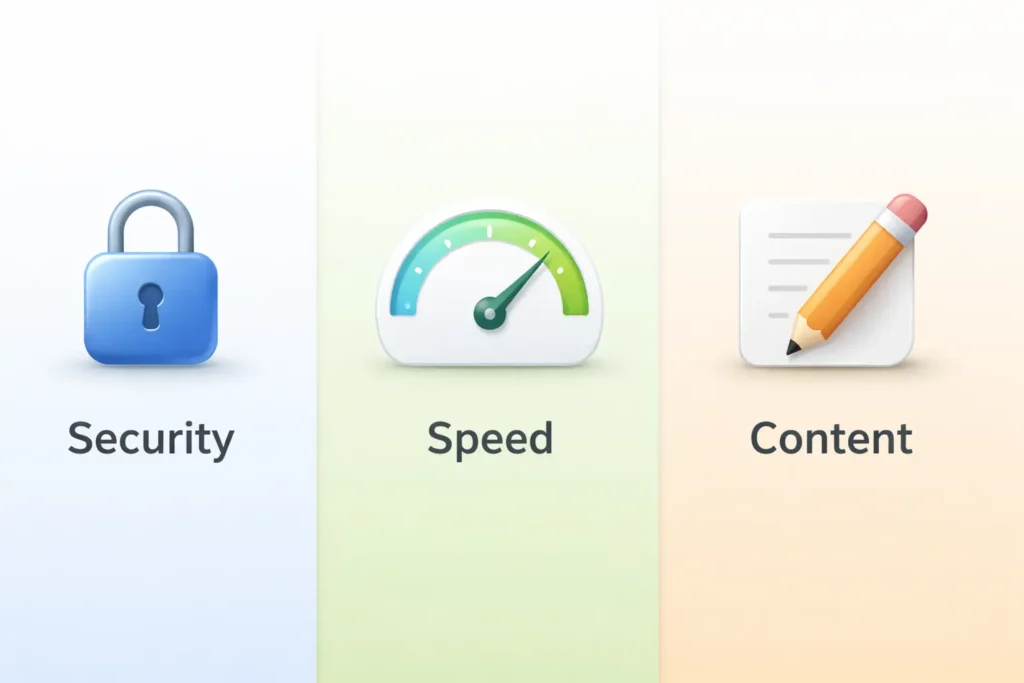
Security, Performance, And Content: The Three Pillars
Security keeps the door locked. Use least-privilege accounts, two-factor authentication, and off-site backups. Limit admin access to a short list of people and review that list quarterly.
Performance keeps pages fast on real devices. Measure mobile first. Attack big files, render-blocking scripts, and chat widgets that load too early. Defer or delay heavy scripts. Ship only what you need.
Content keeps your site alive. Update hours, pricing, and FAQs. Publish seasonal landing pages and retire old promos. Review internal links so your top pages get the visibility they deserve.
Link cleanup matters for both users and crawlers. Audit internal links each month and point more anchors to your service pages. A strong internal linking pattern is a quiet, compounding win.
See Google’s guidance on Core Web Vitals for site speed best practices.
Monitoring And Reporting That Actually Helps
Track what your business cares about. Not vanity metrics.
- Uptime, response time, and incidents resolved
- Core Web Vitals and key page speed
- Form submissions and call clicks
- Funnel health for checkout or bookings
- Errors in Search Console and server logs
- Completed maintenance tasks and upcoming work
Use a one-page monthly report with green, yellow, and red flags. Add two recommendations per month that your team can action in under one hour each. Small wins add up.
When To Upgrade Your Stack
Maintenance can only do so much if the foundation is weak. Consider an upgrade when:
- Your theme is abandoned or incompatible with the PHP and CMS versions.
- Your host cannot provide staging, backups, or modern PHP.
- Your site needs multilingual support or an advanced schema that your current setup cannot handle.
- You are starting paid media and need faster pages and better tracking.
If an upgrade is on the horizon, plan it before your peak season. Then lock the build and shift back into routine care.
FAQs
How much does it cost to maintain a website for a small business?
The typical range starts in the low hundreds per month for simple sites and scales with complexity and risk. A brochure site might need weekly updates, uptime monitoring, backups, and light-speed tuning. Lead generation adds conversion checks and reporting. E-commerce requires staging updates, gateway tests, product feed validation, and pre-campaign load checks. The right price ties to revenue exposure, plugin complexity, and how fast you need support. Transparent scopes with clear SLAs protect your budget and outcomes.
How much should I pay for someone to manage my website?
Align spend with the value at risk and the outcomes you expect. If your site is a brochure with a few inquiries per week, a lean plan may suffice. If your site drives daily bookings or sales, invest in a partner who uses staging, audits performance, and verifies analytics monthly. Look for bundled hours for small fixes. Pick the tier that includes proactive work, not just reactive tickets. Ask for sample reports so you know what you will get for your fee.
What maintenance does a website need?
Every site needs updates, verified backups, security scans, uptime monitoring, and regular performance tuning. Add monthly checks of forms and carts, link repair, content refreshes, and Search Console fixes. Quarterly, revisit accessibility, privacy notices, licensing, and cross-browser tests. Before campaigns, run tracking and conversion QA. After major updates, run a regression test. A written checklist and a standing monthly review keep the routine consistent.
Can I hire someone to manage my website?
Yes, and for most owners, it is the best use of time and money. A maintenance partner will set up staging, automate backups and monitoring, run updates safely, and report on speed and errors. You stay focused on content and offers while they keep the plumbing healthy. Start by sharing your stack, traffic sources, and high-value pages. Ask for a plan that fits your cadence and risk, then set a quarterly review to adjust scope as your goals evolve.
Wrap Up: Choose A Plan For Small Business Website Maintenance
A healthy site is not luck. It is a checklist and a calendar. Pick the option that fits your risk and resources, then stick to the cadence. If you want a partner who already has the playbook, explore the studio’s Services and browse real outcomes in Sample Work. Your next step can be as simple as a 20-minute scope chat via Salt Web Designer. Small business website maintenance pays for itself the first time it prevents downtime.
