
The best website builder for business is the one that matches your budget, sales process, SEO goals, and how much control you want over design. For most growing service businesses, WordPress with professional design gives the strongest long-term SEO and flexibility, while Wix or GoDaddy can work for simple starter sites.
If you only need a quick online presence, a drag-and-drop builder may be enough. If your website needs to bring leads, rank locally, support content marketing, and look custom, you should compare the platform and the strategy behind it.
Need help building a website that can actually support leads and growth? Start with small business web design experts who understand conversion, SEO, and business-first web design.
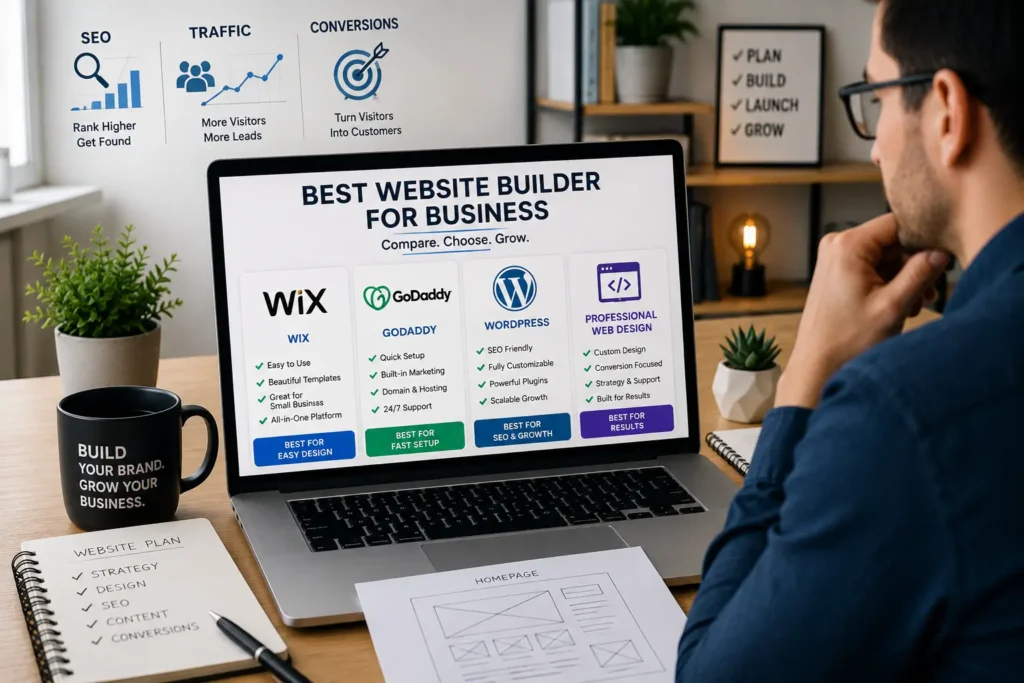
Why Your Website Builder Choice Matters
Your website is not just a digital brochure. It is often the first place customers check before they call, book, buy, or compare you against another business.
A website builder affects:
✅ How fast your site loads
✅ How well your pages can rank
✅ How easy it is to update content
✅ How professional your brand looks
✅ How much control you have as your business grows
This is why the cheapest option is not always the smartest option. A free or low-cost builder may help you launch fast, but it can also limit design freedom, SEO control, page structure, or future migration.
For example, a local cleaning company may only need a homepage, services page, reviews, and contact form at first. But once it starts adding city pages, blog content, booking tools, and paid ads, the platform matters more.
Quick Comparison: Which Website Builder Fits Your Business?
| Option | Best For | Main Strength | Main Limitation |
|---|---|---|---|
| Wix | New businesses and simple service sites | Easy drag-and-drop editing | Can feel limited for advanced SEO and custom design |
| GoDaddy | Very fast setup and basic local sites | Simple setup with built-in marketing tools | Less flexible for custom layouts and long-term scaling |
| WordPress | SEO-focused businesses and content growth | Full control, plugins, scalability | Needs setup, maintenance, and better planning |
| Shopify | Product-based stores | Strong ecommerce tools | Not ideal for service businesses or blog-heavy SEO |
| Custom professional website | Businesses that need leads and trust | Strategy, design, speed, SEO, conversion | Higher upfront investment |
If your website only needs to exist, Wix or GoDaddy can work. If your website needs to perform, WordPress or a professionally built site is usually the better long-term move.
Wix for Business Websites
Wix is popular because it is beginner-friendly. You can choose a template, drag sections into place, add images, and publish without coding. Wix also offers a free option, but the free version comes with branding and a Wix subdomain. Wix explains that Premium plans are needed when you want to connect your own domain and remove Wix branding.
That makes Wix useful for testing an idea, creating a quick landing page, or building a basic online presence.
When Wix Makes Sense
Wix is a good fit if you want a clean website without hiring a developer. It works well for solo business owners, simple portfolios, consultants, coaches, small restaurants, and local service providers who need a basic site.
The biggest reason people choose Wix is speed. You do not need to think too much about hosting, security, or technical setup. Most of it is handled inside the platform.
Where Wix Can Fall Short
Wix can become limiting once your website strategy gets more serious. You may want better page speed control, advanced SEO structure, custom design sections, deeper integrations, or more flexibility with content templates.
For small businesses that plan to rely on Google rankings, this matters. A website should be built around search intent, service pages, internal links, calls to action, and conversion flow. Wix can support SEO basics, but WordPress gives more control when the content strategy becomes bigger.
If you are deciding between the two, read this helpful guide on WordPress vs Wix for business.
GoDaddy for Business Websites
GoDaddy’s Website Builder is designed for fast setup. Its official page highlights a mobile-friendly free website option, built-in marketing, templates, 24/7 support, and annual plans with paid features. In the Philippines, GoDaddy showed a Basic annual plan from ₱299 per month at the time checked, but pricing can change by region and promo period.
This makes GoDaddy appealing for business owners who want to launch something quickly without learning a lot of tools.
When GoDaddy Makes Sense
GoDaddy works best for very simple websites. Think of a one-location barber shop, local repair service, small event vendor, or new business that only needs basic information online.
It can help you publish a site, show your services, add contact information, and use built-in tools without getting stuck in technical setup.
Where GoDaddy Can Fall Short
GoDaddy is simple, but that simplicity can also limit you. If you care about unique design, advanced content layouts, heavy blogging, custom landing pages, or deeper SEO campaigns, it may feel restrictive.
A business website should not only look acceptable. It should explain your offer clearly, guide visitors to take action, and support search visibility. If you need that level of control, a more flexible platform is usually better.
WordPress for Business Websites
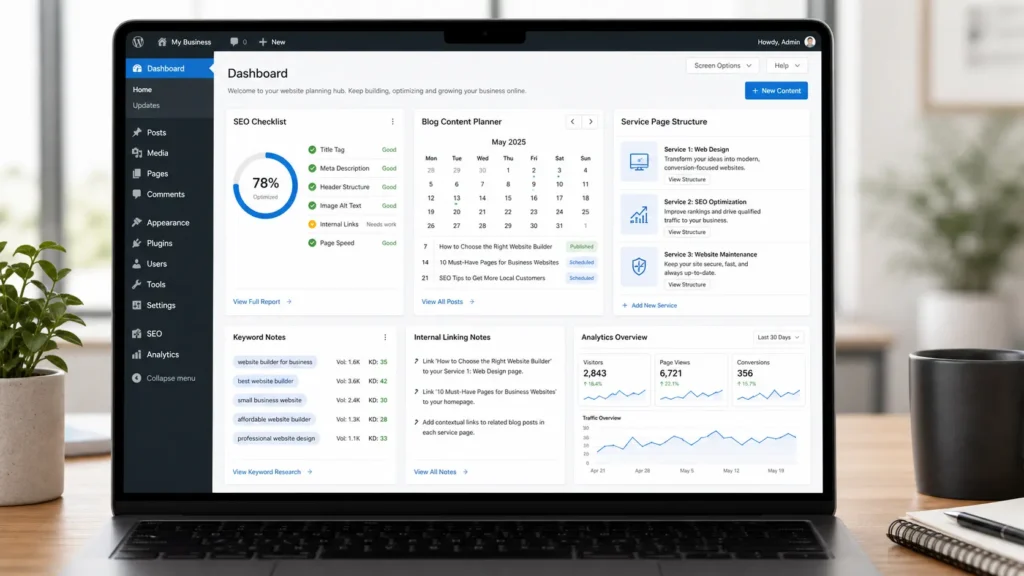
WordPress is one of the strongest options for businesses that care about long-term growth. It gives you control over design, SEO, content structure, plugins, forms, tracking, speed optimization, schema, and integrations.
W3Techs reports that WordPress is used by a large share of websites whose CMS is known, and its usage data is updated daily. That matters because WordPress has a large ecosystem of developers, plugins, hosting options, and SEO tools.
When WordPress Makes Sense
WordPress is best for service businesses, local companies, agencies, clinics, contractors, consultants, and content-driven brands that want their website to grow over time.
It is especially useful when your business needs:
✅ Service pages
✅ Location pages
✅ SEO blog content
✅ Lead forms
✅ Case studies
✅ Custom landing pages
✅ Speed and technical improvements
This is where WordPress becomes powerful. You are not locked into one visual builder or one platform’s limited feature set. You can build around your customer journey.
For example, a roofing company can create pages for roof repair, roof replacement, emergency roofing, and specific service areas. A Wix or GoDaddy site can publish these pages, but WordPress usually gives better control over structure, metadata, internal linking, schema, and future content expansion.
Need help improving search visibility? This guide on WordPress SEO guide for business explains why structure and content matter.
Wix vs GoDaddy vs WordPress: Which One Is Better?
The right answer depends on what you want the website to do.
| Business Goal | Better Option | Why It Fits |
|---|---|---|
| Launch a simple site fast | GoDaddy | Quick setup and fewer decisions |
| Build a DIY website with design freedom | Wix | Easier visual editing and templates |
| Rank service pages and blogs | WordPress | Better control over SEO and structure |
| Sell physical products | Shopify or WordPress with WooCommerce | Strong ecommerce features |
| Generate leads from search and ads | Professional WordPress website | Better strategy, tracking, and conversion planning |
If your business is brand new and budget is tight, Wix or GoDaddy can be a starting point. But if your site needs to bring leads, build trust, and support long-term SEO, WordPress with professional design is usually the stronger option.
What About Shopify?
Shopify is excellent for ecommerce. If your business mainly sells physical products, manages inventory, accepts online payments, and ships orders, Shopify may be better than Wix, GoDaddy, or standard WordPress.
However, Shopify is not always the best choice for service businesses. A plumber, dentist, consultant, therapist, or local contractor usually needs service pages, trust-building content, local SEO, and lead forms more than product management.
If you sell products and also need strong content marketing, compare your options carefully. This guide on Shopify vs WordPress for small business can help you decide.
Which Option Is Best for a Service Business?
For most service businesses, the best choice is a professionally planned WordPress website. The reason is simple: service businesses need trust, clarity, and search visibility.
A good service website should answer these questions fast:
✅ What do you offer?
✅ Who do you help?
✅ Where do you serve?
✅ Why should someone trust you?
✅ What should visitors do next?
A DIY builder can display your business information, but it may not guide users toward action as effectively. Professional design adds structure, conversion strategy, mobile experience, technical SEO, and a stronger first impression.
If you want a site that looks professional and supports lead generation, explore website design & development services.
How to Choose the Right Website Builder
Before choosing a platform, think about how your business will use the website over the next 12 to 24 months.
1. Choose Wix if You Want Simple DIY Control
Wix is a practical choice if you want to edit everything yourself and do not need advanced customization. It is good for portfolios, basic business sites, and simple service pages.
Pick Wix when speed and ease matter more than deep technical control.
2. Choose GoDaddy if You Need Something Online Quickly
GoDaddy is useful when your main goal is to publish fast. It can work for a temporary site, a basic contact page, or a business that does not rely heavily on organic traffic.
Pick GoDaddy when simple setup matters more than custom design flexibility.
3. Choose WordPress if SEO and Growth Matter
WordPress is the better option when your website is part of your growth strategy. It gives more room for content, optimization, tracking, layout control, and future upgrades.
Pick WordPress when your website needs to become a real marketing asset.
4. Choose a Professional Website if You Need Leads
A professionally built site is the strongest choice when you do not want to guess. You get strategy, design, copy structure, SEO planning, and conversion-focused pages.
This is important because most business owners do not lose customers because they picked the wrong button color. They lose customers because their website is unclear, slow, generic, or hard to trust.
Practical Tips Before You Build
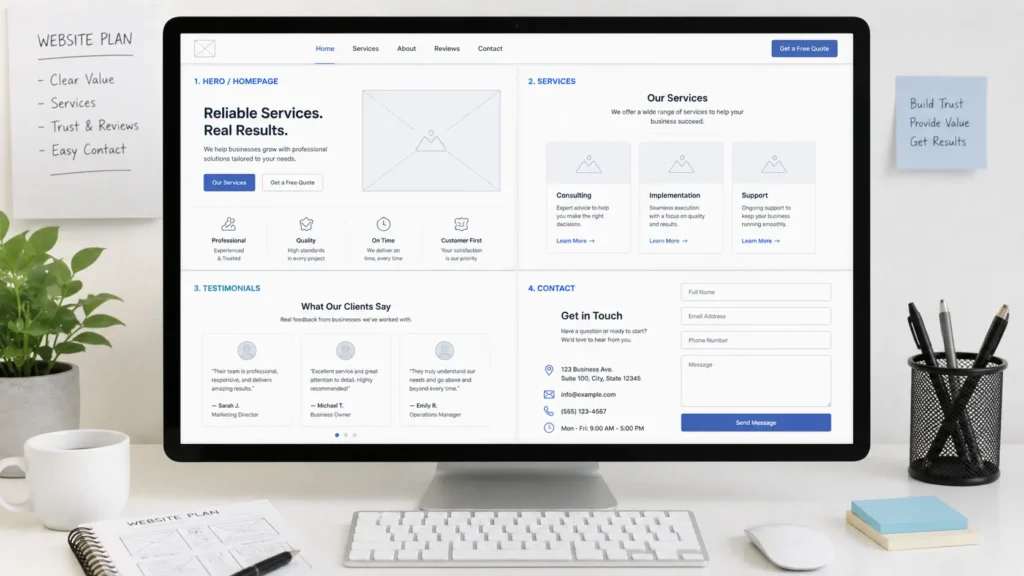
Before paying for any builder, map out your website structure first. This prevents messy navigation and thin pages.
A simple service business website can start with:
✅ Home
✅ About
✅ Services
✅ Sample Work
✅ Blog
✅ Contact
Once your basic structure is clear, plan each page around one main purpose. Your homepage should explain your business quickly. Your service pages should answer buyer questions. Your portfolio should prove your quality. Your contact page should remove friction.
Want layout ideas? View portfolio highlights to see how real website sections can support trust and conversion.
Why Design Strategy Matters More Than the Builder
A website builder is only a tool. A strong website comes from strategy.
You can build a poor website on WordPress. You can also build a decent starter site on Wix. The difference is not only the platform. It is how well the website is planned.
Good business websites usually have:
✅ Clear headline
✅ Strong service explanation
✅ Trust signals
✅ Fast mobile layout
✅ Helpful internal links
✅ Local SEO structure
✅ Calls to action
✅ Proof from work, reviews, or results
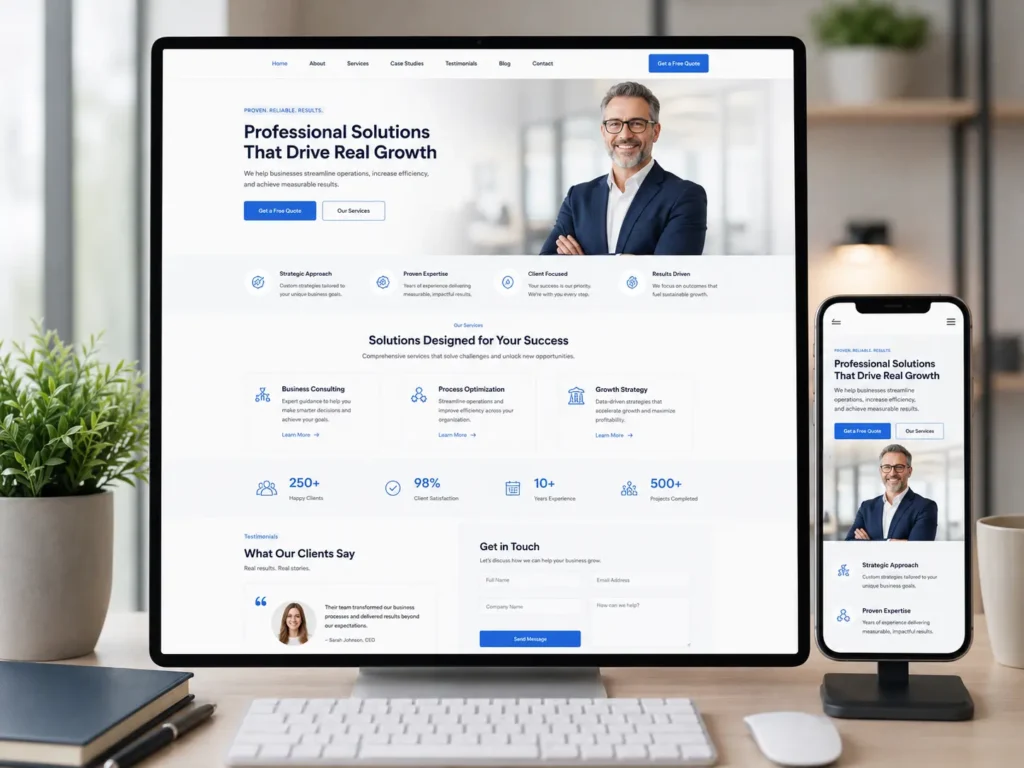
For example, instead of saying “We offer quality services,” a better homepage section says who you help, what problem you solve, and what action the visitor should take next.
That kind of clarity can improve calls, form submissions, and user trust.
Cost: Should You Pick the Cheapest Website Builder?
Cheaper is not always better. A low monthly fee may look good, but it can cost more later if the site does not bring leads, cannot rank well, or needs to be rebuilt.
Think of website cost in three layers:
| Cost Type | What It Means | Why It Matters |
|---|---|---|
| Platform cost | Monthly or yearly website builder fee | Affects your ongoing budget |
| Setup cost | DIY time or professional build cost | Affects launch quality |
| Growth cost | SEO, content, maintenance, updates | Affects long-term results |
A cheap site that gets no leads is expensive. A well-built site that brings customers can pay for itself many times over.
This is why many businesses start DIY, then move to a professional website once they understand their offer, audience, and growth goals.
Final Recommendation
For a simple starter site, Wix is easier to customize than GoDaddy. For the fastest basic setup, GoDaddy is convenient. For SEO, content, flexibility, and long-term business growth, WordPress is the better choice.
For a serious service business, the best path is usually a professionally designed WordPress website. It gives you control, ownership, better content structure, and more room to grow.
You can also review the official Wix premium plan details and the W3Techs WordPress usage report for more platform information before deciding.
Final Thoughts: best website builder for business
Choosing a website platform should not be based on popularity alone. It should be based on your business model, your growth plan, and how much control you need.
If you need a quick online presence, Wix or GoDaddy can help you start. If you need SEO, trust, lead generation, and long-term flexibility, WordPress with professional strategy is usually the strongest choice.
Frequently Asked Questions
1. What are the best website builders for businesses?
The best website builders for businesses are Wix, GoDaddy, WordPress, Shopify, and professionally built WordPress sites, depending on the goal. Wix is good for easy DIY editing, while GoDaddy is useful for fast basic setup. Shopify is better for ecommerce stores. WordPress is stronger for SEO, content, service pages, and long-term growth. For businesses that need leads, trust, and better conversion, a professionally planned WordPress website is usually the strongest choice.
2. Is Wix really free forever?
Wix can be free for as long as the free plan remains available, but the free version has limits that most businesses eventually outgrow. You can build and publish a site, but you usually need a paid plan to connect a custom domain, remove Wix branding, and access stronger business features. For testing an idea, the free plan is useful. For a professional business website, a paid plan is usually necessary.
3. Is GoDaddy or Wix cheaper?
GoDaddy can look cheaper at the entry level, but Wix may offer better design flexibility for many users. Pricing changes by country, plan type, annual discounts, and included features, so it is important to compare the current plan pages before buying. GoDaddy is often appealing for quick setup and basic business needs. Wix may be worth the extra cost if you want more control over layout, templates, and visual editing.
4. Is WordPress or Wix better?
WordPress is usually better for SEO, flexibility, content growth, and long-term business control, while Wix is better for beginners who want a simpler DIY builder. Wix makes it easier to launch without technical knowledge. WordPress requires more setup, but it gives stronger control over plugins, page structure, speed improvements, schema, custom layouts, and content marketing. If your website is meant to rank and generate leads, WordPress is usually the better option.
5. What is the downside of Wix?
The main downside of Wix is limited flexibility compared with WordPress once your business website becomes more advanced. Wix is easy to use, but businesses may eventually want deeper SEO control, custom development, advanced templates, faster performance tuning, or more flexible content structures. It can still work well for simple websites. However, if your business depends on organic traffic, landing pages, and long-term scalability, WordPress may be a better fit.
