
Quick take: small business landing pages focus visitors on one action, so they convert more traffic into leads. This means faster results than a general page for local services.
A landing page is a single, distraction-free page built to drive one clear action like calling, booking, or signing up. It removes extra navigation, trims long copy, and aligns the headline, visuals, and form with a single promise. For a local service business, that promise is usually about solving one urgent need in one area, fast.
Why landing pages outperform generic pages for local businesses
Most homepages try to serve everyone. That dilutes intent and forces visitors to hunt for what they need. A landing page matches one ad, one keyword, or one campaign to one offer. The result is higher Quality Scores, cheaper clicks, and more leads from the same budget.
This raises ad relevance and can improve Quality Score, which often lowers cost-per-click and increases impression share.
Three reasons this works:
- Relevance: Message, visuals, and offer mirror the ad or search term.
- Focus: Fewer links means fewer exits and more form completions.
- Proof: Localized trust signals reduce doubt and trigger contact.
If you need design help, seeWebsite Design Services
How landing pages work (and the bits that really move the needle)
Below is a practical blueprint you can copy. Notice the order. It matches how people decide: promise, proof, plan, price, push.
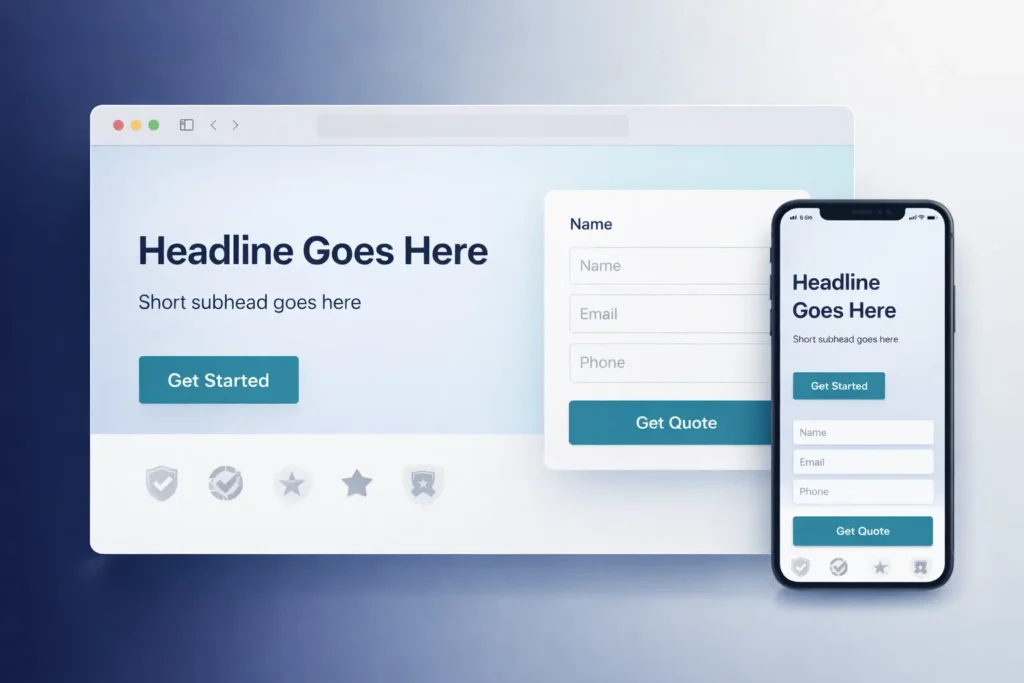
Fold section: promise + proof + action
- Headline: State the benefit in 8–12 words.
- Subheadline: Clarify who it’s for and the time frame.
- CTA: One button with action language.
- Proof: Ratings, logos, or “X served in City.”
- Contact method: Short form or click-to-call button.
Example:
“Same-Day Water Heater Repair in Pasig”
“Licensed techs, upfront pricing. Book in 60 seconds.”
[Call Now] and a 4-field form.
The anatomy of a lead-friendly form
Keep it short. Every extra field reduces completion.
| Field | Must-Have? | Why it matters |
| Name | Yes | For personal follow-up |
| Phone or Email | Yes | Choose one primary channel |
| Service Needed | Yes | Routes the lead quickly |
| Zip/Barangay | Optional | Confirms service area |
Pro tip: Offer two paths. A “Call Now” button for urgent users and a short form for planners. On mobile, keep the call button sticky in the footer.
Social proof that actually converts
Use proof that maps to your buyer’s risk:
- Volume: “1,200+ AC units serviced near Ortigas.”
- Speed: “90% fixed within 24 hours.”
- Local: “Serving Mandaluyong, Pasig, and QC.”
- Third-party: Google rating, industry memberships, or media features.
Add a slim row of logo badges just under the fold. Link to a portfolio page if relevant: see Sample Work.
Offer design: irresistible, but sustainable
An offer isn’t always a discount. Try:
- Free same-day estimate
- “We’ll call you in 5 minutes” callback guarantee
- Limited-area special (“Valid in BGC and Makati this week”)
Make the offer explicit near every CTA. Remind the user what they get when they click.
Copy and layout rules you can trust
- Write to one pain and one outcome.
- Use short paragraphs and line breaks for scanning.
- Repeat the CTA every 2–3 scrolls.
- On desktop, keep content line-length 55–75 characters.
- On mobile, avoid big walls of text. Two sentences per block is enough.
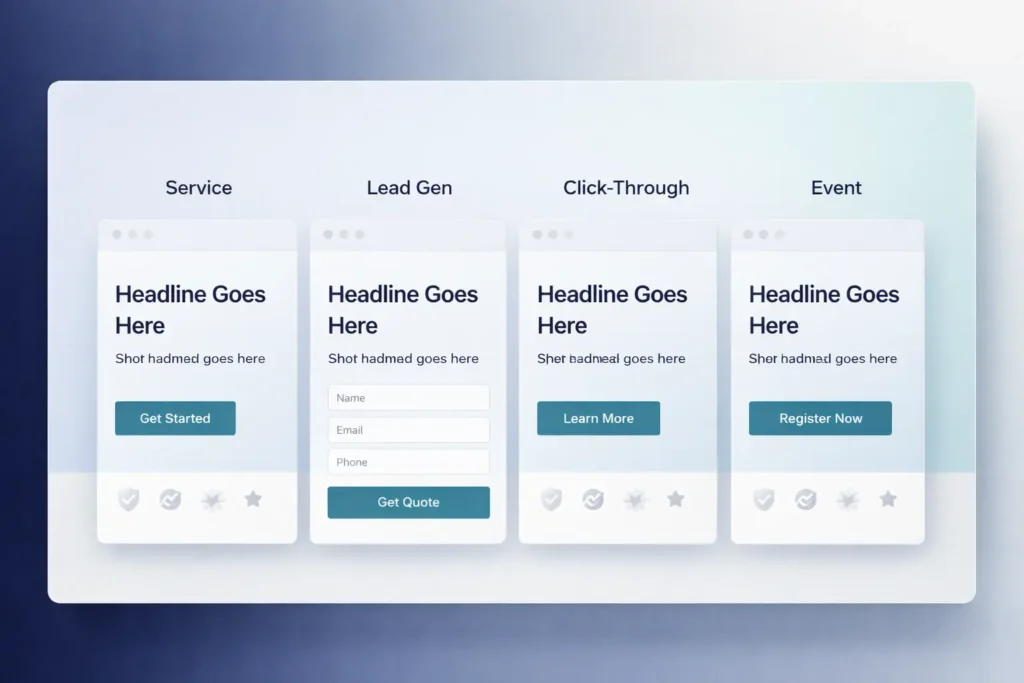
Which type of landing page should you use?
Different goals call for different page types. Match the page to your traffic and sales process.
| Goal | Best Page Type | What it looks like | When to choose it |
| Phone calls today | Click-to-Call Page | Sticky dial button, short proof, no long form | Emergency or same-day services |
| Quotes or bookings | Short-Form Lead Page | 3–4 fields, time-based promise, local proof | High intent search traffic |
| Education first | Long-Form Explainer | Sectioned benefits, FAQs, comparison table | New category or higher-ticket |
| Nurture sequence | Lead Magnet Page | 1 field email + downloadable guide | Cold social or display traffic |
Track calls as conversions with Google Ads phone call conversion tracking so you can see which campaigns drive real inquiries.
If you already have a site, align the tech stack with your goal. For ongoing care and updates, read: Small Business Website Maintenance.
Second related blog link: Add Anchor Text Based on Your Blog URL ← replace with your blog URL.
How to build your first page in one afternoon
You can get a high-converting MVP live quickly. Here’s a practical plan.
Step 1: Nail the brief in 10 minutes
- One audience, one problem, one city.
- One offer: estimate, audit, or booking.
One CTA: call or form.
Write it down before you touch a tool.
Step 3: Draft the fold first
Headline, subhead, CTA, proof badges. Stop. Preview on mobile. If it doesn’t persuade in 5 seconds, keep editing.
Step 4: Add proof and a short benefit stack
Write three mini sections:
- What we fix.
- How fast do we do it?
- Why people trust us.
End each mini section with a CTA.
Step 5: Publish with tracking
- Install analytics and conversion events.
- Fire events on button click and form submit.
- Use unique phone numbers per campaign.
- Turn on UTM tracking from ads to the page.
Step 6: Run a clean A/B test
Test one variable at a time for one full buying cycle:
- Headline vs headline
- Short form vs two-step form
Price anchoring vs no price
Let the test run to significance. Keep the winner, then test the next thing.
Why this approach works locally (a practical example)
Imagine a home cleaning company targeting Taguig. Ads promise “2-Hour Arrival Window.” The landing page repeats that promise, shows 600+ five-star reviews within 5 km, displays a price range, and offers a two-field form with a same-day callback guarantee.
What happens:
- Searchers who typed “cleaner Taguig today” feel seen and click call.
- Planners use the form to book a slot for tomorrow.
- The company’s Quality Score rises, CPC drops, and revenue per click improves.
Tip: Use neighborhood names in your copy and schema. “Serving McKinley Hill, BGC, and Arca South” signals proximity and boosts click-through.
Local SEO and paid traffic alignment
Organic and paid thrive when your landing page is tightly themed.
For SEO:
- One keyword theme, one page.
- Use city and service in H1, title tag, and image alt text.
- Add FAQ schema for your most asked questions.
- Link from your homepage and services pages to pass internal authority.
For ads:
- Match ad headlines to the page headline.
- Reflect the offer in the sitelinks and callouts.
- Use location extensions.
- Send each ad group to its own page variant.
If your site needs ongoing tune-ups, see Small Business Website Maintenance or explore Website Design Services for a done-for-you build.
Pricing: How much should you budget?
Landing page costs vary by build route. Here is a grounded, small-biz-friendly view.
DIY with a builder:
- Tool: Low monthly cost
- Add-ons: Template, icons, stock images
- Time: 4–8 hours for a good first version
- Best for: Testing a single service in a single city
Freelancer or micro-agency:
- Design and build: Fair one-time fee for a custom page
- Copywriting: Worth the spend if you lack time
- Analytics setup: Make this part of the scope
- Best for: Businesses that value speed and want conversion tracking done right
Full service package:
- Strategy workshop, copy, wireframe, design, dev, QA, analytics, A/B test setup
- Best for: Multi-location or high-ticket services where every lead is worth a lot
When evaluating partners, ask for a live example and numbers. A solid partner will show you a recent page, its conversion rate, and how they measured it. Browse a few examples in Sample Work.
Maintenance, speed, and accessibility
Pages that convert are fast and easy for everyone to use.
Speed:
Compress images, lazy-load below-the-fold content, and keep scripts lean. Aim for sub-2.5s Largest Contentful Paint on mobile.
Accessibility:
Readable contrast, labeled form fields, and logical tab order. Add descriptive button labels like “Book My Estimate” instead of “Submit.”
Content refresh:
Update seasonal offers, swap testimonials every quarter, and tune FAQs based on support calls. For ongoing help, bookmark Small Business Website Maintenance.
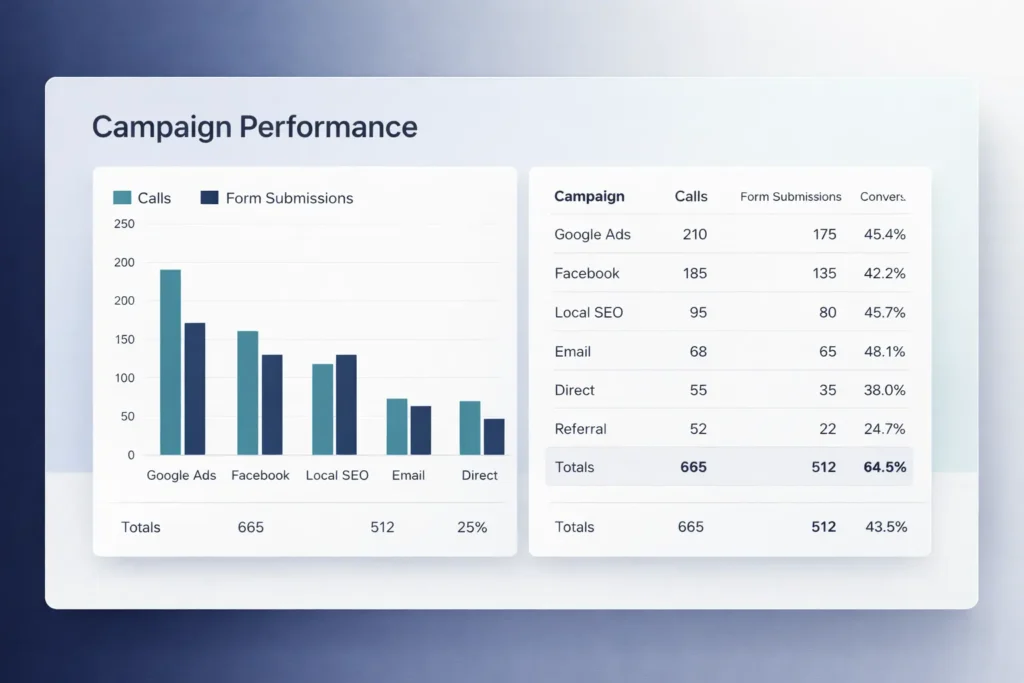
Measurement: what to track each week
- Leads by source: calls, forms, chat
- Cost per lead by campaign
- Conversion rate by device
- Time to first response
- Close rate from each landing page variant
Responding quickly is the cheapest conversion boost you can get. Aim to call back within five minutes during business hours.
Practical mini-guide: writing copy that sells in 30 minutes
- Draft your promise: “We do X, in Y time, for Z audience.”
- List three pains and three outcomes.
- Turn outcomes into subheads.
- Add a simple guarantee.
- Write two testimonials that answer fears: price, speed, and quality.
- Place CTAs after the fold, after proof, and after FAQs.
Keep a swipe file: Save headlines and CTAs you like. Reuse the structure, not the words.
Visuals that increase trust without slowing the page
- Real team photos in uniform
- Before-and-after shots with labels
- Short video walkthrough of your process
Map snapshot with service area outline
Compress images to modern formats. Add alt text with city + service for local relevance.

Pitfalls to avoid
- Sending all ads to one generic homepage
- Hiding prices completely on high-intent pages
- Forms with seven fields and two consent boxes
- Stock photos that don’t match the promise
- CTA labels like “Submit” that don’t say what happens
Fixing even one of these can lift conversions quickly.
Final Word: Small Business Landing Pages That Win
The fastest path to more leads is focus. Match one audience and one offer to one page, prove you can deliver, and make it easy to contact you. Keep testing headlines, forms, and proof until your conversion rate holds steady above your target. When you’re ready to go further, partner with a pro: start at Salt Web Designer or explore Website Design Services, then review Sample Work to see what strong pages look like in the real world.
Frequently Asked Questions
For structured markup guidance, see FAQ schema so search engines can parse each question and answer.
Can I create a landing page for free?
Yes, you can start with free tools and templates, then upgrade later for custom domains, analytics, and faster hosting. Keep your first build simple: one page, one CTA, and a short form. As traffic grows, invest in a premium theme, better images, and call tracking so you can see where leads come from. Free gets you learning; small paid upgrades get you scaling.
How much does a simple landing page cost?
A DIY page can cost little more than your time, while a professionally designed page typically ranges from a few hundred to a few thousand, depending on copy, design, and tracking setup. The real question is ROI. If a single client covers your build cost, hiring help often pays for itself. Ask providers for a live example, its conversion rate, and how they measured it.
What is better, a landing page or a website?
Neither is “better” in every case; it depends on your goal. For fast lead generation, a landing page wins because it focuses attention on one action. For broad discovery, content, and SEO, a website is essential. Most small businesses do both: run ads to focused landing pages while the main site attracts and nurtures organic traffic. Think of them as a team, not rivals.
How do I create a landing page for my business?
Start by writing your promise and offer, then build the fold and a short form. Choose a builder or WordPress, add proof badges, and set up analytics with event tracking on calls and form submits. Publish, drive a small test budget, and A/B test one element at a time. Keep iterations weekly, not yearly. If you want it done for you, visit Website Design Services.