
The fastest way to get a professional small-business site live is to start with a template and tailor it to your brand. Done right, templates cut build time, reduce costs, and still deliver a site that sells.
What You’ll Learn
- Why templates work for local and growing businesses
- How to choose the right starting point and customize it without breaking UX or SEO
- Which path fits your situation: template-only, template-plus-custom, or full custom build
This article follows our proven guide structure and FAQ format optimized for skimmability and featured snippets.
Quick Answer: Why Templates Win For Small Businesses
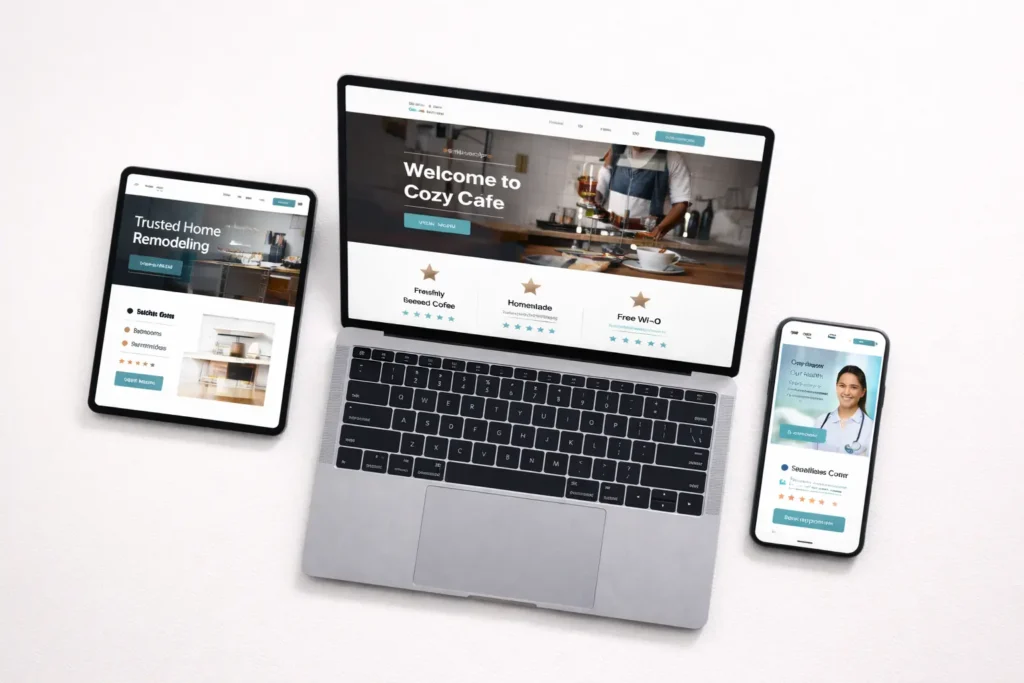
Templates give you a conversion-ready layout, proven patterns, and mobile responsiveness out of the box. Pick one that matches your offer and audience, then personalize content, colors, and images. You’ll launch sooner, pay less, and still maintain quality.
Need a pro hand to adapt a template to your brand and local market? See our web design services for small businesses for strategy, content, and CRO built in.
Why Templates Work (and When They Don’t)
Speed to revenue. A good template has pre-built sections like hero, services, social proof, FAQs, and CTAs. You’re editing instead of inventing.
Lower risk. You’re starting from layouts that already follow usability norms. That means fewer dead ends, cleaner navigation, and easier maintenance.
Predictable cost. You know your baseline investment and can phase in upgrades later.
But… Templates have limits. Deeply custom workflows, complex pricing calculators, or unusual product catalogs can outgrow a template. If you need advanced integrations or a unique conversion journey, plan for template-plus-custom or full custom (see “Which Option Fits You” below).
For structure inspiration and the “explain what, why, how” layering, we mirror our internal writing pattern used in other evergreen guides.
How To Choose The Right Template (Step-by-Step)
1. Map your primary user journey
List the top jobs your visitor wants to accomplish: book a call, request a quote, see pricing, view samples, and find service areas. Your template must showcase these above the fold and in the first screenful on mobile.
2. Match your business model to a template type
- Lead-generation services (contractors, clinics, agencies): Look for bold hero, benefit bullets, trust badges, and a sticky “Get a Quote” button.
- Local retailers: Prioritize store info, location map, hours, featured products, and a simple promotions banner.
- Consultants/coaches: Emphasize authority sections, case studies, and an easy scheduler embed.
3. Validate mobile-first usability
Open the demo on your phone. Can you see the offer, proof, and CTA in 5 seconds? If not, move on.
4. Check SEO basics are editable
Titles, meta descriptions, H1/H2s, schema, image alt text, and 301s should be easy to control. Use Schema.org’s Organization markup docs to plan essentials like business name, logo, address, and phone.
5. Inspect page speed and accessibility
Run the demo URL through PageSpeed Insights and aim for green scores on mobile. Lightweight templates with native components beat heavy page builders later on.
Want to see real projects first? Browse our website samples for clean layouts adapted to different industries.
Table 1: Template Types vs. Business Goals
| Template Type | Best For | Strengths | Watch-outs | Example Sections To Keep |
| Single-page landing | Paid ads, new offers | Focused, fast to launch | Thin for SEO | Hero, benefits, social proof, CTA |
| Multi-section brochure | Local services | Balanced content & SEO | Can grow cluttered | Services, service areas, FAQs, reviews |
| Portfolio-first | Creative pros | Visual credibility | Needs concise copy | Grid of work, case studies, testimonials |
| Content-led | Competitive SEO niches | Topical depth | More upkeep | Blog hub, pillar pages, related posts |
We use this grid to align the template to your revenue path before any redesign.
How To Customize Without Breaking What Works
Content hierarchy: start with clarity
- Headline: What you do, where, and for whom.
- Subhead: The main value in one sentence.
- Primary CTA: Speak the task, not the tool. “Get a free quote” beats “Submit.”
Visuals: show proof, not stock clichés
Replace demo images with authentic shots: team, storefront, before-and-after, process. Use consistent lighting and crop styles for cohesion.

Colors and type: stay inside a system
Pick 1 brand color, 1 accent, neutral grays, and a readable type pair. Over-customizing introduces contrast issues and bloats CSS.
Navigation: keep it short
Home, Services, Work, About, Blog, Contact. If you have service variants, use a Services hub page.
Trust and proof: front-load them
Logos of clients, review snippets, star ratings, certifications. Move at least one proof element into the hero area.
If you plan post-launch upkeep, build on a template that’s easy to update. Here’s a practical checklist: small business website maintenance.
Which Option Fits You: Template, Hybrid, or Custom?
Template-only
Best for: straightforward services, early-stage brands, small catalogs.
Why: Fast go-live, lower cost, clean patterns.
How: Choose a solid template, add brand layer, launch, then iterate content monthly.
Template-plus-custom (Hybrid)
Best for: businesses needing calculators, booking flows, gated content, or regional SEO structure.
Why: You keep the speed advantage and add bespoke parts where ROI is clear.
How: Extend a template with custom components and schema, and refine conversion points.
Full custom
Best for: complex product logic, web apps, heavy integrations, and fully unique brand experiences.
Why: Flexibility and scalability.
How: Discovery, UX sitemaps, prototypes, design system, and staged development.
Realistic Timeline & Budget Planning
- Template-only: days to a couple of weeks for copy, images, and technical setup.
- Hybrid: weeks to a few months, depending on custom modules.
- Full custom: plan multiple months with structured milestones.
Looking for a guided build? Start with Salt Web Designer, and we’ll recommend a path based on goals, content maturity, and integrations.
Table 2: Platform Snapshot For Small Businesses
| Platform | Cost Range | Ease | Notes | When To Pick |
| WordPress + lightweight theme | Hosting + dev | Moderate | Most flexible, vast plugins | SEO growth, content needs |
| Squarespace | Subscription | Easy | Polished templates, fewer knobs | Visual brands, simple sites |
| Shopify | Subscription + apps | Moderate | Ecom-first, robust checkout | Retailers, catalogs |
| Webflow | Subscription | Moderate | Visual design control | Design-forward, animations |
This table mirrors a decision-first approach we use across guides: define the goal, then choose the tool.
Technical Essentials You Shouldn’t Skip
1. Structured data
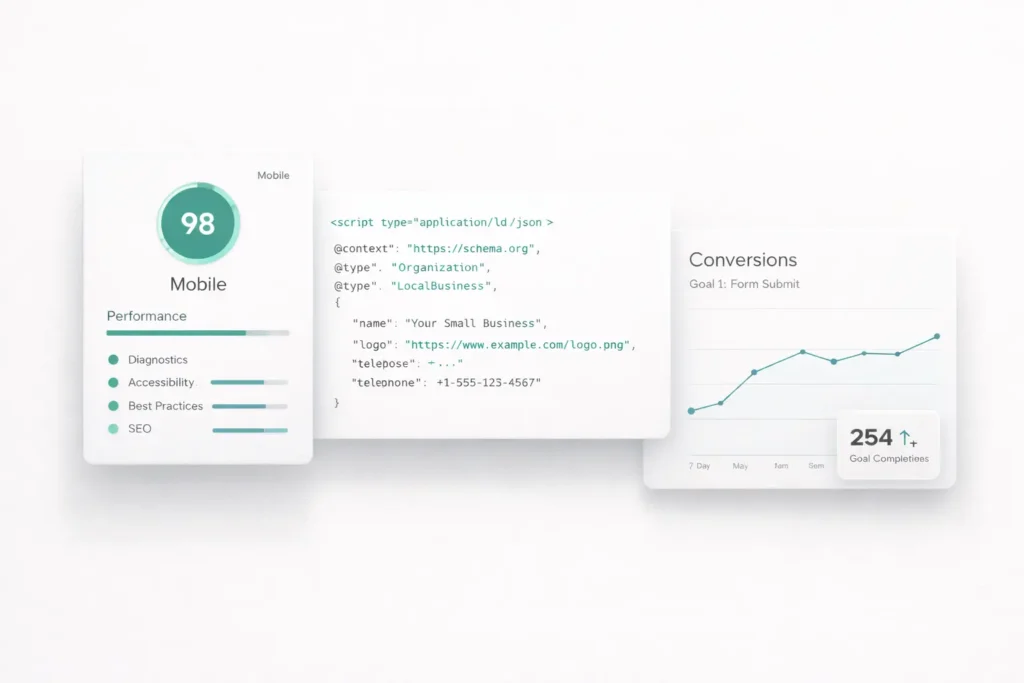
Add Organization and LocalBusiness schema for NAP, hours, and geo. Start with Schema.org Organization to anchor your markup.
2. Performance
Compress images, lazy load below-the-fold, and avoid heavy sliders. Test frequently with PageSpeed Insights and prioritize mobile.
3. On-page SEO
One primary topic per page, H1 that mirrors intent, internal links to related pages, descriptive alt text, and unique meta tags.
4. Accessibility
Color contrast, focus states, keyboard navigation, and descriptive labels. Accessibility improves conversions and trust.
5. Analytics & tracking
Set up goals for calls, form submissions, and chat. Tie traffic sources to revenue.
Practical Customization Examples
Home services: Start with a service template. Swap hero photo with your crew onsite, add city-specific headings, and feature 3 before-and-after photos. Insert a simple pricing table showing “Starting at” with a footnote for custom quotes.
Clinic: Keep HIPAA-safe forms, embed a scheduling tool, and surface insurance logos. Add a location map and parking info near the top for quick scanning.
Consultant: Use a portfolio-oriented template. Add 3 case study blocks with clear outcomes, a Calendly embed, and an authority bar with certifications.
We apply the same “show, not tell” principle found in our other instructional writeups, where a concise definition precedes hands-on steps.
Launch Checklist (condensed)
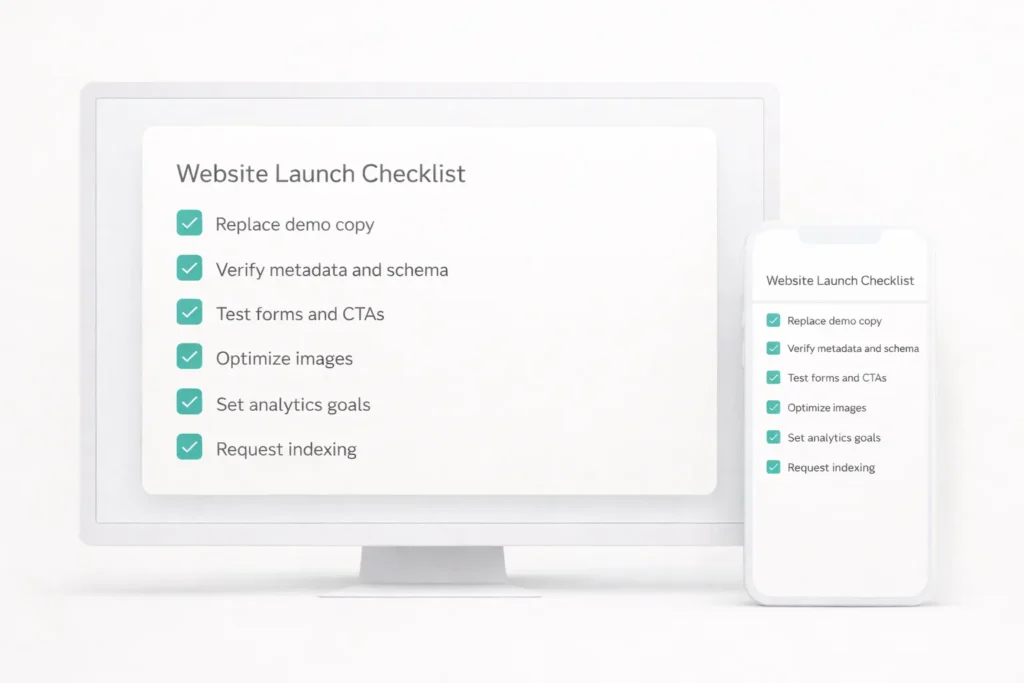
- Replace all demo copy and images
- Verify headings, metadata, and schema
- Test mobile menus, forms, and CTAs
- Optimize media and run speed checks
- Set basic goals and events in analytics
- Publish, request indexing, and monitor
When Templates Aren’t Enough (and What To Do)
If your funnel involves quoting logic, multi-step intake, or specialized scheduling, treat your template as a foundation. Add custom components on top while keeping the global style consistent. That hybrid approach preserves maintainability and keeps your UX coherent.
We’ve found that this hybrid path balances speed, cost, and differentiation, much like we teach in our step-by-step how-to articles and FAQs elsewhere.
FAQs
What is the best website maker for a small business?
The best tool is the one that matches your goals, content volume, and budget. If you need flexibility and SEO depth, WordPress with a lightweight theme scales well. For polished visuals and low upkeep, Squarespace is a smart start. E-commerce-first retailers should go with Shopify. Evaluate template quality, editor ease, and integrations. Run a quick demo test on mobile, then check speed and accessibility before committing.
What is the best website to use for a small business?
Pick a platform that supports your primary conversion and is simple to maintain long term. Service businesses often thrive on WordPress or Squarespace with a clean template and strong local SEO. Retailers lean toward Shopify for reliable checkout and inventory. The “best” is the one that lets you edit pages quickly, track conversions, and expand without replatforming. If in doubt, start with a template and plan a 90-day optimization window.
What is the simplest website to make?
A single-page, conversion-focused template is the simplest site you can launch quickly. Keep it to a hero, services, proof, and contact form. Avoid complex navigation or heavy animations. Use real photos, not stock. As leads grow, expand to dedicated services pages and a lightweight blog. Simplicity reduces maintenance and helps you focus on the copy and offer that actually drive results. This mirrors the simplicity-first guidance we use in other starter guides.
Are free website templates really free?
Many are free to download, but real costs appear in hosting, domain, apps, and time. Free templates can be an excellent starting point if they’re clean and actively maintained. Watch for limited features, branding badges, or restrictive licenses. Budget for essentials like a custom domain, secure hosting, and a few must-have plugins. If a template saves 30–50 hours, even a modest one-time theme fee can be a bargain over “free.”
Final Take: Choosing and Using Templates The Smart Way
If you’re launching fast, a template is your best first move. Prioritize clarity, proof, and mobile usability. Start with content and photos that feel real, then enhance speed, schema, and accessibility. Layer in custom components only where they move the needle.
For hands-on help, partner with a team that blends brand, UX, and CRO. We’ll guide you from selection to launch, then keep your site improving with monthly iterations: Salt Web Designer.
Conclusion: small business web templates
Use small business web templates to get online faster, validate your message, and reinvest saved budget into marketing. Over time, evolve to a hybrid or custom build as your needs grow and your data shows what really converts.