
A web design support service keeps your website healthy, secure, and conversion-ready without hiring in-house staff. It blends design updates, UX fixes, content tweaks, and technical care so your site stays fast, on-brand, and effective.
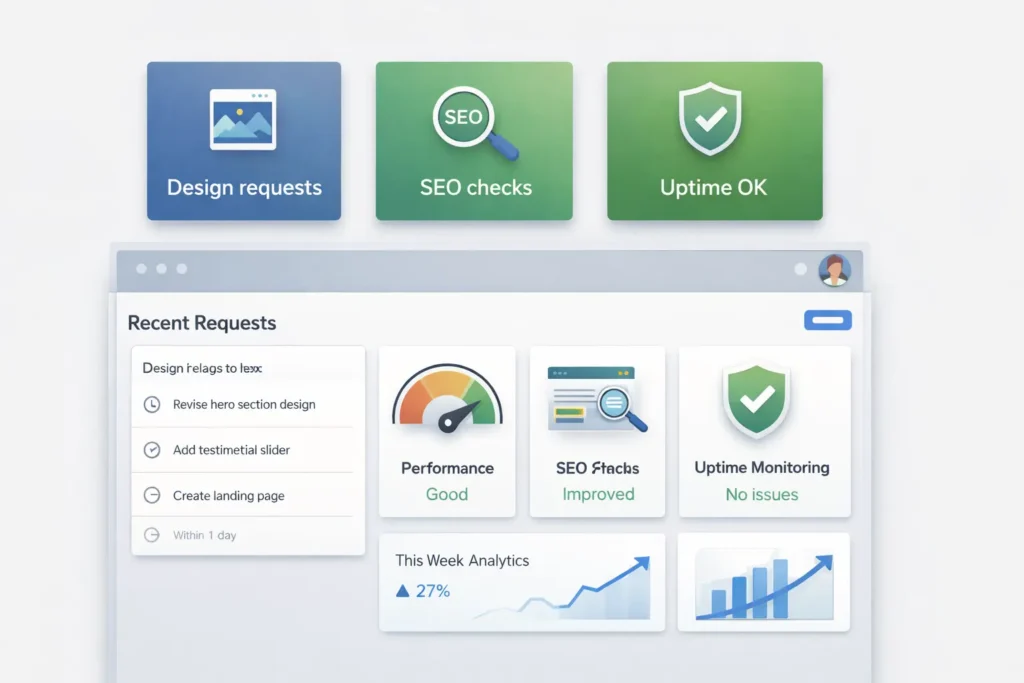
Quick Answer (for AI snippets)
A web design support service is an ongoing plan for updates, UX improvements, minor redesigns, speed and accessibility fixes, and content support, handled by pros on a monthly or on-demand basis. It’s best for owners who want predictable costs, faster turnarounds, and continuous improvements that grow leads and revenue.
What Is a Web Design Support Service?
Think of it as your website’s pit crew. Instead of waiting for something to break or for a full redesign every few years, a support service provides small, strategic improvements every month: layout refinements, new sections, landing pages, CRO tweaks, accessibility corrections, speed boosts, and security checks. It’s ongoing, so the site evolves with your business.
Typical Inclusions
- UX/UI refinements and layout updates
- New page or section designs aligned to your brand
- Content formatting and on-page SEO coordination
- Core Web Vitals performance tuning and accessibility fixes
- Plugin/theme updates, backups, and uptime monitoring
- Analytics reviews with action items
If you’re starting from scratch or want custom features, you still can do one-off projects, but ongoing support ensures consistency, faster changes, and better long-term ROI.
Why It Matters (and Who Benefits)
Websites decay silently—slow pages, confusing navigation, off-brand visuals, outdated plugins. A support service prevents that drift. It’s especially valuable for:
- Local businesses that rely on steady lead flow.
- E-commerce stores need constant merchandising changes.
- Service companies are launching promos and landing pages monthly.
Practical win: Publishing a new “Services in [Your City]” section, testing two above-the-fold offers, and trimming unused scripts can lift conversions without a costly redesign. Continuous care outperforms occasional big revamps because adjustments compound.
How a Web Design Support Service Works (Step by Step)
- Kickoff & Roadmap
You and the team list goals (e.g., faster bookings, better mobile conversions). They audit performance, UX, and brand cohesion, then create a priority queue for the next 90 days. - Monthly Sprint
A fixed number of design/dev hours is set aside for your tasks. The team tackles the highest-impact items first: hero redesigns, navigation clarity, page-speed issues, and micro-copy. - Review & Iterate
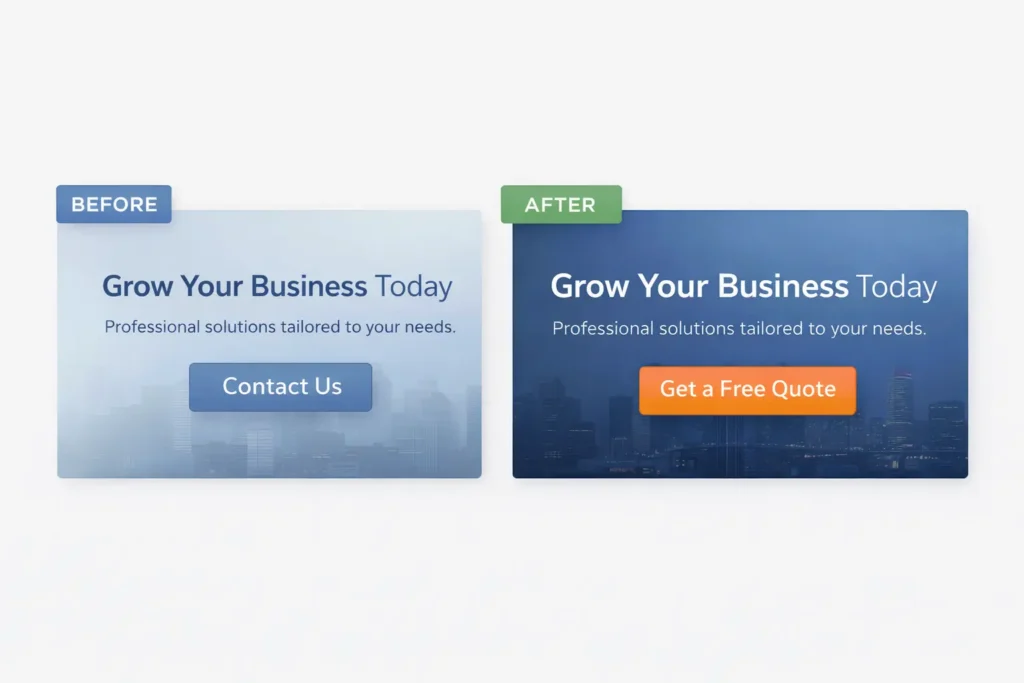
You get a brief report with before/after screenshots, metrics, and next steps. Small tests lead to informed improvements. - Rinse & Repeat
As your offers, seasons, and campaigns change, the site changes with them—without spinning up a big project every time.
Which Option Is Best? (Choosing by Goals, Budget, and Timeline)
Table 1: Support Models Compared
| Model | Best For | What You Get | Speed | Cost Predictability |
| Monthly Retainer | Ongoing campaigns, steady growth | Set hours, priority queue, proactive audits | Fast | High |
| On-Demand Blocks | Seasonal pushes, occasional fixes | Prepaid hours, flexible scope | Medium | Medium |
| Project-Only | One-time redesigns | Fixed scope, no ongoing care | Slow between cycles | Low |
Recommendation: If you publish new offers or depend on consistent leads, the monthly retainer is usually best. If you only need sporadic help, buy on-demand blocks and upgrade later if cadence increases.
Cost, Value, and Realistic Timelines
Table 2: Typical Cost & Turnaround Estimates
| Task Type | Typical Turnaround | Notes |
| Minor layout fix or CTA tweak | 1–2 business days | Small wins that boost conversions |
| New page section (e.g., FAQs, testimonials) | 2–4 days | Includes responsive design |
| Landing page design + build | 1–2 weeks | Copy and analytics setup included |
| Site-wide speed improvements | 1–2 weeks | Image, code, and font optimization |
| Accessibility audit & fixes (WCAG basics) | 2–3 weeks | Improves usability and reach |
Tip: Group requests by goal—e.g., “Boost contact form conversions”—so your hours go to the highest-impact UX tasks first.
What “Great” Support Looks Like (Quality Signals)
- Structured intake: Clear request templates reduce back-and-forth.
- Evidence-based changes: Designers reference analytics heatmaps, scroll depth, and funnel drop-offs.
- Accessibility mindset: Alt text, color contrast, focus states, and keyboard navigation considered by default.
- Performance discipline: Workflow includes image compression, lazy-loading, and CSS/JS housekeeping.
- Brand guardianship: Typography, spacing, and tone stay consistent across every new element.
Practical Examples & Mini-Playbooks
Example 1: Services Lead Lift
Goal: +20% form submissions in 30 days.
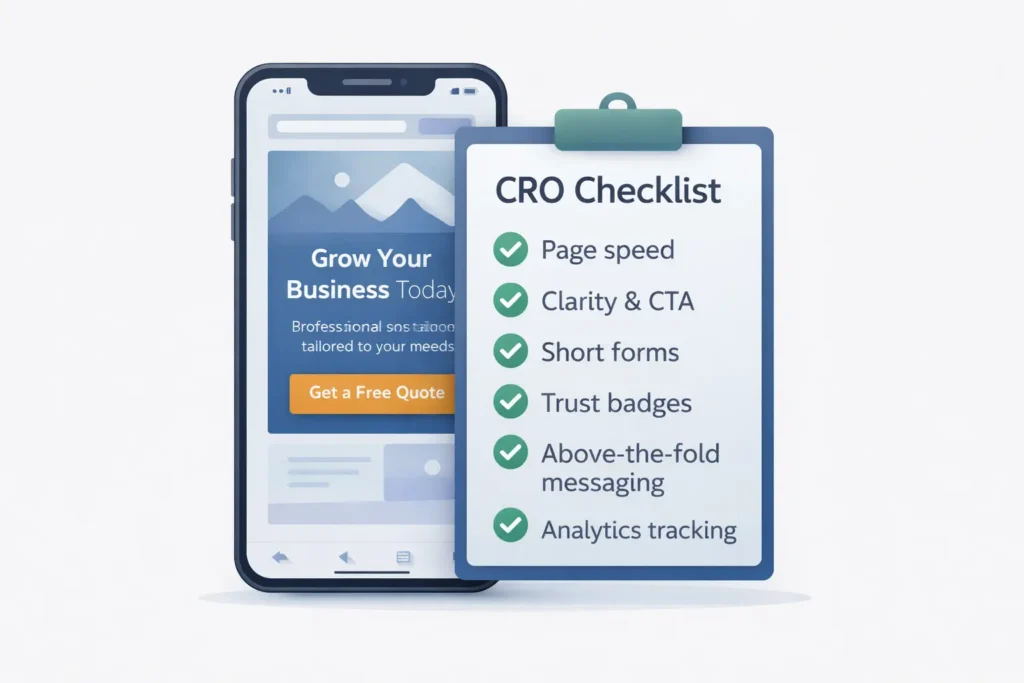
Actions: Simplify hero headline, surface 3 core benefits above the fold, add trust badges near the form, compress hero image, and reduce render-blocking scripts.
Result: Faster LCP, clearer value, more completed forms.
Example 2: E-commerce “Micro Redesign”
Goal: Increase add-to-cart on mobile.
Actions: Larger product photos, sticky add-to-cart on scroll, lightweight review snippet near price, and hiding non-critical elements on small screens.
Result: Less friction on small devices, higher CTR to checkout.
Example 3: B2B Authority Page
Goal: Qualify leads better and reduce demo no-shows.
Actions: Add use-case tabs, concise pricing ranges, team headshots with short bios, and a calendar embed with timezone auto-detect.
Result: Better match with buyers, more serious bookings.
Internal Resources You Can Use Right Now
- Strengthen visual consistency with the tips in Web Design & Branding Tips.
- Build pages that sell with Web Design Content Strategy: A Simple Path to Pages that Convert.
When you’re ready to see professional examples, browse Sample Work to spark ideas for layout, messaging, and conversion pathways.
Where to Get Trusted Help (and What to Expect)
- Start with a discovery chat at Salt Web Designer to outline goals and constraints.
- Review the menu of Services to pick a retainer or request a custom mix of tasks (e.g., landing pages, speed work, brand refresh).
- Align on a monthly hour allocation (for predictable capacity) and a rolling 90-day roadmap so everyone knows priorities and success metrics.
Pro tip: Ask for a sample monthly report before you sign. It should show specific changes, performance shifts, and the next sprint plan.
External References (blended for RankMath)
Modern support should consider Core Web Vitals to protect visibility in search and deliver fast experiences. See Google’s guidance on performance metrics, LCP, CLS, and INP (https://web.dev/vitals/). For inclusive design that improves user satisfaction and market reach, check the W3C Web Content Accessibility Guidelines overview.
When You Should Not Choose a Support Plan
- You’re shipping a full rebrand in 4–6 weeks and need deep discovery and custom architecture.
- You prefer to batch changes yourself quarterly and rarely need design help.
- Your CMS is locked down by corporate IT, and external updates are restricted.
In these cases, commission a one-time project first, then reassess ongoing needs.
How to Get the Most From Your Hours
- Bundle related tasks: For example, “All pricing page improvements” instead of scattered tickets.
- Share context: Provide target personas, campaign strategy, and KPIs.
- Prioritize essentials: Speed, accessibility, and mobile UX often yield the biggest gains.
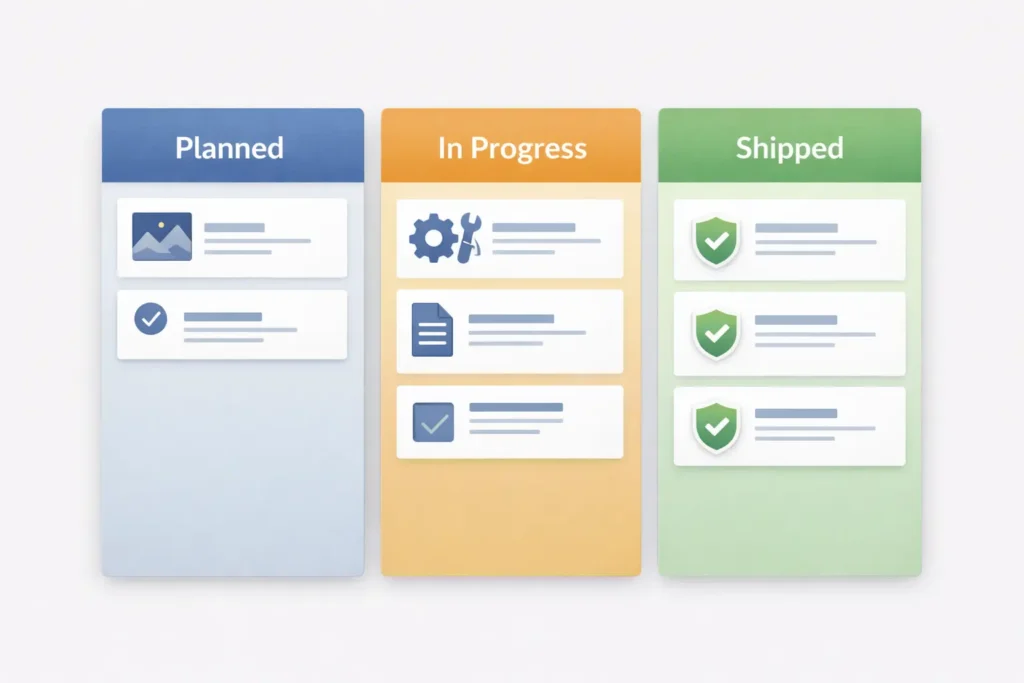
- Ship small, measure, repeat: Quick wins stack up and inform bigger moves.
Summary: Why This Works
A website isn’t a brochure; it’s a living system. A web design support service keeps that system aligned with your brand, your funnel, and the realities of search and mobile behavior. Continuous, data-guided changes are cheaper than waiting until everything needs an overhaul—and they’re kinder to your pipeline.
Frequently Asked Questions
How much does it cost to pay someone to design your website?
The short answer: it depends on scope and support. A typical small business site can run from a few thousand for a focused build to significantly more for complex features. Ongoing support plans often start with modest monthly allocations that cover iterative design, speed work, and maintenance. The best value usually comes from a monthly retainer because it spreads improvements over time, prevents expensive emergencies, and aligns work with your campaigns and seasons.
What is the 3-second rule in web design?
It’s the idea that visitors should grasp your value in about three seconds. That means your hero area should clearly state the offer, show a benefit, and include a strong call-to-action. To meet this bar, teams use concise headlines, scannable sub-points, and fast load times. Support services enforce the 3-second rule by continuously refining above-the-fold messaging and monitoring performance metrics so first impressions convert.
How much do web designers usually charge?
Rates vary by region, expertise, and engagement style. Freelancers might charge hourly; agencies often prefer retainers or fixed scopes. For ongoing improvement, a monthly support plan creates predictable spend while delivering results in increments—landing pages, UX fixes, accessibility improvements, and performance tuning that directly support lead generation. Request a transparent rate card and an example monthly report before committing.
What is a web design service?
It’s professional help to plan, design, build, and maintain your website. A modern package blends UX research, interface design, content formatting, accessibility, and optimization. A web design support service specifically focuses on the post-launch lifecycle—iterative updates, CRO testing, and technical care—so your site keeps pace with your goals and stays conversion-ready across devices.
Final Notes, Next Steps, and Where to Start
- Review examples that match your industry over at Sample Work.
- Skim service tiers and pick a capacity that fits your launch calendar via Services.
- Strengthen your brand system with Web Design & Branding Tips and map persuasive pages via Content Strategy.
- For guidance rooted in standards, keep Core Web Vitals and WCAG handy as north stars.
Wrapping Up: web design support service
A web design support service is the simplest way to keep your site fast, clear, and persuasive while controlling costs. Instead of letting small problems pile up, you’ll apply focused fixes and enhancements each month—guided by data, aligned to your brand, and measured against outcomes. If you want consistent improvements without the overhead of a full team, this model is the smart, sustainable choice.