
A wordpress website for small business is a strong choice when you want a flexible, SEO-ready site that can grow with your services, content, bookings, and local search goals. It is best for businesses that want long-term control instead of being locked into a limited website builder.
For most small businesses, WordPress is not just a blogging tool anymore. It can support service pages, landing pages, portfolios, lead forms, local SEO pages, online stores, blogs, and Google-friendly content hubs.
If you want a done-for-you site that looks clean, loads fast, and turns visitors into leads, working with small business web design experts can save you from plugin overload, slow pages, and confusing DIY setup.
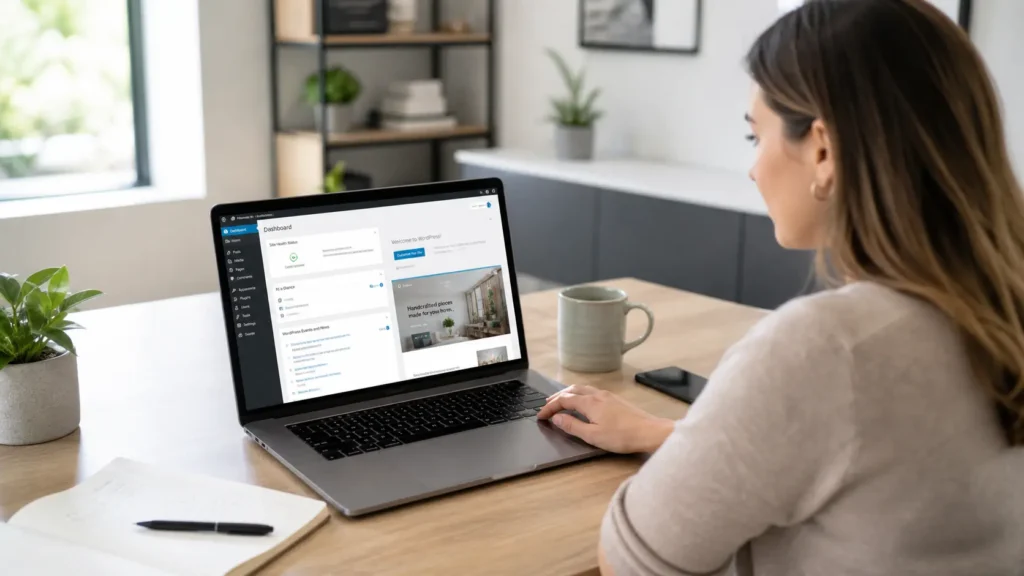
Is WordPress Still Worth It for Small Businesses?
Yes, WordPress is still worth it for small businesses in 2026 because it gives you ownership, flexibility, and better room to grow. While platforms like Wix and Squarespace are easier for quick DIY websites, WordPress is usually better when your site needs SEO content, custom pages, service funnels, local landing pages, or stronger long-term performance.
WordPress is still widely used across the web. W3Techs reports that WordPress is used by 59.6% of websites with a known CMS and 42.2% of all websites as of May 2026, which shows that it is far from outdated. You can review the latest WordPress market share data for more context.
The real issue is not whether WordPress works. The real question is how it is built. A clean WordPress site with proper hosting, lightweight design, strong SEO structure, and clear calls to action can work very well. A bloated WordPress site with too many plugins, oversized images, and no strategy can feel slow and outdated.
That is why small businesses should think of WordPress as a business asset, not just a website tool.
Why WordPress Works for Small Business Websites
WordPress works well because it can match different business goals without forcing every company into the same layout or feature set.
A local contractor may need service area pages, quote forms, and before-and-after photos. A consultant may need case studies, booking links, and educational blogs. A boutique store may need product collections, email capture, and WooCommerce. WordPress can handle all of these with the right setup.
WordPress.org describes WordPress as an open-source publishing platform for creators, small businesses, and enterprises, with tools for design, editing, and extending a site through plugins. Its official plugin directory also supports functions like caching, forms, events, galleries, SEO, ecommerce, and more.
Here is where it becomes useful for owners:
| Business Need | How WordPress Helps | Why It Matters |
|---|---|---|
| ✅ Local visibility | SEO pages, blogs, schema, Google Maps content | Helps attract people searching nearby |
| ✅ Lead generation | Forms, calls to action, landing pages | Turns visitors into inquiries |
| ✅ Service explanation | Custom service pages | Helps customers understand what you offer |
| ✅ Proof and trust | Reviews, portfolios, case studies | Builds confidence before a call |
| ✅ Growth | Add features over time | Avoids rebuilding from scratch |
The best part is that WordPress lets your website grow as your business grows. You can start with a simple five-page site, then add blog content, location pages, case studies, booking tools, ecommerce, or membership features later.
For businesses that want professional help, website design & development services can help set up the right structure from the start.
How to Build a WordPress Site the Right Way
A good WordPress site starts with strategy, not with a theme. The theme only controls part of the appearance. Your structure, copy, calls to action, page speed, and SEO planning decide whether the site actually brings leads.
Start with the pages your customers expect to see. Most small businesses need a homepage, about page, service pages, contact page, portfolio or sample work page, testimonials, and blog content. Each service should usually have its own page instead of being squeezed into one short paragraph.
For example, a web design business should not only say “we build websites.” It should explain website redesign, SEO setup, speed optimization, mobile design, care plans, and conversion-focused page structure. This gives Google and AI search tools clearer information to understand.
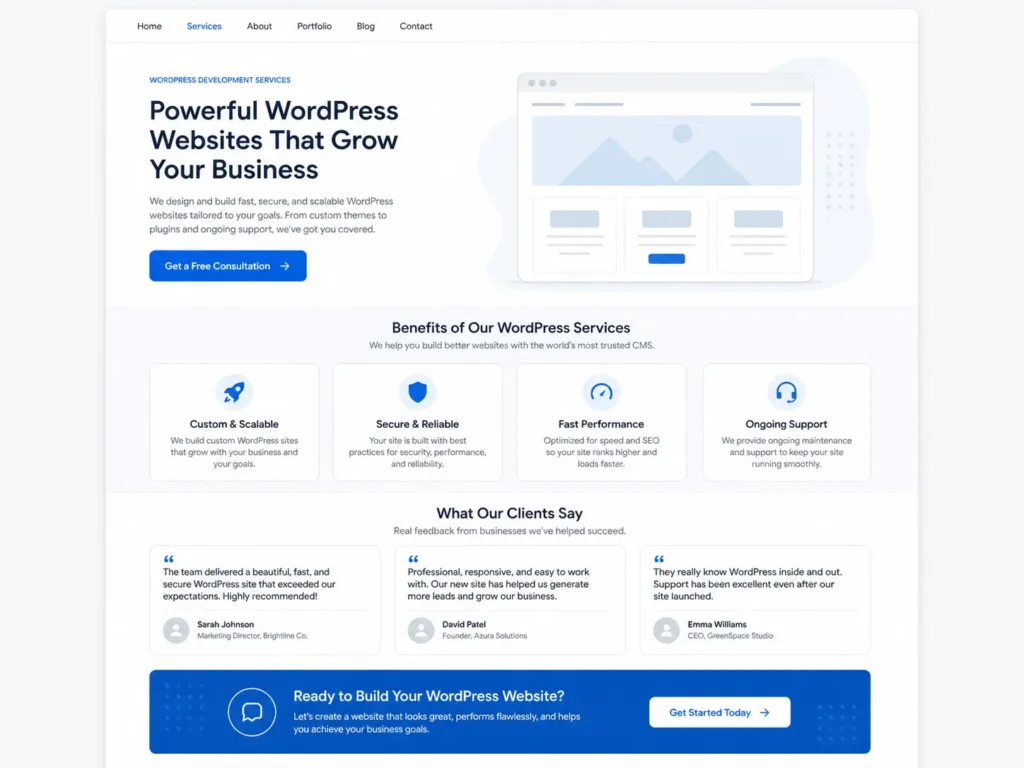
A smart WordPress build usually includes:
✅ Fast hosting
✅ Mobile-first layout
✅ Clear service pages
✅ SEO title and meta setup
✅ Compressed images
✅ Internal links
✅ Contact forms that work
✅ Security and backup tools
✅ Blog categories based on customer questions
Do not install plugins just because they are popular. Every plugin should have a job. Too many plugins can slow the site, create conflicts, or make maintenance harder.
For SEO, connect your service pages to useful blog posts. For example, if you want more local search visibility, link to your guide on how to rank a small business website from related service pages and blog posts.
WordPress vs Wix: Which One Is Better?
Wix is better if you need a very simple DIY website and want the fastest way to get online with minimal technical work. WordPress is better if you want stronger flexibility, deeper SEO control, more ownership, and a site that can expand over time.
Wix promotes drag-and-drop editing, templates, AI tools, hosting, and business features, which can be helpful for owners who want an all-in-one setup.
However, small businesses should choose based on their actual goals, not just ease of use.
| Situation | Better Option | Reason |
|---|---|---|
| ✅ Need a quick one-page site | Wix | Faster DIY setup |
| ✅ Want long-term SEO growth | WordPress | More control over content and structure |
| ✅ Need custom service pages | WordPress | Easier to scale by offer and location |
| ✅ No time for updates | Wix or managed WordPress | Depends on support needs |
| ✅ Want full ownership and flexibility | WordPress | Better for future expansion |
| ✅ Need ecommerce with custom content | WordPress | WooCommerce and content flexibility work well together |
The best option for many small businesses is a professionally built WordPress site with simple editing access. This gives the owner control without forcing them to manage the technical build alone.
A practical example: a local service business that wants to rank for “web designer near me,” “website redesign,” and “WordPress SEO” will usually benefit more from WordPress because each topic can have its own optimized page or article. A one-page Wix site can look nice, but it may not give enough room for search growth.
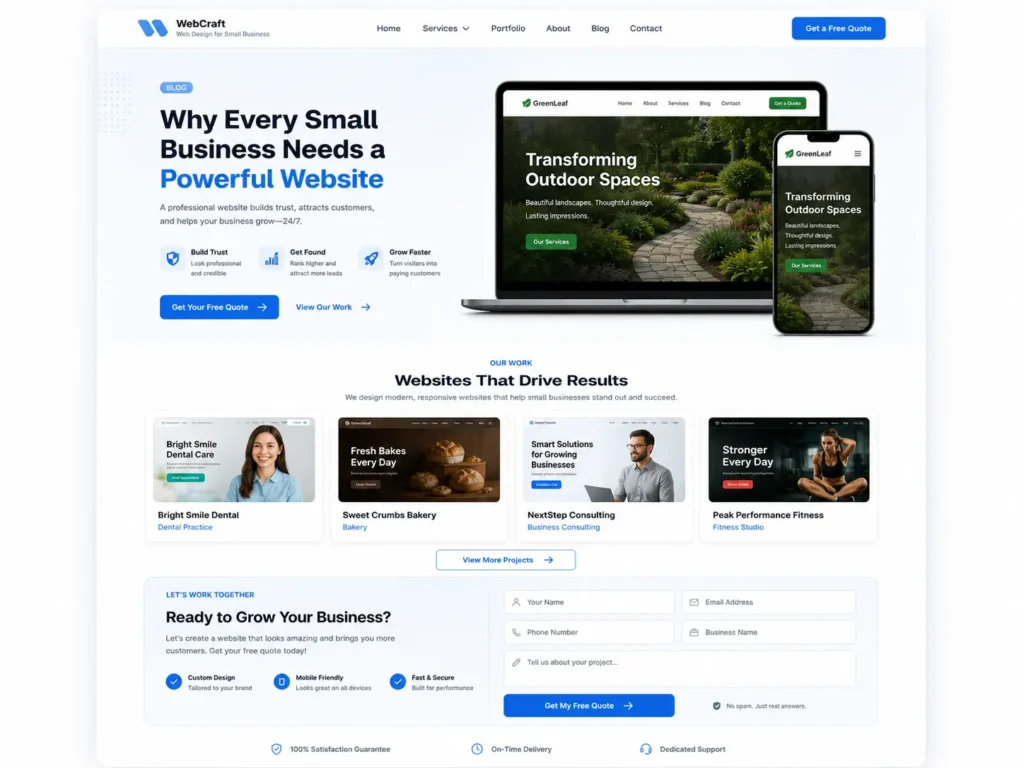
To see how a finished layout can look, browse these portfolio highlights.
What Pages Should a Small Business WordPress Site Have?
A small business WordPress site should have enough pages to answer customer questions and guide visitors toward taking action.
Your homepage should quickly explain who you help, what you do, where you work, and why people should trust you. Your service pages should explain each offer in detail. Your about page should build connection. Your contact page should make it easy to call, email, or request a quote.
A portfolio or sample work page is helpful because buyers want proof. Even if you offer services instead of products, you can show project examples, before-and-after screenshots, client results, or process photos.
Blog content is also important. A blog should not be random. It should answer questions your buyers already ask. For example, a web design company can publish articles about WordPress SEO, small business rankings, Google Maps traffic, website speed, and conversion tips.
For a deeper SEO path, connect this article with your guide on WordPress SEO for business. This helps users and search engines move between related topics naturally.
Practical Tips to Make WordPress Rank Better
A WordPress site will not rank just because it is on WordPress. The platform gives you the tools, but the strategy does the work.
Start by choosing one main keyword for every important page. Do not force the same keyword everywhere. Your homepage can target your main offer, while service pages can target specific services. Blog posts can target questions, comparisons, and how-to topics.
Use internal links in a natural way. If a blog talks about local visibility, link to a related post about Google Maps website traffic. If a service page talks about redesigns, link to your redesign service page. This helps Google understand which pages are connected.
Also, make sure your site is easy for AI search tools to summarize. The first few sentences should answer the main question clearly. Use descriptive headings. Add comparison tables. Include FAQs. Explain which option is best and why.
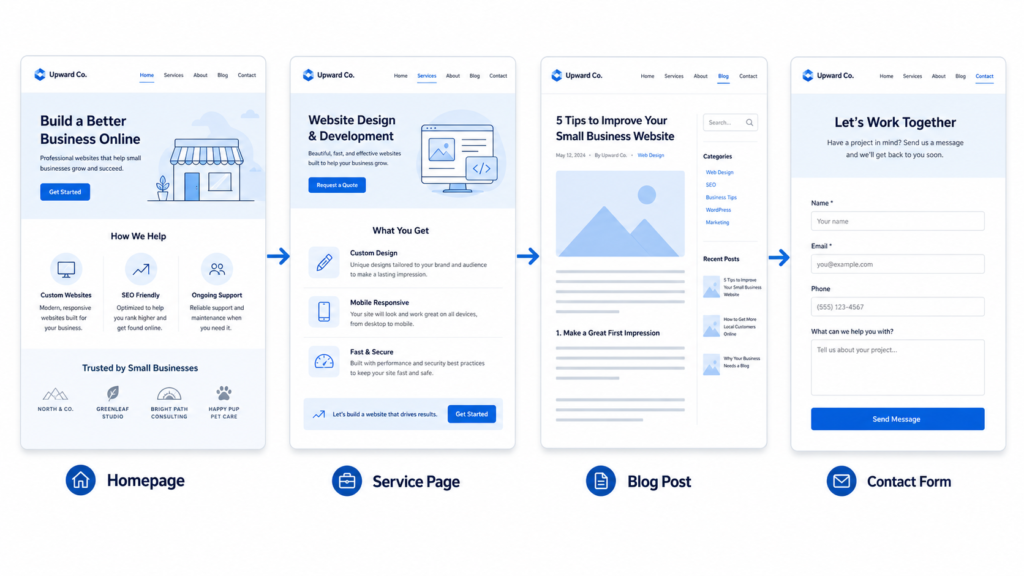
Small improvements can make a big difference:
✅ Use short URLs
✅ Add schema where useful
✅ Compress images before uploading
✅ Use clear H2 and H3 headings
✅ Add internal links to related services
✅ Write helpful meta descriptions
✅ Keep paragraphs short and readable
✅ Add FAQs with direct answers
✅ Update old content every few months
RankMath can help with titles, meta descriptions, schema, and content checks, but it should not replace human judgment. A green score is helpful, but a page that explains your service clearly is more important.
Common Mistakes Small Businesses Make With WordPress
The most common mistake is choosing a pretty theme before planning the content. A beautiful site can still fail if it does not explain your services, show proof, or guide visitors to contact you.
Another mistake is building too many pages with thin content. If five service pages all say almost the same thing, Google may struggle to understand which page deserves to rank. Each service page should have a clear purpose, examples, benefits, FAQs, and calls to action.
Some owners also ignore mobile design. Most visitors will check your site from a phone first. If the buttons are hard to tap, the text is small, or the form is too long, you may lose leads.
Speed is another issue. Large photos, heavy sliders, unused plugins, and cheap hosting can make WordPress feel slow. This is not a WordPress problem. It is a build quality problem.
Security matters too. Keep plugins updated, remove unused themes, use backups, and avoid unknown plugins. A simple, maintained site is safer than a complicated site full of tools you do not use.
How Much Should a Small Business WordPress Site Cost?
The cost depends on size, design quality, copywriting, SEO setup, and whether you hire a professional. A small DIY site can cost less upfront, but it may take more time and may not be built for conversions. A professionally designed site costs more, but it can save time and create a stronger first impression.
For many small businesses, the best approach is to invest in the pages that directly support sales first. You can add more blog content and advanced features later.
A basic site might include a homepage, about page, services page, contact page, and privacy page. A stronger business site might include separate service pages, local SEO pages, testimonials, portfolio, blog setup, analytics, and conversion tracking.
Think of your website as a sales assistant. If it brings qualified leads, explains your offer, and reduces repetitive questions, it becomes more than an online brochure.
Final Thoughts: wordpress website for small business
A wordpress website for small business is best when you want control, SEO growth, flexible design, and a site that can support long-term marketing. It may take more planning than a simple drag-and-drop builder, but the payoff is better structure, stronger content options, and more room to grow.
WordPress is not outdated. Poorly built websites are outdated. When your site has clear pages, fast performance, helpful content, strong calls to action, and smart internal links, WordPress can become one of your most valuable marketing tools.
If your goal is to get more leads from search, show your work clearly, and build a site that can grow with your business, WordPress is still one of the best options in 2026.
Frequently Asked Questions
1. Is WordPress outdated in 2026?
No, WordPress is not outdated in 2026. It remains one of the most used website platforms in the world and continues to support small business sites, blogs, ecommerce stores, and enterprise websites. The outdated feeling usually comes from poor hosting, old themes, too many plugins, or weak design. A modern WordPress build with fast hosting, clean layouts, updated plugins, and proper SEO can still perform very well.
2. Is WordPress a good website builder for small business?
Yes, WordPress is a good website builder for small business owners who want flexibility and long-term growth. It lets you create service pages, blog content, portfolios, landing pages, forms, and ecommerce features without changing platforms later. It is especially useful for businesses that care about SEO. The only catch is that WordPress works best when it is planned and maintained properly, not when it is overloaded with random plugins.
3. What is better, Wix or WordPress?
WordPress is better for SEO control, flexibility, and long-term scaling, while Wix is better for quick DIY setup. If you only need a simple site and want to build it yourself fast, Wix can be a practical choice. If you want custom service pages, content marketing, stronger ownership, and more growth options, WordPress is usually the better fit. The best choice depends on your budget, time, and marketing goals.
4. Which famous companies use WordPress?
Famous organizations using WordPress include brands featured by WordPress.org such as Rolling Stone, Time Magazine, NASA, Microsoft, TechCrunch, and Harvard. These examples show that WordPress is not only for small blogs or beginner websites. It can support large publishing, education, technology, and media websites too. For small businesses, this means the platform has enough flexibility to start simple and expand as your needs grow.
