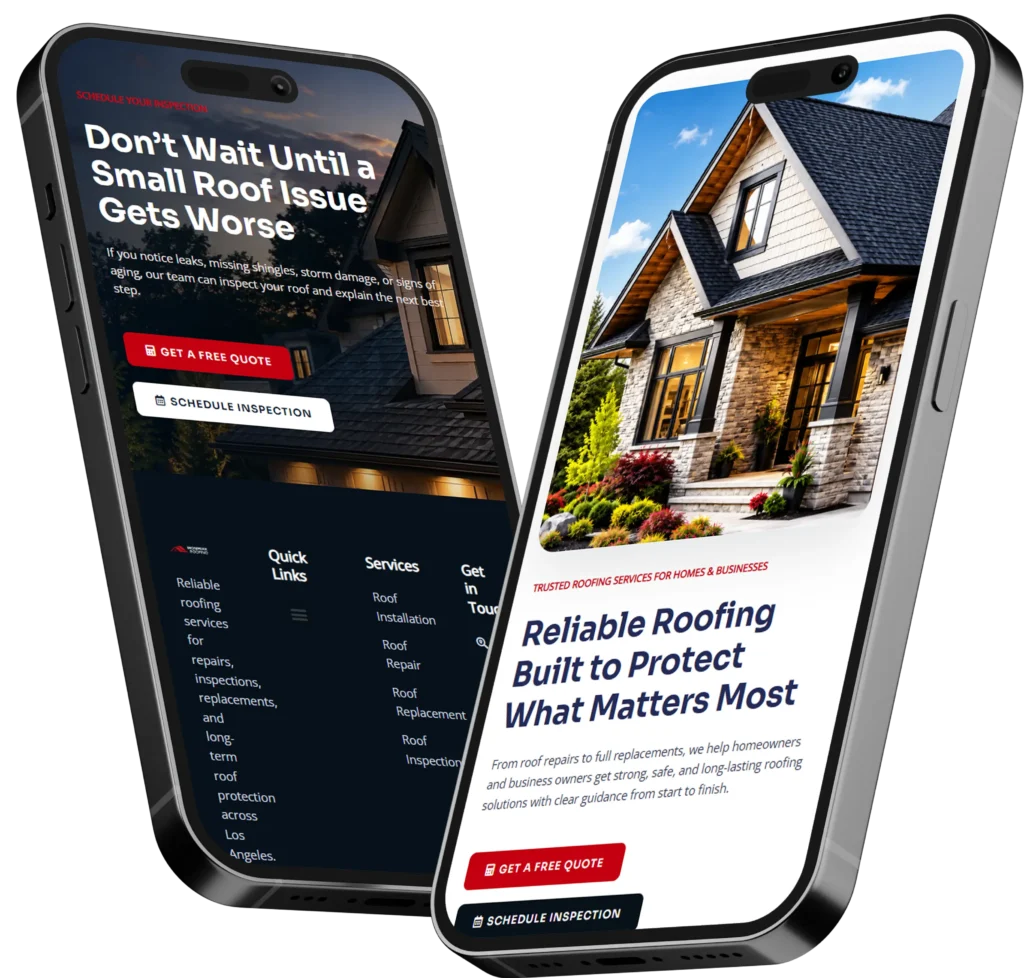
How to prepare for a website project starts with clarifying your goal, audience, pages, content, budget, timeline, and success metrics before design begins. The best preparation is to gather brand assets, write page copy, map conversion actions, and choose a web designer who understands SEO, trust signals, and lead generation.
A website project is not just about making pages look nice. For small business owners, it should help visitors understand what you offer, trust your business, and take action, whether that means calling, booking, filling out a form, or visiting your location.
Read on to learn what to prepare, why each step matters, how to avoid delays, and which website option is best for your business.
Why Website Project Preparation Matters
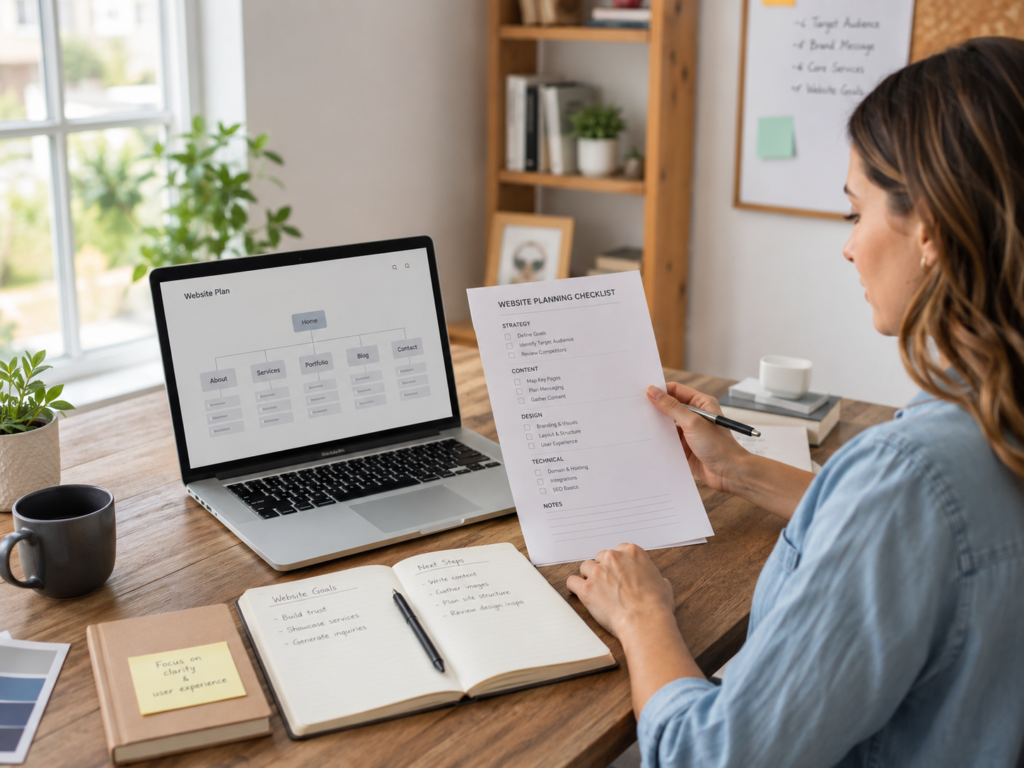
Good preparation saves time, lowers stress, and helps your web designer build a site that has a real business purpose. Without preparation, projects often get delayed because the copy is missing, the logo files are hard to find, or the business owner is unsure what each page should say.
A clear plan also helps your website perform better after launch. Google’s official SEO Starter Guide explains that SEO improvements help search engines crawl, index, and understand your content. That means your project should include basic SEO planning before design starts, not after the site is finished.
For a service business, preparation usually affects three things:
✅ How quickly the project moves
✅ How clearly visitors understand your offer
✅ How well the website supports leads, calls, bookings, and trust
A prepared business owner gives the designer better material to work with. That leads to better structure, stronger copy, cleaner design, and fewer revisions.
Website Project Preparation Checklist
Before hiring a designer or starting a redesign, collect the core details that shape the website. You do not need everything perfect, but you should have enough direction to avoid guessing.
| Website Item | What To Prepare | Why It Matters |
|---|---|---|
| Main Goal | Calls, bookings, quote requests, sales, or leads | Keeps every page focused |
| Target Audience | Customer type, location, budget, pain points | Helps the copy speak clearly |
| Core Pages | Home, services, about, contact, landing pages | Builds the site structure |
| Brand Assets | Logo, colors, fonts, photos, brand voice | Makes the site look consistent |
| Website Copy | Service descriptions, FAQs, proof, calls to action | Helps visitors decide faster |
| SEO Details | Keywords, locations, page titles, old URLs | Supports rankings and traffic |
| Access Info | Hosting, domain, WordPress, analytics | Avoids launch delays |
If you only prepare one thing, start with your goal. A website for calls should be structured differently from a website for booking appointments. A landing page for paid ads should be shorter and more focused than a full service website.
Define the Main Goal First
Your website should have one main job. Some businesses need more phone calls. Others need online bookings, form submissions, consultation requests, email signups, or local foot traffic.
For example, a local contractor may want estimate requests. A salon may want bookings. A consultant may want discovery calls. An ecommerce brand may want product purchases. Each goal changes the layout, calls to action, and content.
A simple goal statement can look like this:
✅ “I want the website to bring in more quote requests from local homeowners.”
✅ “I want the landing page to turn ad traffic into booked calls.”
✅ “I want the redesign to make my business look more trustworthy and professional.”
This step matters because design choices should support action. A beautiful website that does not guide visitors toward the next step can still lose leads.
Know Your Audience Before Writing Content
Your website should answer the questions your best customers already have. Before the project starts, write down who your ideal customer is, what problem they need solved, and what would make them choose you instead of a competitor.
Think about practical details:
✅ Are they homeowners, business owners, parents, professionals, or local shoppers?
✅ Do they care most about price, speed, quality, trust, or convenience?
✅ Are they ready to buy now, or are they still comparing options?
This helps your designer and copywriter build pages that feel specific. A generic website says, “We provide quality service.” A prepared website says, “We help busy homeowners schedule reliable same-week repairs without hidden fees.”
That second version is stronger because it answers a real concern.
Gather Website Content Early
Website content is one of the biggest reasons projects slow down. Design can move quickly, but missing copy, photos, and service details can create long pauses.
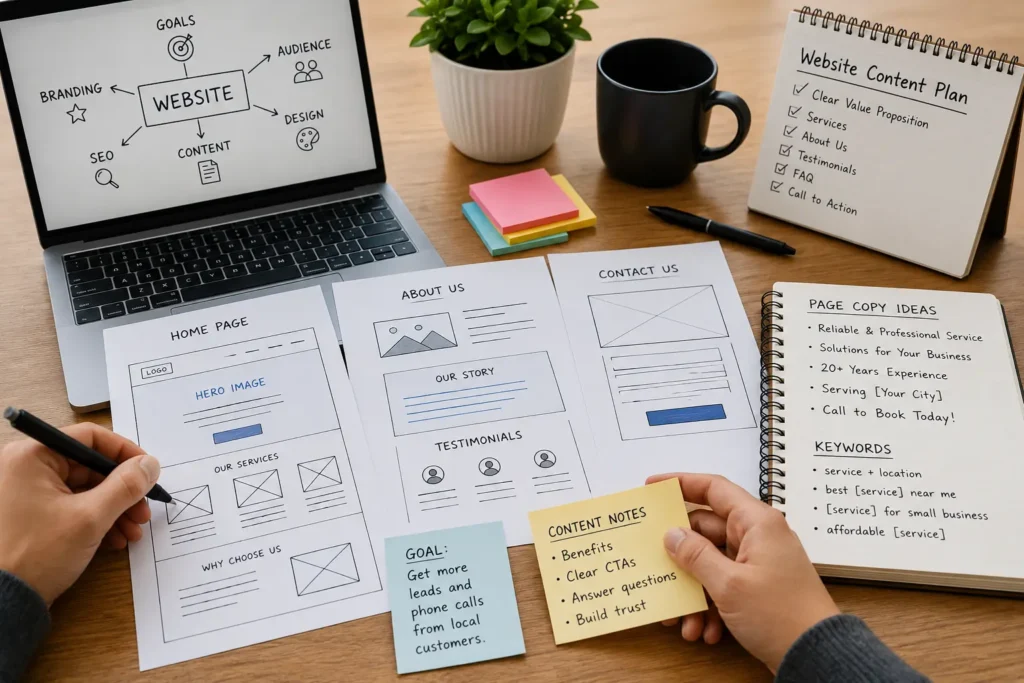
Start by gathering the basics for each main page. Your home page needs a clear headline, short business summary, main services, proof, and a strong call to action. Your service pages need details about what is included, who the service is for, common problems, service areas, and FAQs.
What To Prepare Before Hiring a Web Designer
A professional designer can help organize your ideas, but the project works better when you bring useful materials to the first meeting.
| Material | Best Format | Practical Tip |
|---|---|---|
| Logo | SVG, PNG, or high quality file | Avoid blurry screenshots |
| Brand Colors | Hex codes if available | Use current brand colors if you like them |
| Photos | Original high resolution images | Real photos often build more trust |
| Service Details | Google Doc or Word file | Write in simple customer language |
| Testimonials | Text, screenshots, or review links | Include names or business types if allowed |
| Competitor Examples | 3 to 5 website links | Explain what you like and dislike |
| Login Access | Domain, hosting, CMS, analytics | Store securely before launch week |
If your current website feels outdated, slow, confusing, or hard to update, a website redesign that converts may be better than small edits. If you are still comparing styles, browse portfolio highlights to see how real project examples can guide design direction.
Choose the Right Website Option
Not every business needs the same type of website. The right option depends on your goal, budget, timeline, and current website condition.
| Website Option | Best For | Which Option Is Best |
|---|---|---|
| New Website | New businesses or businesses with no site | Best when you need a full online foundation |
| Website Redesign | Outdated sites, poor leads, weak trust | Best when your current site exists but underperforms |
| Landing Page | Ads, single offer, event, campaign | Best when one focused action matters most |
| SEO Website Build | Local service businesses needing organic traffic | Best when ranking and long-term leads matter |
| Website Refresh | Minor updates, better visuals, cleaner copy | Best when structure is fine but presentation is weak |
For most small businesses, a redesign is the best choice when the business already has a website but it no longer reflects the quality of the service. A landing page is best when you are running ads or promoting one offer. A new website is best when you need everything built from the ground up.
Plan Your SEO Before Design Starts
SEO should not be treated as something you add at the end. Your page structure, headings, internal links, image names, title tags, and content all affect how clear your website is to search engines and people.
Start with the pages your customers are likely searching for. A web designer for a local service business may recommend separate pages for major services, locations, and high-value offers. This gives each page a clear purpose instead of forcing every keyword onto the home page.
You should also plan internal links. For example, a blog about hiring a website designer for US small business can naturally support a service page. A guide about choosing a remote WordPress designer for small business can help business owners who are not limited to local providers.
This kind of structure helps visitors move from learning to taking action.
Prepare Trust Signals That Help Visitors Decide
Trust is one of the biggest factors in website performance. People want to know if your business is real, reliable, and experienced before they contact you.
Useful trust signals include:
✅ Reviews and testimonials
✅ Before and after examples
✅ Case studies or sample work
✅ Team photos or founder story
✅ Clear service process
✅ Business location or service area
✅ Guarantees, certifications, or years of experience
For small businesses, real proof usually works better than generic claims. Instead of saying, “We are the best,” show a testimonial, project photo, or short result. A visitor who sees proof is more likely to call, book, or request a quote.
Map the Customer Journey
Your website should guide visitors from question to decision. A simple journey might look like this:
Visitor lands on your home page
They understand what you do
They click a service page
They read proof and FAQs
They trust your business
They click call, book, or request a quote
This flow should feel natural. If visitors have to search too hard for prices, services, contact details, or proof, they may leave.
For example, a good service page should answer what the service is, who it helps, what problems it solves, what makes your business different, and what the visitor should do next.
Prepare for Speed and Mobile Experience
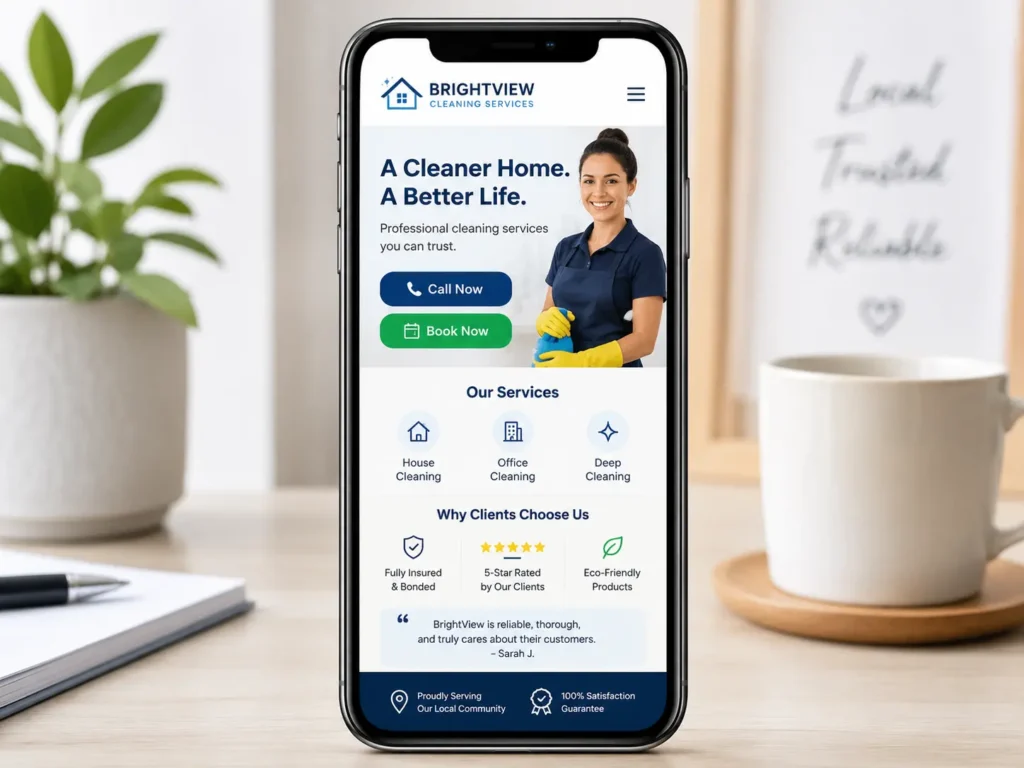
Most small business visitors will view your site on a phone. That means your website should load quickly, read easily, and make buttons simple to tap.
Google’s Core Web Vitals documentation explains that these metrics measure real-world user experience for loading performance, interactivity, and visual stability. For business owners, that means speed and usability are not just technical details. They affect how comfortable people feel using your site.
Before the project starts, ask your designer how they handle mobile design, image compression, page speed, hosting, plugin choices, and layout stability.
Plan the Website Timeline
A website timeline depends on the number of pages, content readiness, revisions, and technical needs. A simple landing page can move faster than a full redesign with multiple service pages.
A practical small business timeline may include:
✅ Discovery and planning
✅ Sitemap and content outline
✅ Copywriting or content cleanup
✅ Design mockups
✅ Development
✅ Mobile optimization
✅ SEO setup
✅ Review and revisions
✅ Testing and launch
The fastest projects are usually the ones where the business owner gives feedback quickly and has content ready. The slowest projects usually wait on missing photos, unclear decisions, or delayed approvals.
Budget for the Right Outcome
Website pricing can vary because every project has a different scope. A one-page landing page costs less than a full SEO-focused redesign with service pages, copywriting, speed optimization, and conversion planning.
Instead of asking only, “How much is a website?” ask, “What does this website need to do for my business?”
A cheaper website may be enough if you only need a simple online presence. A stronger investment may be better if your site needs to bring leads, support ads, improve trust, rank locally, or replace an outdated design.
For help choosing the right scope, visit growth-driven web design and compare what type of project fits your business stage.
Common Mistakes To Avoid
Many website problems start before design begins. A few simple decisions can prevent wasted time and weak results.
Avoid starting without a goal. A website with no clear goal usually has weak calls to action. Avoid copying a competitor too closely. Their site may not fit your audience, offer, or SEO needs. Avoid using only stock photos if real photos are available. Real images often feel more trustworthy.
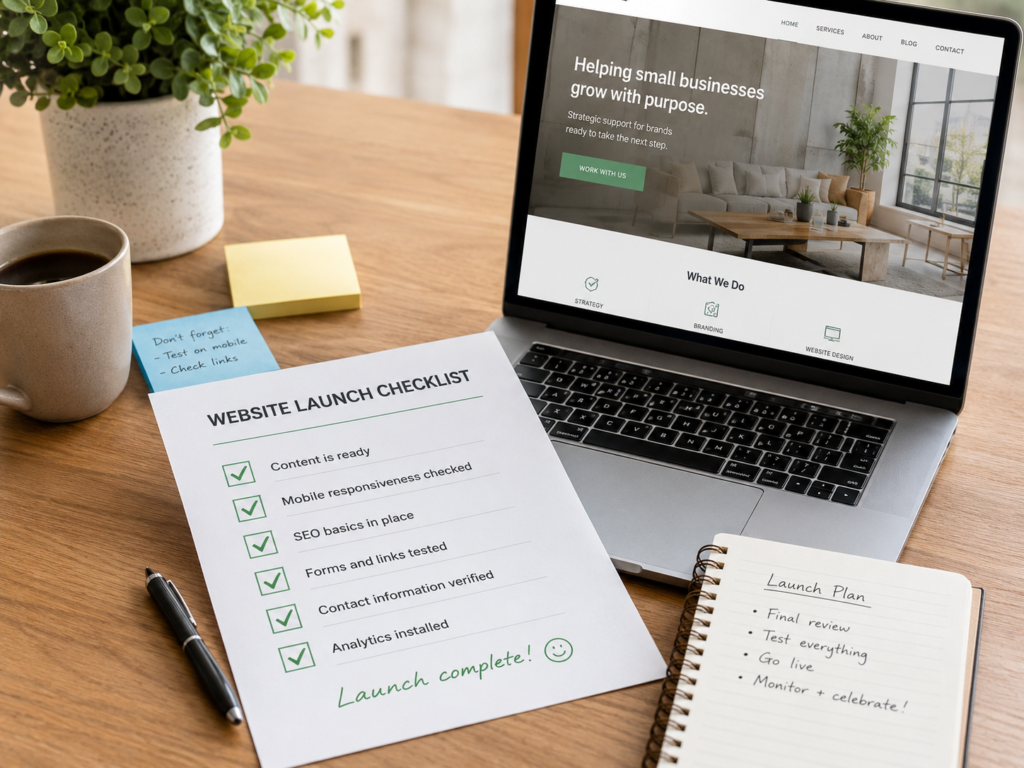
Also avoid launching without testing. Check forms, buttons, phone links, mobile layouts, page speed, spelling, SEO titles, redirects, and analytics before the site goes live.
Questions To Ask Your Web Designer
Before hiring a designer, ask questions that reveal process, strategy, and fit.
✅ How do you plan website structure before design?
✅ Do you help with SEO basics and page titles?
✅ Will the website be mobile friendly?
✅ Can you build landing pages for leads or bookings?
✅ Do you help with website redesigns and migrations?
✅ What do you need from me before the project starts?
✅ How do you measure if the website is working?
A good designer should not only talk about visuals. They should also understand content, conversion, trust, mobile usability, SEO, and the customer journey.
If you need support after launch, a resource like online website help for small business owners can also guide ongoing improvements.
Final Thoughts: Preparing for a Better Website Project
How to prepare for a website project is really about giving your designer the right information before design begins. When your goals, content, audience, SEO direction, trust signals, and calls to action are clear, the final website has a better chance of earning leads instead of just looking good.
A prepared project also protects your time and budget. You can make decisions faster, avoid missing content delays, and launch with a site that feels more professional from day one.
Frequently Asked Questions
1. What should a small business prepare before hiring a web designer?
Prepare your goals, content, brand assets, service details, and website access before hiring a web designer. This helps the designer understand what your business needs and prevents delays once the project starts. You should also gather reviews, photos, competitor examples, and a clear list of pages you want. The more organized your materials are, the easier it is to build a website that supports leads, calls, bookings, and trust.
2. How long does a small business website project usually take?
A small business website project can take a few weeks to a few months depending on the scope. A simple landing page may be faster, while a full redesign with copywriting, SEO, service pages, forms, and testing usually takes longer. The biggest timeline factor is content readiness. If your copy, photos, approvals, and login access are ready early, your designer can move through planning, design, development, and launch much more smoothly.
3. What makes a website redesign generate more leads?
A lead-focused website redesign improves clarity, trust, page speed, mobile layout, and calls to action. It should make your offer easy to understand and guide visitors toward calling, booking, or requesting a quote. Strong redesigns usually include better headlines, clear service pages, real proof, testimonials, simple forms, and stronger internal linking. The goal is not only to modernize the look, but to remove friction from the customer journey.
4. Do I need SEO before launching a new website?
Yes, basic SEO should be planned before launching a new website. This includes keyword direction, page titles, headings, internal links, image names, service page structure, and redirects if you are replacing an old site. SEO planning before launch helps avoid missing pages, broken links, duplicate content, and weak structure. It also gives your website a stronger foundation for local visibility, organic traffic, and long-term lead generation.