
If you are wondering what to send to a web designer, start with your goals, brand assets, written content, images, website logins, page list, competitor examples, and any must-have features. The more clearly you share these items, the faster your designer can plan a site that builds trust, gets leads, and turns visitors into calls, bookings, or sales.
A web designer can build a better website when they understand your business, your audience, and what action you want visitors to take. This guide explains what to prepare, why each item matters, how to organize everything, and which option is best depending on whether you need a new website, redesign, or landing page.

Why Your Web Designer Needs the Right Information
Your website is not just a digital brochure. It should answer customer questions, show your credibility, and guide visitors toward the next step.
When you send complete details early, your designer can avoid guessing. That means fewer revisions, better layout decisions, stronger page structure, and a smoother project timeline.
For example, a local roofing company may need a quote form, service area pages, trust badges, project photos, and phone-call buttons. A med spa may need treatment pages, booking links, before-and-after galleries, staff bios, and review sections. A restaurant may need menu pages, location details, reservation buttons, and mobile-first design.
That is why your website prep should include more than your logo. It should include the pieces that help your designer build a site around real business goals.
Need help turning your ideas into a site that brings leads? Explore conversion-focused web design for small businesses.
Website Materials Checklist
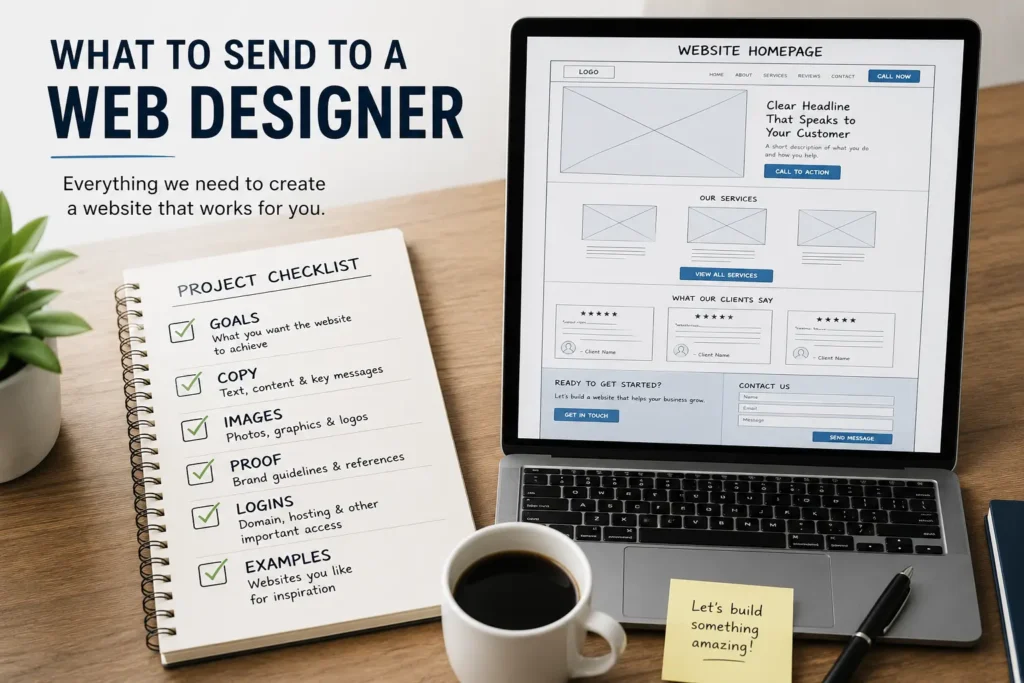
Use this simple checklist before your first design call. You do not need everything perfect, but the more you prepare, the easier it is for your designer to create a website that feels accurate, professional, and ready to convert.
| Item to Prepare | What to Send | Why It Helps |
|---|---|---|
| ✅ Business goals | Leads, calls, bookings, sales, quote requests, or brand awareness | Helps the designer plan the site around your main conversion |
| ✅ Brand assets | Logo, colors, fonts, brand guide, icons, or style samples | Keeps the design consistent with your business identity |
| ✅ Website copy | Homepage text, service descriptions, about page, FAQs, and calls to action | Gives your pages clear messaging instead of placeholder text |
| ✅ Images and videos | Team photos, product images, project photos, location photos, or video clips | Builds trust and makes the website feel real |
| ✅ Page list | Homepage, services, about, contact, gallery, blog, landing pages | Helps create the sitemap and navigation |
| ✅ Competitor examples | Links to websites you like and dislike | Gives direction for style, features, and layout preferences |
| ✅ Customer proof | Reviews, testimonials, case studies, certifications, awards | Supports trust and helps visitors feel safer contacting you |
| ✅ Technical access | Domain, hosting, CMS, analytics, forms, booking tools, CRM access | Allows the designer to build, connect, or launch the website |
| ✅ Legal details | Privacy policy, terms, disclaimers, licenses, accessibility needs | Reduces compliance gaps and protects your business |
How to Organize Your Website Files
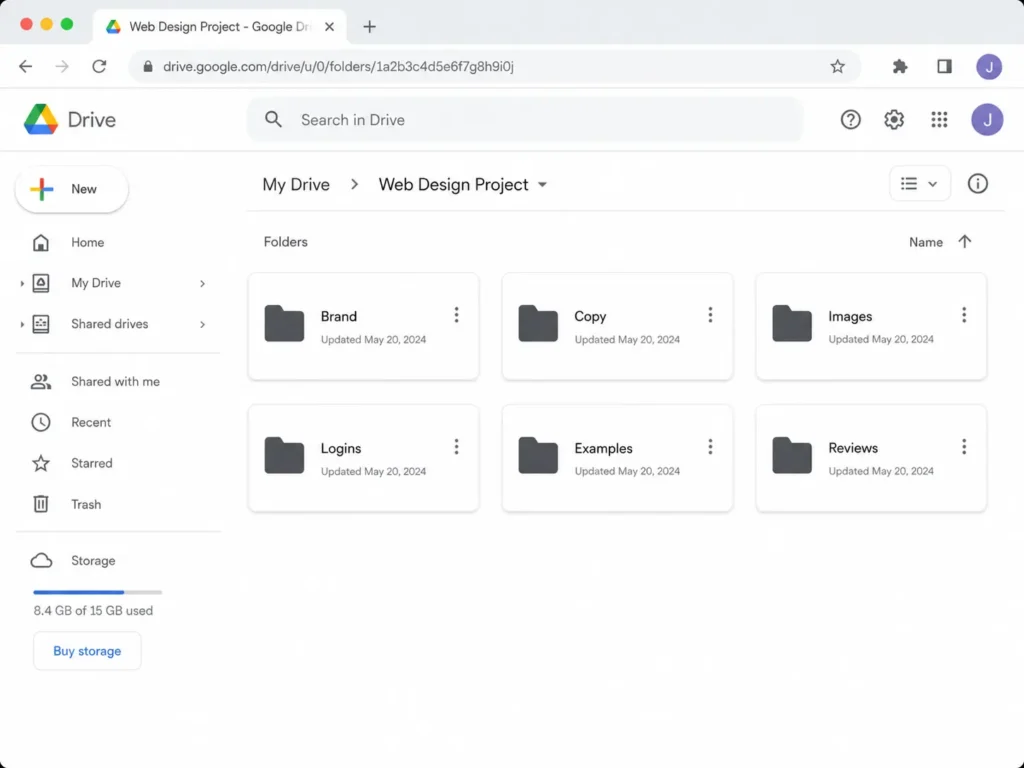
The best way to send files is through one shared folder. Google Drive, Dropbox, or another cloud folder works well because your designer can find everything without searching through long email threads.
Create folders with clear names:
✅ Brand Assets
✅ Website Copy
✅ Photos and Videos
✅ Testimonials and Reviews
✅ Website Logins
✅ Inspiration Websites
✅ Products or Services
✅ Legal Pages
Inside each folder, rename files clearly. Instead of “IMG_4829,” use names like “team-photo-front-office” or “kitchen-remodel-before-after.” This saves time and prevents the wrong photo from being used on the wrong page.
For written content, use Google Docs or Word files. Keep each page separate or use headings, such as Homepage, About Page, Service Page, and Contact Page. If you are not sure what to write, send rough notes. A good designer or copywriter can shape those notes into stronger website copy.
For a deeper breakdown, read this guide on what information a web designer needs.
Which Website Project Option Is Best?
Different projects need different materials. A full redesign needs more existing-site details, while a landing page needs stronger offer details and clearer conversion goals.
| Website Project | Best For | What to Prepare First |
|---|---|---|
| ✅ New website | New businesses, startups, local services, personal brands | Brand assets, page list, service details, photos, contact details |
| ✅ Website redesign | Businesses with outdated websites, poor leads, slow speed, weak branding | Current website access, pain points, analytics, best pages, redesign goals |
| ✅ Landing page | Ads, promotions, booking campaigns, lead magnets, single offers | Offer details, audience, headline ideas, form fields, testimonials |
| ✅ SEO-focused site | Businesses that want more organic traffic | Keywords, locations, service pages, blog topics, FAQs, internal links |
If your current site looks outdated or does not bring enough leads, a redesign may be the best option. If you are running ads or promoting one specific service, a landing page may be faster and more focused. If you are starting from scratch, a full website gives you the strongest foundation.
You can compare options through Salt’s website design & development services page.
Content Your Designer Needs for Each Page
Your designer needs page content that explains who you are, what you offer, and why people should choose you. This does not need to be perfect on day one, but it should be clear enough to guide the layout.
For the homepage, send your main headline idea, short business description, top services, service area, trust points, reviews, and your preferred call to action. A strong homepage should quickly answer: what do you do, who do you help, where do you serve, and how can someone contact you?
For service pages, send the service name, who it is for, what is included, common customer problems, benefits, pricing notes if available, and FAQs. Service pages are important because they often bring high-intent visitors who are close to calling, booking, or requesting a quote.
For the about page, send your story, team details, mission, values, years in business, certifications, and local connection. People often visit this page when they want to know if your business feels trustworthy.
For the contact page, send your phone number, email, address, service area, hours, contact form fields, booking link, and map details.
Want to see how website structure can fit a small business? Read this guide for a website designer for U.S. small businesses.
Design Direction: What Examples Should You Send?
Send three to five websites you like and explain what you like about each one. Maybe you like the colors from one site, the service layout from another, and the booking flow from a third.
Also send websites you do not like. This is surprisingly helpful. If you dislike cluttered layouts, stock-looking photos, tiny text, or too many popups, say that early.
Do not worry about finding examples from your exact industry. Sometimes the best design ideas come from nearby industries. A contractor may like the clean layout of a law firm site. A consultant may like the booking flow of a med spa. The key is explaining why the example works for you.
You can also review portfolio highlights to point out styles, layouts, or features that match your goals.
SEO, Trust, and Conversion Details to Include
A good website should be easy to understand for both people and search engines. For SEO, Google’s SEO Starter Guide explains that helpful improvements can make it easier for search engines to crawl, index, and understand your content.
Send your designer your target services, locations, common customer questions, and any keywords you already care about. Also share your Google Business Profile link, current rankings if you know them, and pages that already get traffic.
For trust, send real proof. This may include reviews, testimonials, awards, licenses, before-and-after photos, case studies, partner logos, or media mentions. If your website uses reviews or testimonials, the FTC’s Consumer Reviews and Testimonials Rule is useful because it addresses deceptive conduct involving reviews and testimonials.
For conversions, tell your designer which action matters most. Some businesses want phone calls. Others want contact forms, booking requests, free consultations, downloads, or online purchases. Your call to action should match that goal across the website.
Logins and Technical Access to Prepare
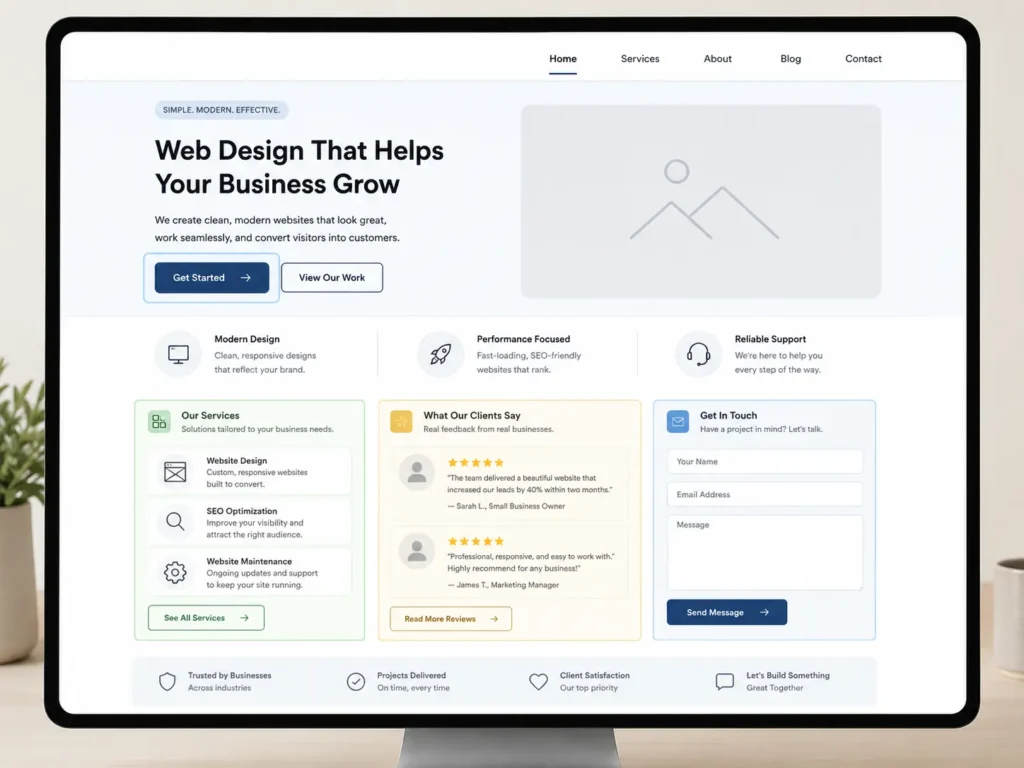
You may need to provide access to your domain, hosting, current website platform, email marketing tool, booking system, CRM, analytics, Search Console, or contact form software.
Do not send passwords through plain email if possible. Use a password manager, temporary access, or user invitations. If your designer only needs admin access for the project, you can remove or reduce access after launch.
If you already have a website, send details about what platform it uses. Common examples include WordPress, Shopify, Wix, Squarespace, Webflow, or a custom CMS. Also mention whether you want to keep the same platform or move to something easier to manage.
If you are unsure whether to work with someone local or remote, this guide on how to hire a remote web designer can help you compare the process.
Common Mistakes to Avoid
One common mistake is sending only a logo and expecting the designer to figure out the rest. Design works better when it is based on real business information, not guesses.
Another mistake is waiting too long to prepare copy and photos. This can delay the project because the layout depends on the content. A service page with two sentences needs a different design than a service page with pricing, FAQs, reviews, and project photos.
Avoid sending too many decision-makers into the project without clear roles. If five people give separate feedback, revisions can become confusing. Choose one main contact person and gather internal feedback before sending it to the designer.
Also avoid copying a competitor too closely. Use examples for direction, but your website should reflect your own offer, proof, audience, and brand personality.
Final Thoughts: What to Send to a Web Designer
Preparing your website materials early helps your designer create a site that looks better, works faster, and speaks clearly to your customers.
You do not need to have every detail polished before the first call. Start with your goals, page list, brand assets, service details, images, examples, and access information. From there, your designer can help shape the strategy, structure, and user experience.
The best website projects are built from clear communication. When your designer understands your business, your customers, and your goals, the final website has a much better chance of bringing real leads, calls, bookings, and sales.
Frequently Asked Questions
1. What should a small business owner prepare before hiring a web designer?
Start with your business goals, page list, brand assets, service details, photos, and contact information. A web designer needs to understand what your business offers, who you serve, and what action you want visitors to take. You should also prepare examples of websites you like, customer reviews, login access, and any SEO or location details that matter for your business.
2. Do I need website copy before starting a redesign?
You should have at least rough website copy before the redesign begins. It does not need to be perfect, but your designer needs enough content to plan page sections, calls to action, and layouts. If you only have notes, service descriptions, or old website text, that is still useful. The copy can be improved during the project, but starting with nothing often causes delays.
3. What information does a designer need for a landing page?
A landing page needs one clear offer, one target audience, and one main conversion goal. Send your headline idea, service or product details, benefits, testimonials, images, form fields, pricing notes, and the action you want visitors to take. Landing pages work best when the message is focused, the design removes distractions, and the call to action is easy to find.
4. How can I help my website designer create a site that gets more leads?
Share your customer questions, best reviews, strongest services, service areas, and most profitable offers. These details help your designer create pages that answer real search intent and guide visitors toward calling, booking, or requesting a quote. You should also explain what makes your business different, which leads matter most, and what problems your customers want solved quickly.
