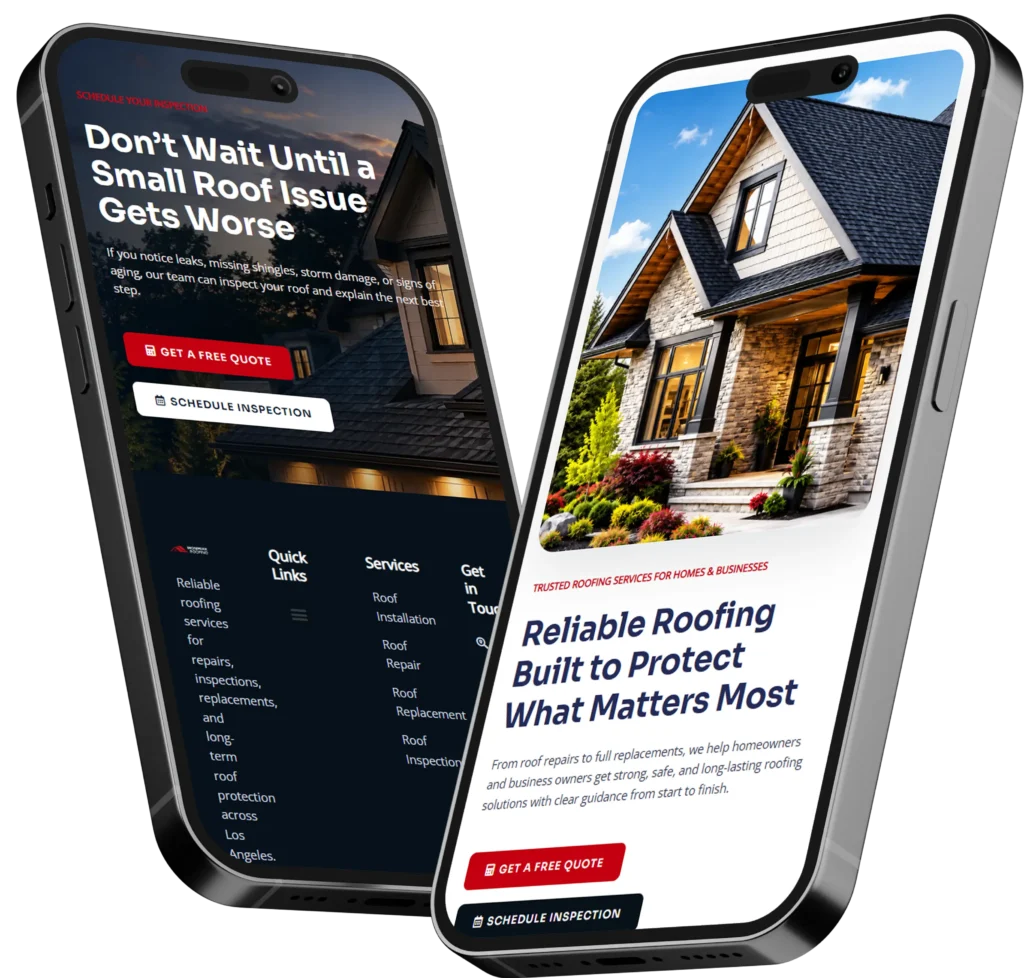
Hiring a designer without preparation can feel exciting at first, but it often leads to unclear direction. The designer may ask for content, brand assets, examples, page goals, hosting access, or service details, and the project slows down if those items are not ready.
Good preparation helps your designer understand your business faster. It also helps you compare quotes fairly because every designer is working from the same information.
A prepared client usually gets better design recommendations because the designer is not guessing. They can focus on structure, user flow, calls to action, mobile layout, speed, and conversion instead of chasing missing details.
Google explains SEO as helping search engines understand your content and helping users find your site through search, which is why your page topics, service details, and content structure should be planned early. You can review Google’s SEO Starter Guide for more context.
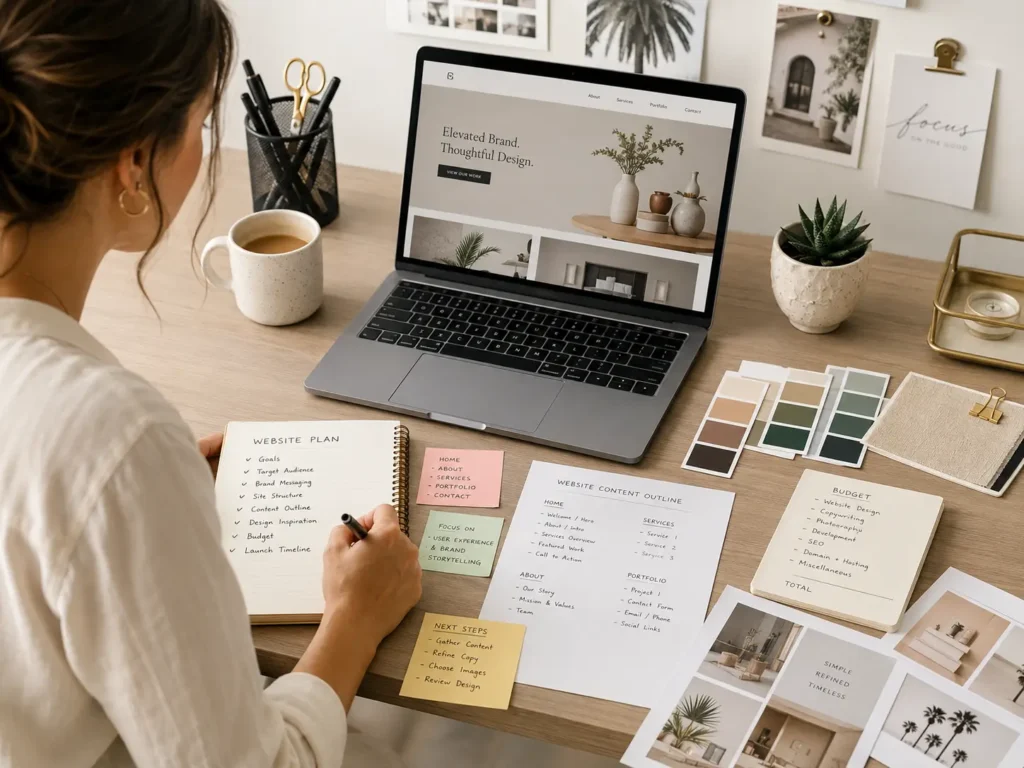
What You Should Prepare First
Before you speak with a designer, start with the basic reason the website exists. A website for appointment bookings needs a different structure from a website for local service leads, online sales, or portfolio credibility.
Define Your Main Website Goal
Your website should have one main goal. That goal may be:
✅ Get more quote requests
✅ Sell services online
✅ Book consultations
✅ Show sample work
✅ Build local trust
✅ Explain your process
Pick one primary goal first, then add secondary goals after. For example, a plumbing company may want phone calls first, while a consulting firm may want discovery calls. A local photographer may need a strong gallery and inquiry form.
The best option for most service businesses is a lead-focused website. This means every important page should guide visitors toward calling, booking, requesting a quote, or filling out a contact form.
Know Who Your Website Is For
Your designer needs to know your target audience. A website for small business owners should look and sound different from a website for luxury buyers, tech founders, families, or local homeowners.
Write down simple audience notes:
✅ Who they are
✅ What problem they have
✅ What they care about most
✅ What objections they may have
✅ What action you want them to take
This helps your designer choose the right layout, page order, tone, images, and calls to action.
List Your Core Services
Many business owners know what they offer, but they do not always have the services clearly written. Before hiring a designer, prepare a service list with short descriptions.
For each service, include:
✅ Service name
✅ Who it is for
✅ Main benefit
✅ Starting price, if available
✅ Service area, if local
✅ Common questions customers ask
This is important because your website structure often depends on your services. If you have three major services, your designer may recommend separate service pages. If you only have one main offer, a focused landing page may work better.
Need help turning services into a stronger website structure? Review website design & development services to see how a professional process can organize design, content, and launch planning.
Website Prep Checklist
Use this simple table before your discovery call. It gives your designer the details they need without overwhelming the project.
| What to Prepare | Why It Matters | Best Option |
|---|---|---|
| Website goal | Keeps the design focused | Choose one primary action |
| Target audience | Shapes tone and layout | Write a short buyer profile |
| Service list | Helps create the page structure | Add one short description per service |
| Brand assets | Keeps visuals consistent | Prepare logo, colors, fonts, and photos |
| Website examples | Shows your style preference | Share 3 to 5 sites you like |
| Content draft | Prevents launch delays | Start with homepage and service pages |
| Budget range | Helps match scope to reality | Give a clear range, not a hidden number |
| Timeline | Keeps expectations realistic | Share your ideal launch date |
| Must-have features | Prevents surprise add-ons | List booking, forms, payments, or galleries |
| Login access | Helps setup and migration | Collect hosting, domain, and CMS details |
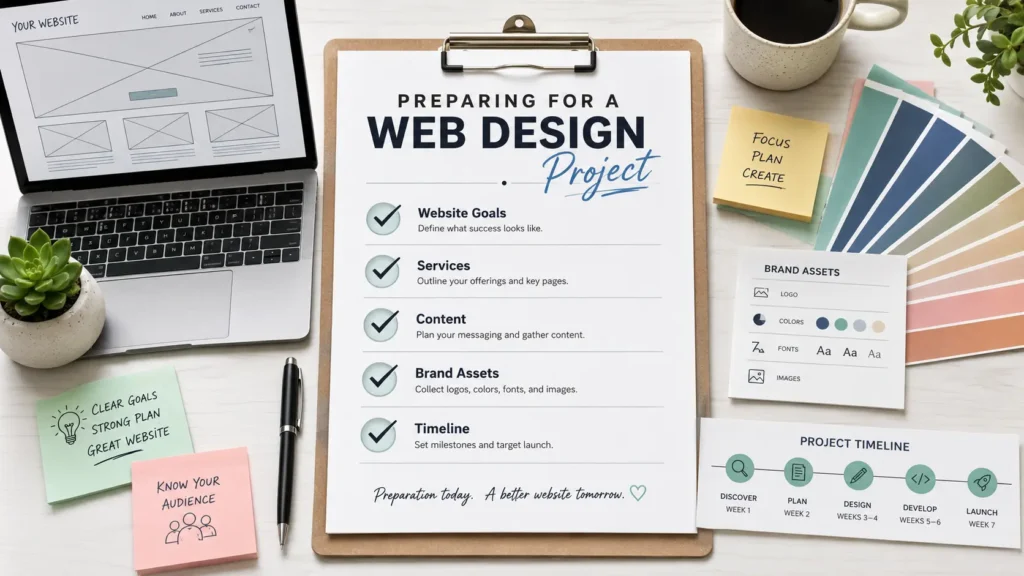
Prepare Your Brand Assets
Your designer can create a better website if your brand materials are ready. This does not mean you need a full brand book, but you should have the basics.
Logo, Colors, and Fonts
Prepare your logo files in high quality formats. PNG is useful for web use, but SVG is better for crisp scaling. If you have brand colors, send the hex codes. If not, collect examples of colors you like.
For fonts, share what you currently use. If you do not have fonts, your designer can recommend options that match your business style.
Photos and Visual Direction
Photos affect trust quickly. Real photos of your team, work, office, process, or finished projects are often stronger than generic stock photos.
If you do not have professional images yet, prepare a simple photo plan. For example:
✅ Team photo
✅ Workspace photo
✅ Service process photo
✅ Before and after project photos
✅ Customer experience photos
The best option is to use real photos where trust matters most, then use stock photos only to fill small gaps.
Sample Websites You Like
Send 3 to 5 website examples. Do not just say, “I like this site.” Explain what you like about it.
For example:
“I like the simple homepage layout.”
“I like the bold call to action.”
“I like the portfolio section.”
“I like how the services are explained.”
This helps your designer understand your taste without copying another brand.
You can also review portfolio highlights to compare layout styles, homepage sections, service presentations, and visual direction.
Prepare Your Website Content
Content is one of the most common reasons website projects get delayed. A designer can build the layout, but the message still needs to come from your business.
Start With Your Homepage Message
Your homepage should answer three questions quickly:
✅ What do you offer?
✅ Who do you help?
✅ What should visitors do next?
The first screen of the homepage should not be vague. Instead of saying “We help businesses grow,” say what you actually do.
Example:
“Custom websites for local service businesses that need more calls, bookings, and quote requests.”
That sentence is clearer because it says the offer, the audience, and the outcome.
Prepare Page-by-Page Notes
You do not need polished writing for every page. Simple notes are enough for the designer or copywriter to shape the content.
Prepare notes for:
✅ Homepage
✅ About page
✅ Service pages
✅ Contact page
✅ Portfolio or sample work page
✅ FAQ section
✅ Testimonials
✅ Blog or resource pages
If you already have content from an old website, collect it in one document. Mark what should stay, what should be rewritten, and what should be removed.
📌 Helpful guide: how to prepare for a website project can support your planning before design starts.
Prepare Your Budget and Scope
Budget is not just about price. It decides what level of strategy, design, copy, SEO setup, features, and support can be included.
A simple brochure website costs less than a custom site with service pages, lead funnels, booking tools, advanced SEO, copywriting, speed optimization, and ongoing care.
Why You Should Share a Budget Range
Some business owners hide their budget because they worry the designer will charge the full amount. But a clear range helps honest designers recommend the right scope.
For example, a $1,500 budget may fit a simple starter site. A $5,000 to $10,000 budget may support custom design, stronger content, SEO setup, and conversion planning. A larger project may include strategy, copywriting, integrations, custom development, and ongoing optimization.
The best option is to share a realistic range and ask what can be done within it. This gives you better recommendations and fewer surprises.
Know Your Must-Have Features
Write down features before asking for quotes. Some features affect price and timeline.
Common website features include:
✅ Contact form
✅ Booking calendar
✅ Online payments
✅ Blog setup
✅ Portfolio gallery
✅ Testimonials
✅ Live chat
✅ Email signup
✅ CRM connection
✅ Website migration
Do not add features only because they sound impressive. Choose features that support your goal. For many small businesses, strong service pages, fast contact options, testimonials, and a simple quote form matter more than complex tools.
Which Web Designer Option Is Best?
There is no single best designer for every business. The right option depends on your budget, timeline, support needs, and website complexity.
| Hiring Option | Best For | Watch Out For |
|---|---|---|
| Freelancer | Small sites, flexible budgets, simple redesigns | May have limited availability or fewer services |
| Small web design studio | Service businesses that need strategy, design, and support | May cost more than a solo freelancer |
| Large agency | Bigger brands, complex campaigns, custom systems | Higher cost and slower communication |
| DIY builder | Very tight budgets or temporary sites | Limited strategy, conversion, and customization |
| Remote designer | Businesses open to online communication | Needs clear process and strong communication |
For most small businesses, the best option is a focused web design studio or experienced freelancer with a clear process. You want someone who understands design, mobile experience, content flow, basic SEO, and conversion.
If you are comparing remote options, read how to hire a remote web designer before choosing. If you are a local or service-based company, this guide on choosing a website designer for US small business can help you compare fit.
How to Prepare for the Discovery Call
The discovery call is where you and the designer decide if the project is a good match. A good call should feel organized, not rushed.
What to Bring to the Call
Prepare your notes in one place. A Google Doc is enough.
Include:
✅ Business overview
✅ Website goal
✅ Target audience
✅ Service list
✅ Pages needed
✅ Example websites
✅ Budget range
✅ Ideal launch date
✅ Current website problems
✅ Must-have features
A prepared call helps the designer give more accurate advice. It also helps you see if they ask smart questions.
What the Designer Should Ask You
A good designer should ask about your goals, audience, competitors, content, SEO needs, brand, timeline, and conversion points. They should not only ask what colors you like.
Strong questions may include:
“What is the main action visitors should take?”
“Which services are most profitable?”
“What is not working on your current website?”
“How do customers usually find you?”
“What makes your business different?”
“What pages bring the most leads now?”
These questions show the designer is thinking beyond visuals.
Prepare for SEO and AEO From the Start
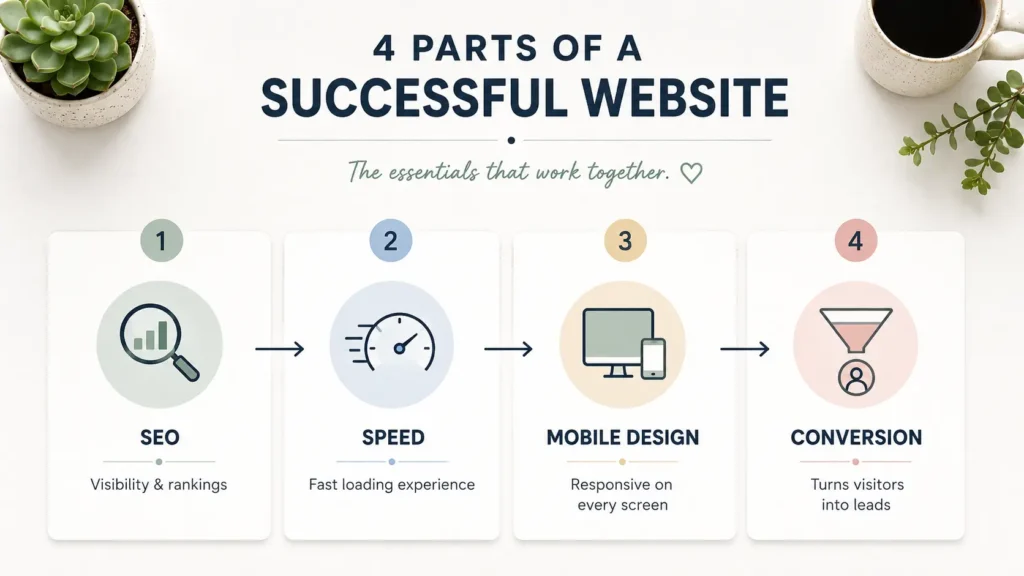
A good website should be easy for people and search engines to understand. For Rank Math, GEO, and AEO performance, your content should answer real questions clearly, use logical headings, and include helpful internal links.
Start With Search Intent
Search intent means the reason someone searches. A person searching for a web designer may want pricing, examples, process, trust signals, or a checklist before hiring.
Your content should answer those needs directly. This is why service pages, FAQs, testimonials, and examples matter.
Plan Your Internal Links
Internal links help visitors move through your site and help search engines understand related pages. Place them naturally where they help the reader.
For example, a planning article can link to your services page when discussing professional help. A hiring guide can link to sample work when discussing portfolio review. A preparation article can link to related blogs when explaining project readiness.
Include Performance in the Plan
Website design is not only about appearance. Performance matters because slow, unstable, or hard-to-use pages can hurt the visitor experience. Web.dev describes Web Vitals as unified guidance for quality signals that are essential to delivering a great user experience. You can review Web Vitals guidance when planning performance expectations.
Prepare Your Access and Technical Details
This part is easy to forget, but it can slow down the project near launch.
Collect Website Logins
Before the project begins, collect access details for:
✅ Domain registrar
✅ Website hosting
✅ Current CMS or website builder
✅ Google Analytics
✅ Google Search Console
✅ Email marketing tools
✅ Booking or payment tools
✅ CRM or contact form tools
Do not send passwords in plain text by email. Use a secure password manager or access-sharing method.
Know Your Current Website Problems
If you already have a website, write down what is not working. Be specific.
Examples:
“The contact form gets spam.”
“The homepage does not explain our services.”
“The site is slow on mobile.”
“The design looks outdated.”
“Our service pages do not rank.”
“Visitors do not know where to click.”
These notes help your designer focus on the right fixes instead of only making the website look newer.
Common Mistakes to Avoid
Many website projects struggle because of avoidable mistakes. Knowing them early helps you protect your time and budget.
Starting Without Content
A designer can create a layout, but missing content creates delays. At minimum, prepare rough notes for each page. The content can be improved later, but blank pages make design harder.
Choosing Only by Price
The cheapest option may work for a very basic site, but it can cost more later if the structure, speed, SEO, or mobile experience is poor. Look at value, not just price.
Copying Competitors Too Closely
Competitor websites can inspire you, but your website should reflect your own offer, process, proof, and personality. Use competitors for research, not imitation.
Ignoring Mobile Design
Most visitors will judge your website quickly on a phone. Make sure your designer plans mobile layouts, button sizes, form usability, image compression, and page speed.
Not Knowing the Next Step
Every main page should have a clear call to action. Visitors should know whether to call, book, request a quote, view work, or contact you.
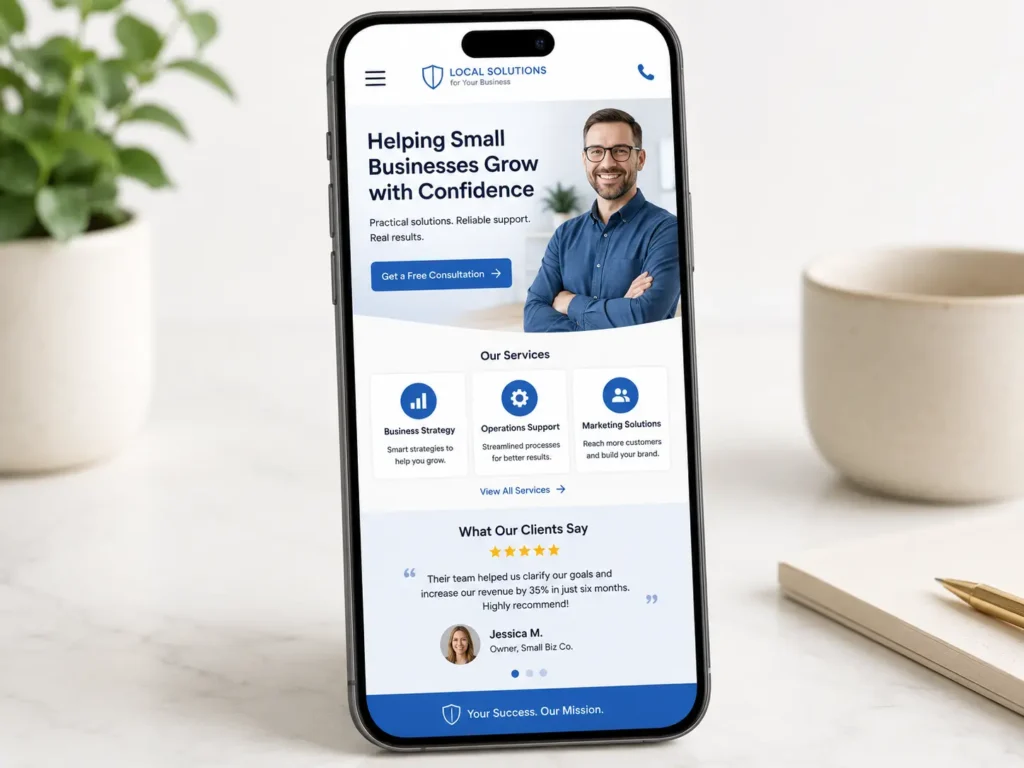
Final Check: what to prepare before hiring a web designer
Preparing before hiring a designer saves time, reduces confusion, and leads to a better website. Start with your goal, audience, service list, content notes, brand assets, budget, timeline, examples, and must-have features.
The best website projects happen when you bring business clarity and the designer brings strategy, structure, design, and technical skill. Once both sides understand the goal, the website can be built around trust, usability, SEO, and conversions.
If you want a smoother project, organize your notes before the first call and work with a team that can guide the process. Salt Web Designer can help you turn rough ideas into a clear website plan, better pages, and a stronger launch.
Frequently Asked Questions
1. What are red flags when hiring a designer?
Designer red flags include vague pricing, no clear process, weak communication, no portfolio, and promises that sound too easy. Be careful if a designer cannot explain their timeline, revision process, platform, deliverables, or what happens after launch. A good designer should ask about your goals, audience, content, and conversions. You should also avoid anyone who pressures you to pay quickly without a written scope or agreement.
2. What to start with before website designing?
Start with your website goal, audience, and main offer before choosing colors or layouts. These three items shape the entire website. Once you know the purpose, who you want to attract, and what you want visitors to do, the design becomes easier to plan. After that, prepare your services, page list, content notes, photos, examples, and budget. This gives your designer a strong foundation.
3. What to ask a web developer before hiring?
Ask about their process, timeline, platform, SEO setup, mobile testing, support, ownership, and what is included in the quote. You should also ask who writes the content, how revisions work, what access you need to provide, and whether training is included after launch. A reliable developer should explain technical items in simple terms and help you understand the best option for your business goals.
4. What is the 3 second rule in website design?
The 3 second rule means visitors should understand what you offer, who it is for, and what to do next almost immediately. It is not a strict law, but it is a useful reminder. Your homepage should have a clear headline, simple supporting text, and a visible call to action. If visitors feel confused, they may leave before reading your services, proof, or contact details.