
A professional web designer for business helps turn your website into a trustworthy, fast, and lead-generating tool. The best option is usually a designer who understands your brand, your customers, your SEO goals, and how visitors make buying decisions.
For most small businesses, a website is not just an online brochure. It is where people check if you are real, compare your services, look for proof, and decide whether to call, book, or buy. A strong design should answer those questions quickly while making your business look credible.
If your current site feels outdated, slow, confusing, or hard to update, working with small business web design experts can help you build a cleaner experience that supports growth.
Why a Professional Website Designer Matters
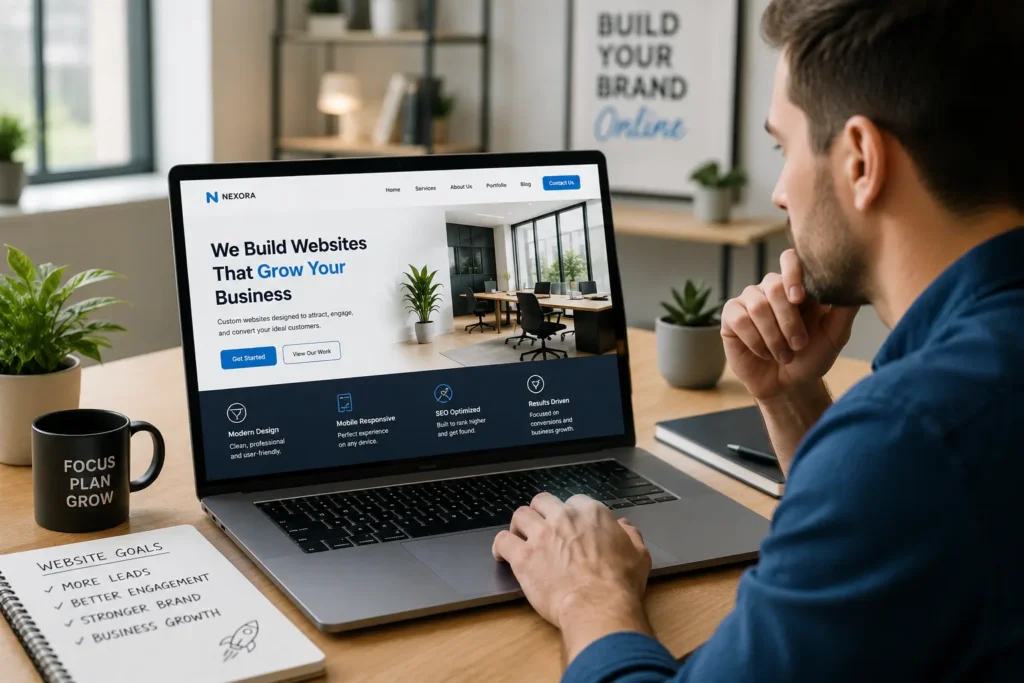
Your website often creates the first serious impression of your business. Before someone sends an inquiry, books a consultation, or visits your store, they may judge your company by your homepage, photos, service pages, copy, reviews, and loading speed.
Stanford’s web credibility guidelines note that people quickly evaluate a site by visual design alone, including layout, typography, images, and consistency. The same guidelines also recommend making contact details easy to find and designing a site that looks professional for its purpose. Stanford Web Credibility Guidelines
That is why design is not only about colors. It affects trust, usability, and conversions. A good designer thinks about how a visitor moves from “Can I trust this company?” to “This looks like the right fit.”
A professional website designer can help with:
✅ Clear page structure that guides visitors
✅ Mobile-friendly layouts that work on phones
✅ Calls to action that feel natural
✅ Faster pages and cleaner technical setup
✅ Better trust signals, such as reviews and real project examples
✅ Design choices that match your business personality
The real value is not just having a better-looking website. It is having a site that helps people understand what you offer and why they should choose you.
What Does a Professional Website Designer Actually Do?
A website designer plans how your website looks, feels, and functions. Some designers focus only on visuals, while others handle design, development, SEO basics, conversion strategy, and ongoing support.
A complete website design process usually includes discovery, sitemap planning, wireframes, visual design, content layout, development, testing, launch, and post-launch fixes. For small businesses, the most useful designer is often someone who can connect these pieces instead of only making a homepage look pretty.
Here is the simple way to think about it: design is how the website communicates. Development is how it works. SEO is how it gets found. Conversion strategy is how it turns visitors into leads.
If you want support across the full process, review website design & development services to see how design, performance, and business goals can work together.
Which Website Design Option Is Best?
Not every business needs the same type of website. A local service business, restaurant, consultant, ecommerce shop, and creative studio all have different needs. The best choice depends on your budget, timeline, growth goals, and how much customization you need.
| Website Option | Best For | Why It Works | Watch Out For |
|---|---|---|---|
| DIY website builder | Very new businesses with tiny budgets | Fast and low-cost way to get online | Can look generic and may become limiting |
| Template-based professional site | Small businesses that need credibility quickly | More polished than DIY and usually faster to launch | Less unique if not customized well |
| Custom business website | Growing companies that need stronger branding and lead flow | Built around your audience, services, and conversion path | Higher upfront investment |
| Redesign of existing site | Businesses with traffic but low leads | Keeps what works and fixes weak pages, speed, UX, and messaging | Needs careful migration planning |
| Ecommerce website | Product-based businesses | Supports checkout, inventory, product pages, and trust signals | Requires more setup, testing, and maintenance |
For most service-based small businesses, the best option is a professionally designed 5 to 10 page website with strong service pages, local SEO basics, fast performance, mobile design, and simple lead capture. It gives enough structure to look credible without overbuilding.
If your current website already has content and traffic, a redesign may be smarter than starting from scratch. You can compare signs that it is time to update your site in this guide on website redesign that looks professional.
How Much Does a Website Designer Cost?
Website design cost depends on scope, page count, features, content, platform, and the level of strategy included. Forbes Advisor notes that website costs vary widely, but for many small businesses, professional website design can start at $1,500 and up, with hosting and apps often adding monthly costs.
Here is a practical pricing guide to help you plan.
| Project Type | Typical Scope | Estimated Cost Range | Best For |
|---|---|---|---|
| Starter business website | 3 to 5 pages, basic design, contact form | $1,500 to $3,500 | New small businesses |
| Professional small business website | 5 to 10 pages, custom layout, service pages, SEO basics | $3,500 to $8,000 | Local service providers and growing brands |
| Website redesign | Existing site audit, new design, migration, speed improvements | $4,000 to $10,000+ | Businesses with outdated or underperforming sites |
| Ecommerce website | Product pages, checkout, payment setup, shipping/tax settings | $5,000 to $15,000+ | Online stores |
| Ongoing support | Updates, backups, fixes, optimization, content changes | $100 to $500+ monthly | Businesses that want care and maintenance |
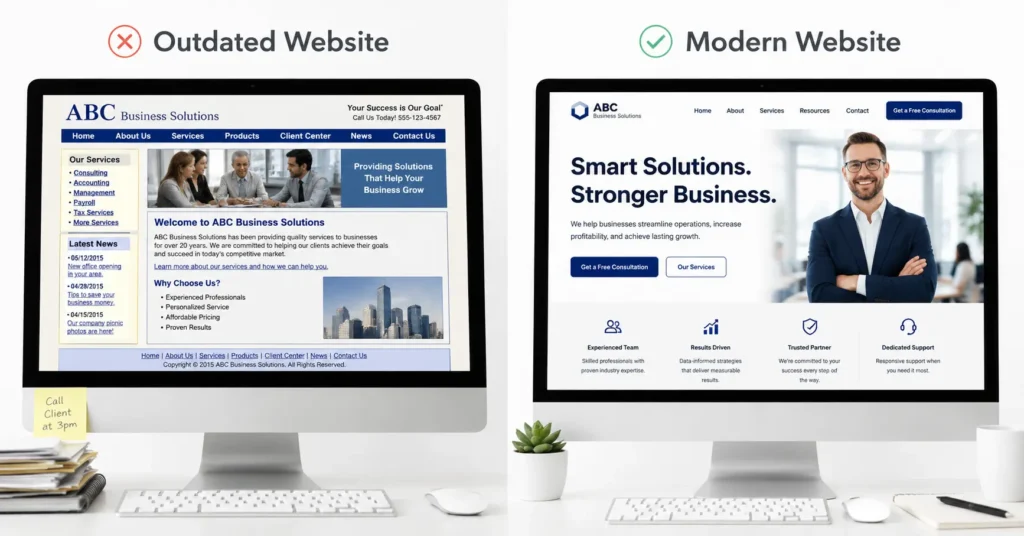
The cheapest option is not always the best. A low-cost website can become expensive if it loads slowly, confuses visitors, breaks often, or needs to be rebuilt within a year.
The better question is: which option will help your business earn trust and generate leads without unnecessary features?
Why Website Design Affects Leads
A visitor usually does not read every word on your site. They scan. They look for signs that they are in the right place. They check if your service matches their problem, if your business looks credible, and if the next step is easy.
Good design supports that journey by removing friction. Your homepage should quickly explain what you do, who you help, where you work, and what action visitors should take next.
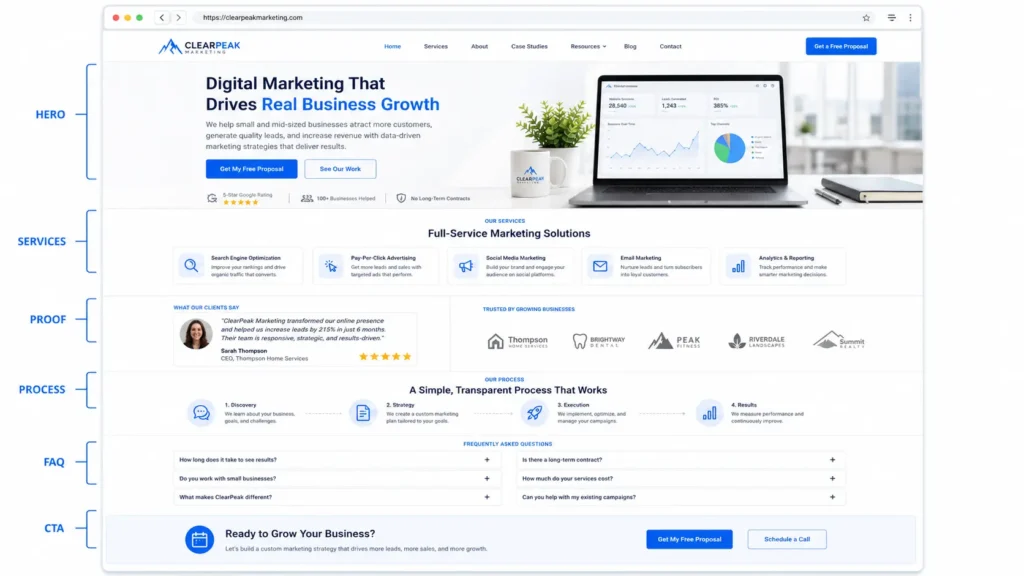
A strong service page should include a clear headline, short explanation, benefits, process, proof, FAQs, and a call to action. If visitors have to guess what you do, they may leave.
Google explains that Core Web Vitals measure real-world user experience across loading performance, interactivity, and visual stability. These signals are part of creating a better search and user experience. Google Core Web Vitals
Speed also matters. Google’s mobile speed research found that over half of mobile site visits are abandoned if the page does not load within 3 seconds.
That means your website should be beautiful, but it also needs to be light, clear, and easy to use.
What to Look for Before Hiring a Website Designer
The right designer should be able to explain the “why” behind design choices. If they recommend a layout, button placement, color, or page structure, there should be a business reason behind it.
Look for a designer who asks about your services, customers, competitors, brand voice, lead goals, and current website problems. This shows they are thinking beyond visuals.
You should also review real work before deciding. A designer’s portfolio can tell you if their style fits your business. See portfolio highlights for examples of how finished projects can help you evaluate design quality, layout, and brand presentation.
A good website designer should be able to answer these questions clearly:
✅ What platform will my website use?
✅ Will it be mobile-friendly?
✅ Will basic SEO be included?
✅ Who writes or edits the content?
✅ How many rounds of revisions are included?
✅ What happens after launch?
✅ Can I update the website myself?
You do not need the most expensive designer. You need the one who understands how design, content, usability, and your business goals fit together.
How to Know Which Option Applies to Your Business
If you are just starting and have no proof, reviews, or content yet, a simple starter website may be enough. It should still look clean, load fast, and explain your offer clearly.
If you already get referrals but your website does not match the quality of your work, a professional small business site is usually the better choice. This gives you stronger branding, clearer pages, and better trust signals.
If your site has traffic but few leads, choose a redesign with conversion improvements. The goal is not just a new look. It is to fix confusing navigation, weak calls to action, outdated messaging, missing service pages, and slow performance.
If your business sells products, choose an ecommerce website. Product pages need clear photos, descriptions, pricing, shipping details, reviews, and a checkout process that feels safe.
For a deeper cost breakdown, read website design pricing for small business before setting your budget.
Practical Tips to Get Better Results
Before hiring a designer, write down your main services, top customer questions, best reviews, service areas, and the action you want visitors to take. This gives the designer better material to work with.
Gather 3 to 5 websites you like, but explain what you like about them. Maybe it is the clean layout, strong photos, simple navigation, or clear pricing. This helps avoid vague feedback like “make it modern.”
Also check your competitors. Notice what they do well and where they fall short. Your website should not copy them. It should position your business more clearly.
A smart website usually includes:
✅ A clear homepage message
✅ Separate service pages
✅ Easy contact options
✅ Real proof, such as testimonials or projects
✅ Fast mobile experience
✅ Helpful FAQ section
✅ Simple navigation
✅ Strong calls to action
For visual direction, this guide on website design that looks professional can help you understand what makes a site feel polished and trustworthy.
Common Website Design Mistakes to Avoid
One common mistake is focusing too much on animation and not enough on clarity. Movement can look impressive, but if it slows the site or distracts from the message, it can hurt the experience.
Another mistake is using vague homepage copy. Phrases like “solutions for your success” do not tell visitors what you actually do. Be specific. A plumbing company, accountant, therapist, restaurant, or contractor should make the offer obvious within seconds.
Poor mobile design is another big issue. Many visitors will see your website on a phone first. If buttons are too small, text is hard to read, or forms are frustrating, you may lose leads before they contact you.
Using too many calls to action can also confuse users. Choose one main action for each page, such as call, book a consultation, request a quote, or view services.
Finally, do not ignore maintenance. Websites need updates, backups, security checks, and occasional improvements. A good launch is only the beginning.
Best Website Features for Small Businesses
The best features are the ones that help visitors take action. You do not need every trendy tool. You need the right structure.
For most small businesses, the most useful features include a clear service menu, contact form, click-to-call button, testimonials, portfolio or sample work, FAQ section, location details, and fast-loading pages.
Booking tools can be helpful for appointment-based businesses. Ecommerce tools are needed for stores. Live chat can help, but only if someone responds quickly. Blog content can support SEO when it answers real customer questions.
The best website does not feel crowded. It feels useful. Every page should help the visitor move one step closer to trusting your business.
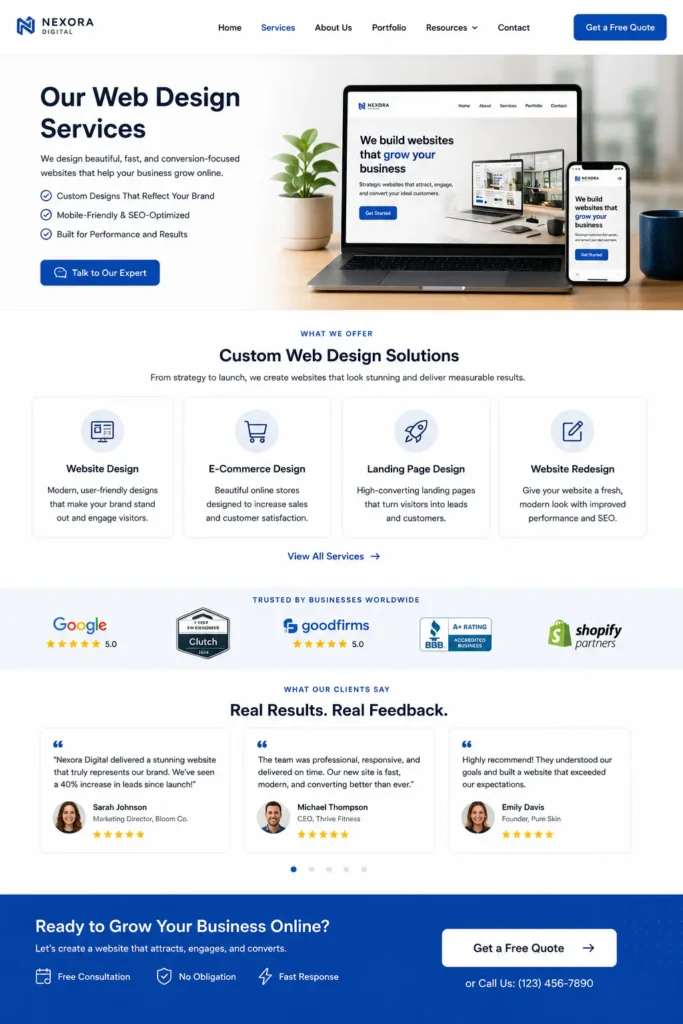
Ready to improve your site with a clearer strategy? Explore conversion focus websites to see how design can support leads, trust, and growth.
Final Takeaway: professional web designer for business
Choosing the right website designer is about more than finding someone who can make a site look nice. It is about choosing someone who can make your business easier to understand, easier to trust, and easier to contact.
A strong website should explain your value quickly, support your SEO goals, load well on mobile, and guide visitors toward the next step. Start with the option that fits your stage of business, then build from there. If your website can clearly answer what you do, why it matters, and how to get started, it becomes one of your most useful business tools.
Frequently Asked Questions
1. How much does a website designer cost for a small business?
A small business website designer usually costs $1,500 to $8,000+, depending on the number of pages, design quality, content needs, features, and whether SEO basics are included. A simple 3 to 5 page site may sit on the lower end, while a custom site with service pages, conversion strategy, speed optimization, and stronger branding will cost more. The best choice depends on whether you only need an online presence or a website built to generate leads.
2. How much is a professional website designer?
A professional website designer may charge by project, hourly rate, or monthly package. Project-based pricing is common because it gives both sides a clearer scope. A basic professional website can start around $1,500, but more complete business websites often cost several thousand dollars. The price usually reflects strategy, custom design, development, revisions, mobile optimization, and launch support. Always compare what is included, not just the final number.
3. What is the 3 second rule in website design?
The 3 second rule means your website should load quickly and make its value clear almost immediately. Visitors should understand who you help, what you offer, and what they should do next without searching around. It is also connected to speed, since Google research found that many mobile visitors abandon pages that take longer than 3 seconds to load. A strong homepage headline, fast mobile performance, and clear call to action help your site pass this test.
4. How much do companies charge to design a website?
Companies often charge anywhere from a few thousand dollars to $15,000+ for website design, depending on the size and complexity of the project. A small brochure-style site usually costs less than a custom service website, ecommerce store, or full redesign with SEO and migration. Agencies may charge more than freelancers because they often include strategy, copy, design, development, quality assurance, and support. The best value is the option that matches your business goals and avoids unnecessary rebuilds.
