
A modern small business website is a fast, mobile-friendly, trustworthy site that clearly explains what you offer and makes it easy for visitors to contact you. The best option for most service businesses is a custom or semi-custom design with SEO-ready pages, clear calls to action, and simple content that answers buyer questions quickly.
For a small business, your website is often the first sales conversation. Before someone calls, books, or asks for a quote, they check if your site feels professional, current, and easy to use. If it looks outdated or confusing, they may leave even if your service is great.
If you want a site built around trust, clarity, and leads, start with growth-driven web design.
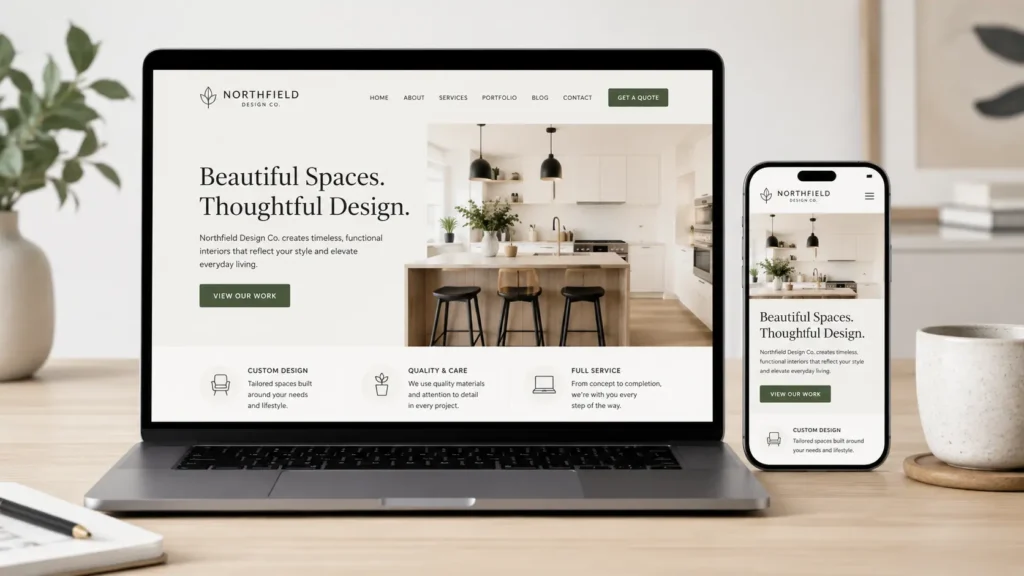
Why Your Website Design Matters
A good website does more than look nice. It helps visitors quickly understand who you help, what you offer, where you work, and what they should do next.
Many small business websites fail because they try to say everything at once. The homepage becomes crowded, the buttons are unclear, and the important details are buried. A better design guides people step by step.
Your site should answer three simple questions:
✅ What do you do?
✅ Why should someone trust you?
✅ How can they take the next step?
This matters because visitors make quick judgments. If the page loads slowly, the text is hard to read, or the design feels outdated, they may assume the business is outdated too. That may not be fair, but it is how online trust works.
Google also recommends making websites easier for search engines and users to understand through clear pages, helpful content, and accessible structure. You can review Google’s own SEO Starter Guide for more details.
What Makes a Small Business Website Feel Modern
A modern design is not just about trends. It is about creating a simple, useful, and professional experience for the customer.
The best websites usually have clean layouts, strong headlines, simple navigation, fast loading times, and real proof that the business can deliver. This can include reviews, portfolio examples, service details, before-and-after results, or clear pricing guidance.
| Website Element | Why It Matters | Best Option |
|---|---|---|
| Clean homepage headline | Helps visitors understand your offer fast | Use one clear sentence above the fold |
| Mobile-friendly layout | Most visitors check sites from phones | Design mobile first |
| Fast loading pages | Slow sites lose leads | Compress images and avoid heavy plugins |
| Clear call to action | Tells visitors what to do next | Use buttons like “Request a Quote” |
| Trust signals | Reduces doubt before contacting | Add reviews, samples, and process details |
The best option for most small businesses is not a trendy website full of motion effects. It is a simple, professional website that loads fast, explains the offer clearly, and gives visitors enough confidence to reach out.
Website Design Features That Help You Get Leads
A lead-focused website should be built around the customer journey. Someone may land on your homepage, service page, blog post, or portfolio page. No matter where they enter, they should understand your business and find a clear next step.
Start with your homepage. It should have a short headline, one main button, a quick explanation of your services, proof of work, and a simple contact path. If your homepage only has a logo, welcome message, and generic text, it is not doing enough.
Your service pages should go deeper. Explain the problem, the result, what is included, who the service is for, and why your process works. This is where many businesses lose potential clients because they only list service names without explaining the value.
For help organizing your offer, review these website design & development services.
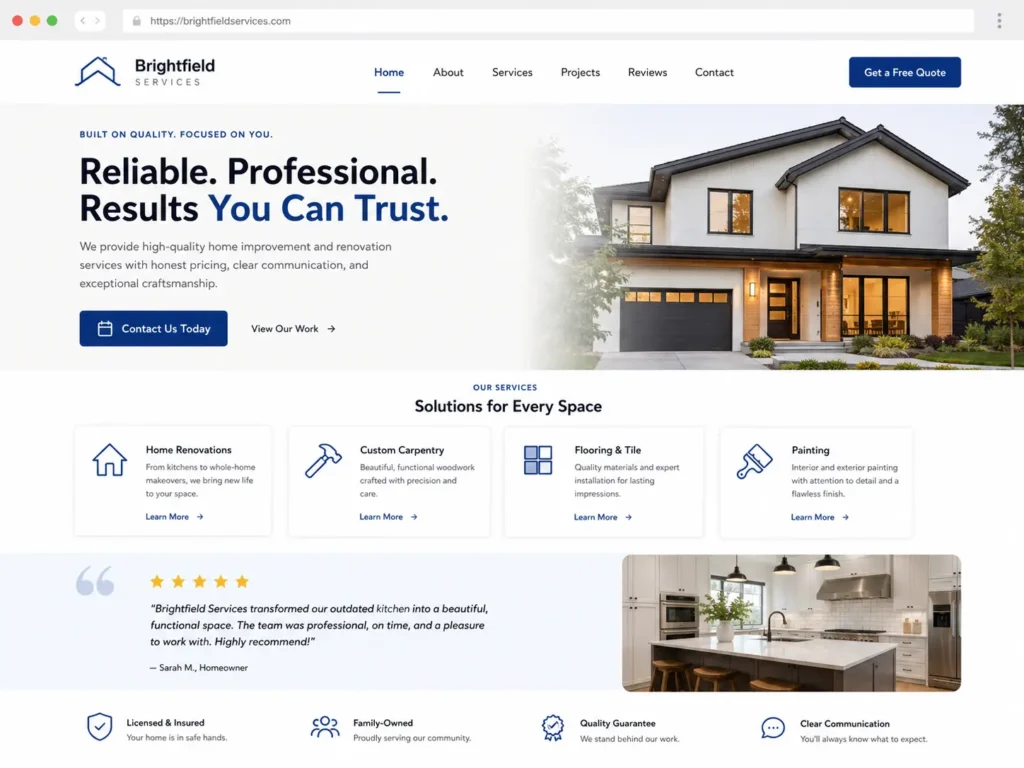
How to Choose the Right Website Design Option
Not every business needs the same type of site. The right choice depends on your budget, timeline, goals, and how much customization you need.
A template site can work for a very new business that needs a quick online presence. It is usually cheaper, but it may look similar to many other sites and can be harder to adjust for conversions.
A custom website is better if your business depends on online leads, local search, trust, and professional presentation. It gives you more control over the layout, content, branding, speed, and customer journey.
A redesign is best when your current website already exists but no longer performs well. Signs you need one include outdated visuals, poor mobile experience, weak calls to action, slow speed, confusing pages, or low conversion rates.
| Option | Best For | Main Advantage | Main Limitation |
|---|---|---|---|
| Template website | New businesses with a small budget | Faster and more affordable | Less unique and less flexible |
| Custom website | Service businesses that want leads | Built around brand, SEO, and conversion | Higher investment |
| Website redesign | Businesses with outdated websites | Improves trust and performance | Needs careful content migration |
| Landing page | One offer or campaign | Focused and simple | Not enough for full SEO growth |
For most service-based small businesses, a custom or strategic redesign is the best long-term choice because it can be shaped around real buyer questions, local search intent, and conversion goals.
How Content Supports Better Website Design
Design brings people in, but content helps them decide. Your pages need to explain your services in a way that feels clear, specific, and helpful.
Avoid vague lines like “we offer quality solutions.” Instead, explain what you do and who it helps. A web designer, for example, should not only say “we build websites.” A stronger message would explain that the site is designed to help local businesses look credible, rank better, and turn visitors into inquiries.
A modern small business website should include content that answers buyer questions before they ask. This includes pricing expectations, project timeline, what is included, what makes your process different, and what happens after launch.
You can also use blog content to support your main service pages. For example, a business owner who wants better visibility may benefit from reading how to rank a small business website. If they use WordPress, they may also find value in WordPress SEO for business.
Good content also helps search engines understand your website. The goal is not to stuff keywords. The goal is to organize your expertise in a way that makes sense for users and search engines.
Website Speed, Mobile Design, and User Experience
Speed matters because people do not want to wait. A site can look beautiful, but if it loads slowly, visitors may leave before seeing the offer.
Mobile design is just as important. Many small business visitors check services while they are on the go. They may be comparing companies, looking for directions, or trying to request a quote from their phone.
A mobile-friendly page should have readable text, easy buttons, simple menus, and short sections. Forms should be easy to complete. Phone numbers should be clickable. Images should not push important content too far down the page.
Google’s web.dev explains Core Web Vitals as important quality signals for user experience, including loading, responsiveness, and visual stability. You can learn more from the official Core Web Vitals guide.
Small practical tips:
✅ Use compressed images
✅ Keep menus simple
✅ Avoid too many popups
✅ Use clear button text
✅ Test every page on a phone
These changes may sound small, but they can make the website feel smoother and more professional.
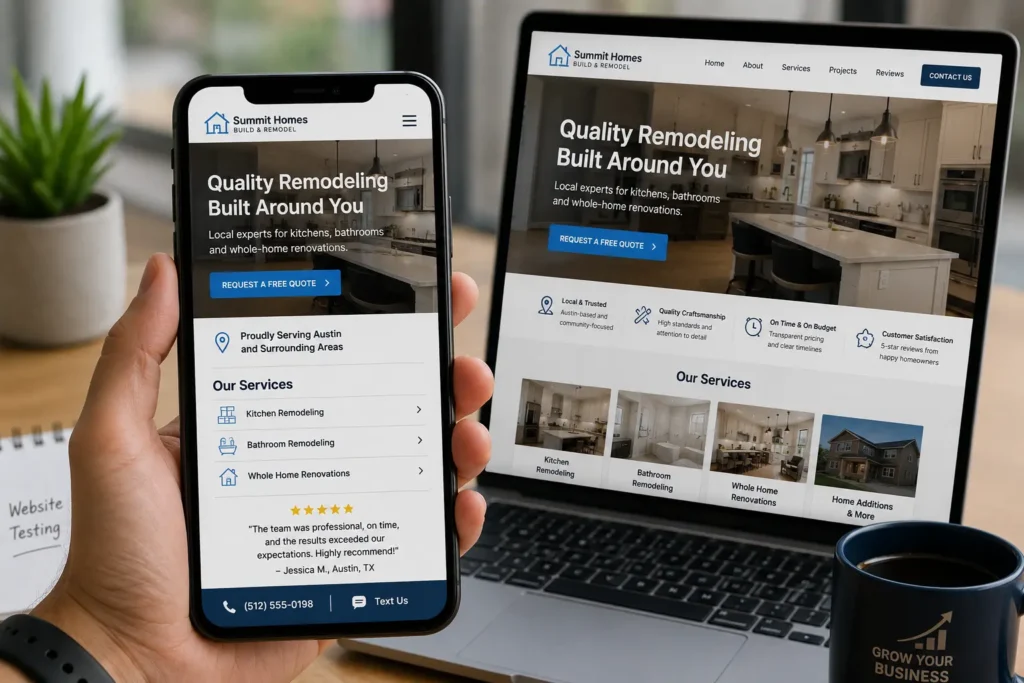
Building Trust Through Design
Trust is one of the biggest reasons someone chooses one business over another. Your website should make that trust easy to see.
Start with real photos when possible. Stock photos can work in some places, but real team photos, project images, or workspace photos often feel more personal. If you do not have strong photos yet, use clean graphics and add real visuals later.
Next, show proof. This can be reviews, testimonials, case studies, portfolio samples, certifications, media mentions, or years of experience. Even a simple project gallery can help visitors see that your business is active and capable.
You can view portfolio highlights for inspiration on how completed work can support trust.
Your contact information should also be easy to find. A business without a clear phone number, email, contact form, or location details may feel risky to potential customers. Make it simple for people to know you are real.
If your current site feels thin or outdated, read more about what makes a credible business website.
Which Pages Should a Small Business Website Have
Most small business websites do not need dozens of pages at the start. They need the right pages, written clearly.
A strong basic website usually includes:
✅ Homepage
✅ About page
✅ Services page
✅ Individual service pages
✅ Portfolio or sample work page
✅ Blog or resources page
✅ Contact page
The homepage gives the overview. The service pages explain your offers. The about page builds connection. The portfolio proves your work. The blog brings in helpful search traffic. The contact page turns interest into action.
For local businesses, location pages can also help if you serve multiple areas. These pages should not be copied and pasted with only the city name changed. Each location page should include useful details for that area, common customer needs, and relevant examples.
The best page structure is the one that matches how your customers search and decide. If they compare services, make service pages. If they want proof, show work. If they ask many questions, create helpful blog posts.
Practical Website Tips for Small Business Owners
Before hiring a designer or redesigning your site, gather the basics. This saves time and helps the project move smoothly.
Prepare your business description, main services, target customers, service areas, reviews, brand colors, logo files, photos, and examples of websites you like. You do not need everything perfect, but having these ready helps your designer understand your business faster.
Think about your main conversion goal. Do you want calls, form submissions, bookings, quote requests, or consultations? Your website should be designed around that action.
Also, review your competitors. Do not copy them, but notice what they explain well and what they miss. A good website can stand out by answering questions competitors ignore.
A practical example: if you are a contractor, do not only say “bathroom remodeling.” Explain your process, project timeline, materials, service areas, and what homeowners should prepare before starting. This makes your page more useful and easier to trust.
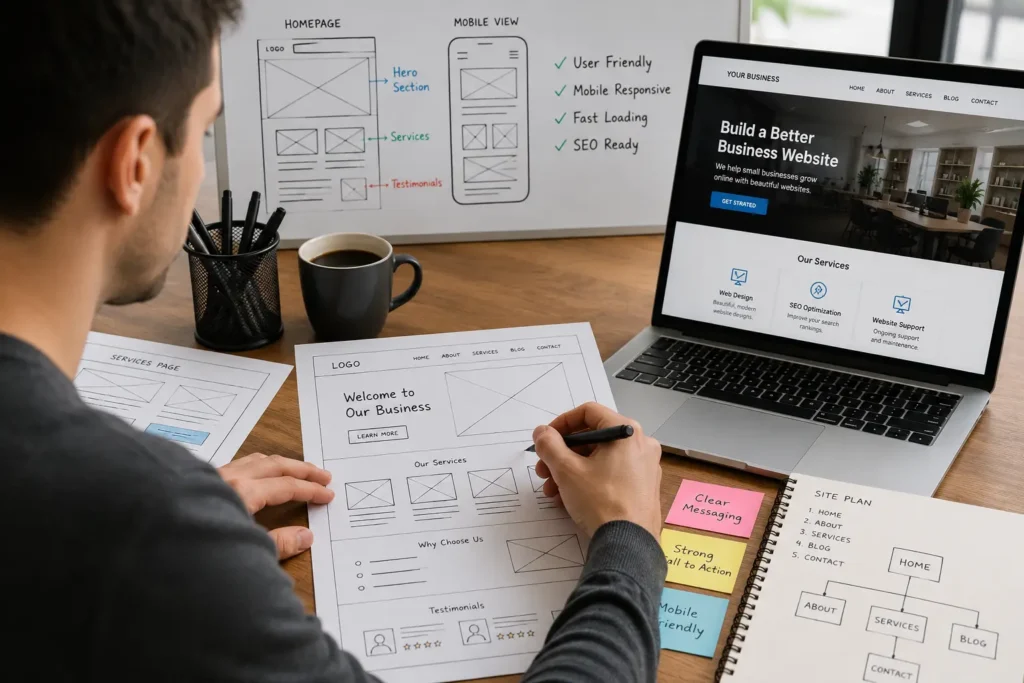
Final Thoughts on a Modern Small Business Website
A modern small business website should help people understand your business, trust your work, and contact you without confusion. It should be clean, fast, mobile-friendly, and built around the questions your customers already have.
The best website is not always the most expensive or the flashiest. It is the one that clearly explains your value, supports your search visibility, and turns visitors into real leads.
Frequently Asked Questions
1. What should a small business website include?
A small business website should include clear service information, contact details, trust signals, strong calls to action, and pages that explain what the business does. At minimum, it should have a homepage, about page, services page, portfolio or proof section, and contact page. If the business wants better SEO, adding service-specific pages and helpful blog content can make the site easier for customers and search engines to understand.
2. How much does a small business website design cost?
The cost depends on the size, features, and strategy behind the website. A simple template site may cost less, while a custom website with service pages, SEO setup, copywriting, mobile design, and conversion planning will cost more. For business owners, the better question is not only price. It is whether the website can help build trust, explain the offer clearly, and bring in qualified leads over time.
3. Why should I hire a web designer instead of using a website builder?
A website builder can work for basic needs, but a web designer helps with strategy, layout, branding, SEO structure, and conversion flow. Many business owners can create a simple page, but they struggle to make it look professional and turn visitors into inquiries. A designer can organize your content, improve mobile experience, reduce confusion, and build a site that matches your business goals instead of only filling a template.
4. How do I know if my business website needs a redesign?
Your website may need a redesign if it looks outdated, loads slowly, performs poorly on mobile, or does not generate leads. Other signs include confusing navigation, old branding, weak calls to action, missing service details, or low trust signals. If visitors ask questions your website should already answer, that is also a clue. A redesign can improve clarity, credibility, and the path from visitor to customer.
