
A patient booking website helps healthcare providers accept appointments online, reduce front-desk workload, and give patients an easier way to book care any time. When it is built well, it also supports trust, smoother communication, and a more professional patient experience.
Patients now expect convenience from healthcare websites in the same way they expect it from banks, travel brands, and local services. A clinic that offers clear scheduling, secure access, and fast follow-up creates fewer booking barriers and a better first impression before the visit even begins.
For many practices, online scheduling is no longer a nice extra. It is a practical business and patient-service tool. The right setup helps people find the right service, choose a time, complete a request quickly, and feel confident that their information is being handled responsibly. HHS says the HIPAA Security Rule requires administrative, physical, and technical safeguards to protect electronic protected health information, while ONC describes a patient portal as a secure online website that gives patients convenient, 24-hour access to health information.
If your clinic site still relies on phone-only scheduling, long forms, or unclear service pages, the website itself may be costing you appointments. That is why many practices invest in stronger UX, better structure, and conversion-focused web design through partners like growth-driven web design and website design & development services.
Why a booking-first healthcare website works
A healthcare website has a different job from a general business site. It does not just need to look clean. It needs to remove hesitation fast.
Someone visiting a clinic website often wants one of a few things right away: book an appointment, confirm the type of provider they need, check location details, verify trust signals, or understand what happens next. If the path is unclear, they delay. If the experience feels outdated, they leave. If the booking process is confusing, they call another practice.
That is why a website built around patient behavior performs better than one built around internal assumptions. A strong healthcare site answers the immediate question first, then guides the patient toward action.
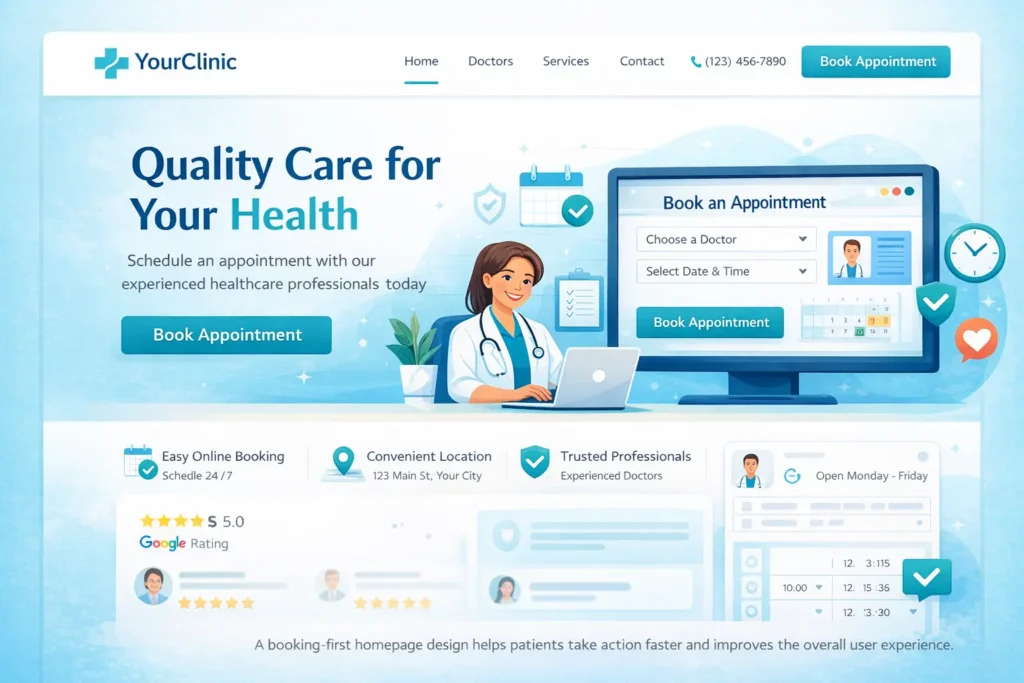
Here is a simple view of what patients want compared with what clinics need:
| Patient expectation | What the website should deliver |
|---|---|
| Easy online booking | Clear CTA above the fold and on every key page |
| Reassurance and trust | Reviews, credentials, photos, policies, FAQs |
| Fast answers | Service summaries, insurance notes, contact info |
| Convenience | Mobile-friendly forms, location map, calendar options |
| Security confidence | Privacy messaging, secure forms, portal, or encrypted tools |
This is also where website strategy affects rankings. A clearer structure improves usability, internal linking, time on page, and search intent matching. Pages that explain services well and reduce confusion tend to support better engagement, which strengthens SEO and GEO performance over time.
For practices trying to improve that journey, these related examples are worth reviewing: healthcare website for small business and clinic website that builds trust.
What a good patient journey looks like
The best healthcare websites feel simple because the thinking behind them is not simple.
A new visitor should land on the page and understand three things almost immediately: who you help, what services you offer, and how to book. That sounds basic, but many clinic websites miss at least one of those.
A better flow looks like this:
Patient arrives from Google or a map listing.
They see the service they need.
They see proof that the clinic is credible.
They see how booking works.
They complete the request without friction.
That flow matters because healthcare decisions carry more caution than ordinary purchases. Patients are not only asking, “Can this clinic help me?” They are also asking, “Can I trust this clinic with my time, my health, and my personal information?”
That is why trust signals are not decorative. They are conversion elements.
The most effective trust signals usually include practitioner credentials, real location details, a before-and-after explanation of the appointment process, clear contact information, and thoughtful FAQs that remove anxiety before the form is submitted.
Which features matter most on a patient booking website
A patient booking website should do more than place a calendar on the page. It should guide the patient to the right next step without creating new confusion.
The strongest setups usually include these essentials:
✅ A visible booking CTA in the header
✅ Mobile-friendly scheduling pages
✅ Service pages tied to appointment intent
✅ Fast-loading design
✅ Secure intake or request forms
✅ Confirmation and follow-up flow
✅ Insurance or payment expectation notes
✅ Location, hours, and provider details
✅ FAQ content for common hesitations
The goal is not to overload the visitor with tools. The goal is to remove uncertainty.
Here is a practical way to prioritize features:
| Feature | Why it matters | Priority |
|---|---|---|
| Online appointment request or scheduler | Converts visitors when intent is highest | High |
| Mobile responsiveness | Many patients book from phones | High |
| Clear service pages | Helps patients choose the right appointment type | High |
| Secure forms or portal connection | Supports privacy expectations and safer data handling | High |
| Automated confirmations | Reduces missed appointments and manual back-and-forth | Medium |
| FAQ section | Answer objections before they become exits | Medium |
| Blog support content | Builds topical authority and supports long-tail search | Medium |
A common mistake is placing the booking too late in the experience. Another is offering a generic “Contact Us” button when users are clearly ready to schedule. In healthcare, clarity beats cleverness almost every time.
Why online booking is important for healthcare providers
There are two major reasons. The first is operational efficiency. The second is patient expectation.
When scheduling happens only by phone, every appointment depends on staff availability, business hours, and repeated back-and-forth. Online access creates a more flexible path, especially for patients booking after work, during weekends, or outside front-desk hours. CMS materials tied to access and continuity of care also highlight scheduling access and easier communication as important parts of patient-centered care.
From the patient side, convenience influences action. ONC notes that patient portals provide secure, 24-hour access to information, and its materials also connect online access with stronger patient engagement and preventive care behavior.
From the clinic side, the benefits often show up in familiar ways:
Less scheduling friction
Fewer missed opportunities from unanswered calls
Better quality leads from informed visitors
Reduced front-desk pressure
Stronger perception of professionalism
This is especially useful for small and growing practices. A website does not replace staff. It supports staff by handling repetitive first-step tasks more efficiently.
How to structure the booking flow so more patients complete it
A healthcare website should feel reassuring before it feels technical. That means the booking process needs both usability and empathy.
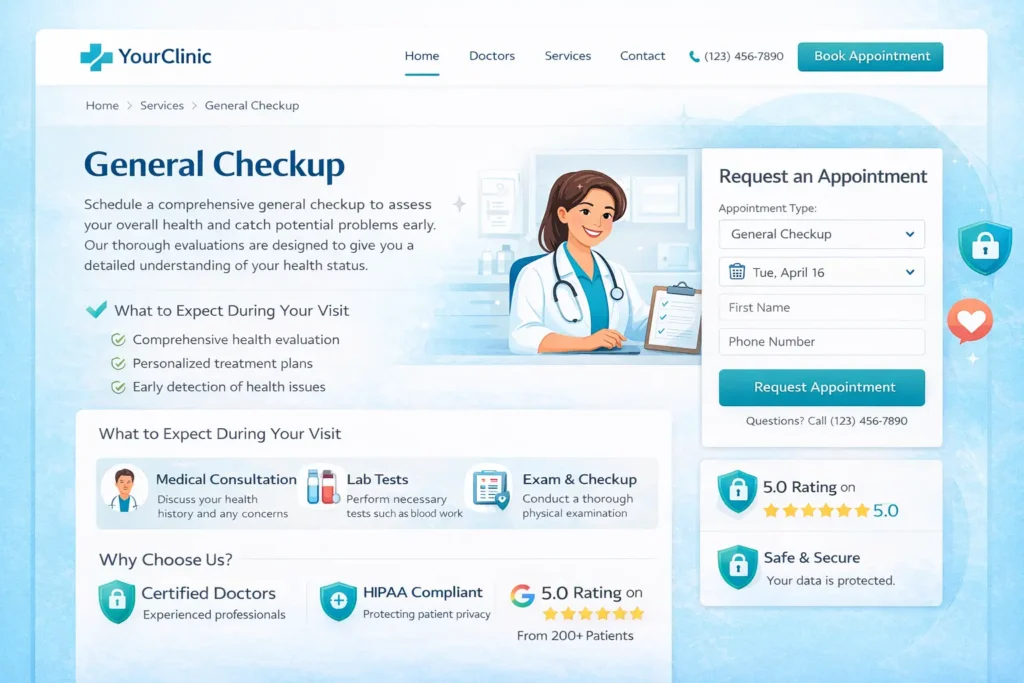
Start with the service page. Each core service should explain who it is for, what the patient can expect, how long it may take, and what happens next. Then place the booking CTA in a natural spot, not only at the bottom.
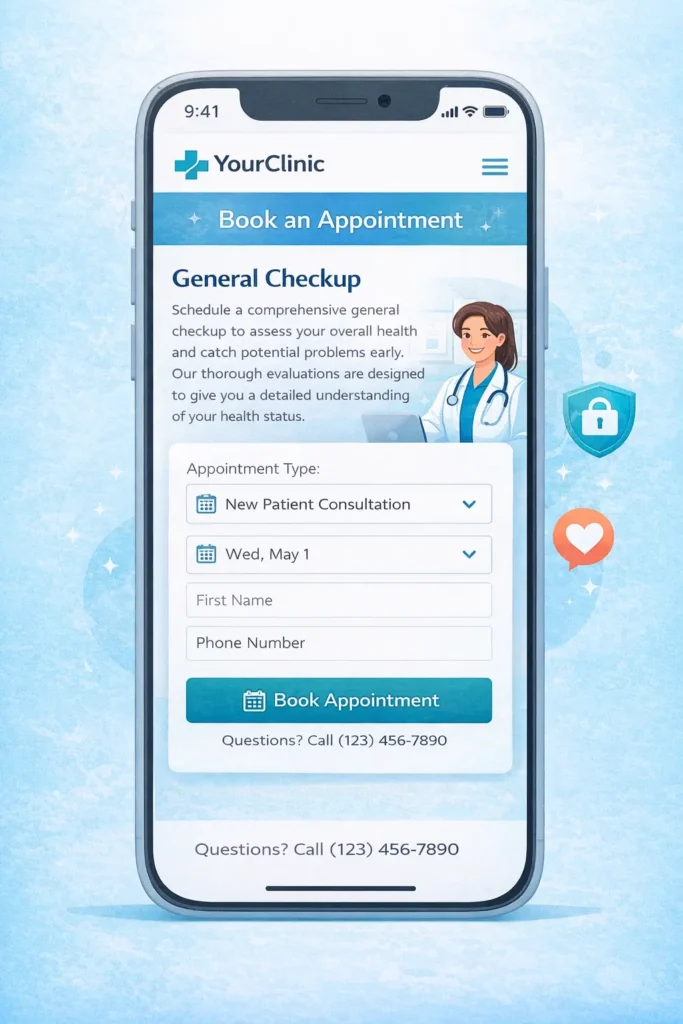
Next, reduce the number of decisions. Instead of forcing users to interpret your internal categories, guide them with plain-language choices such as “New Patient Consultation,” “Follow-Up Visit,” or “Request a Call Back.”
Then support action with context. Mention hours, average response time, insurance notes if relevant, and what information the patient may need before submitting the form.
A practical booking structure often follows this pattern:
- Service page or condition-specific page
- Clear CTA
- Short form or scheduler
- Confirmation message
- Follow-up email or text
That flow sounds straightforward, but many sites break it by sending users to generic third-party pages with no explanation. When the booking step looks disconnected from the rest of the website, trust can drop. Keep the transition as seamless as possible.
Is it secure for patient information?
Security is one of the biggest questions patients and providers ask, and rightly so.
A website can support secure patient experiences, but the security depends on how the tools are configured, what information is being collected, and whether the clinic uses platforms that align with healthcare privacy obligations. HHS states that the HIPAA Security Rule requires safeguards to protect electronic protected health information, and the Privacy Rule sets national standards for protected health information.
That means security is not just about having an SSL certificate. It includes the broader handling of electronic health information, access controls, system safeguards, and appropriate workflows around patient data.
In practical terms, a safer setup usually means:
Using secure forms or compliant scheduling tools
Collecting only necessary information
Avoiding unnecessary PHI in basic website forms
Making privacy expectations clear
Working with web and software providers that understand healthcare use cases
For external reading, it is smart to review the official HIPAA Security Rule summary and ONC’s overview of what a patient portal is. These resources help frame what secure access and protected information handling should look like in a healthcare setting.
How does this support GEO, AEO, and Rank Math performance
To rank higher, the page should not only target the main keyword. It should answer the full search intent around it.
That means your article and service pages should cover the “what,” “why,” “how,” and “which option” questions clearly. Search systems are far more likely to surface pages that resolve the user’s real uncertainty instead of repeating the same phrase over and over.
A stronger content structure usually includes:
A direct answer in the first paragraph
Helpful subheadings matching user questions
Tables that simplify decision-making
Internal links to relevant service and blog pages
Authoritative external references
FAQ answers written in natural language
This is one reason healthcare websites benefit from supportive educational content. When a service page links naturally to related articles and those articles loop back to service intent, the site becomes easier for both users and search engines to understand.
Which option is best for most clinics
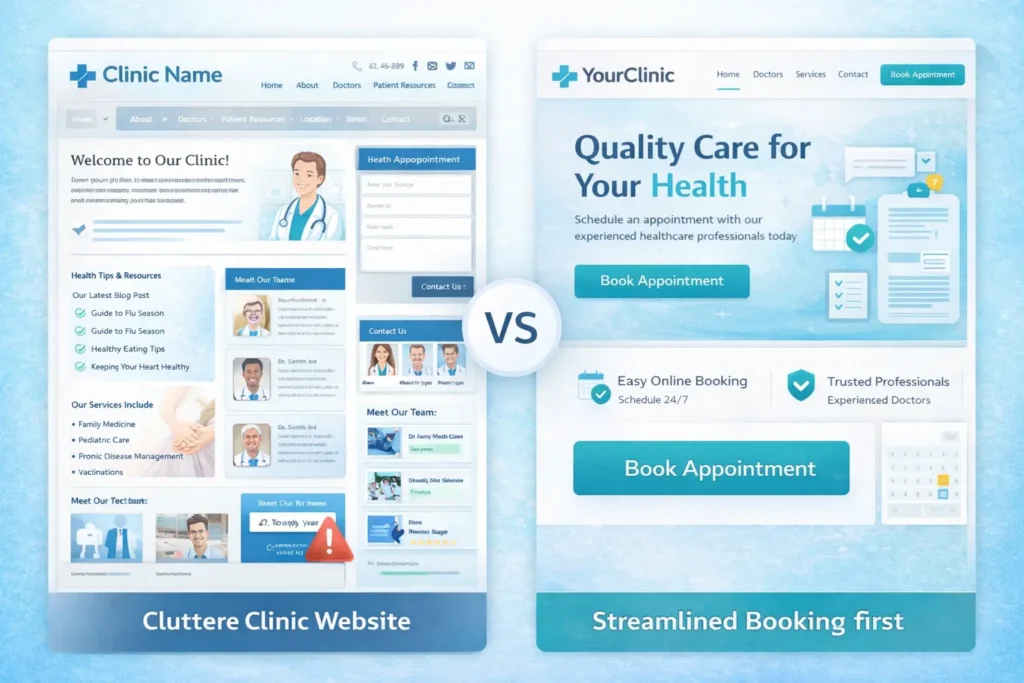
For most small to mid-sized practices, the best option is not a bloated website with every possible feature. It is a clean, fast, mobile-first site with service-led pages, clear booking paths, trust content, and secure form handling.
That option tends to work better because it improves both discoverability and conversion. It also leaves room for growth. A clinic can later add portals, integrations, more advanced automation, or specialty pages without rebuilding the foundation.
In most cases, the best-performing approach is:
A focused homepage
Dedicated service pages
A simple appointment flow
Real trust signals
Helpful blog support
Strong technical setup
That combination is easier to maintain and easier for patients to understand.
Final takeaway on building a patient booking website
A patient booking website works best when it gives patients clarity, convenience, and confidence at the exact moment they are ready to act. For healthcare providers, that means fewer booking barriers, better-qualified inquiries, and a website that supports both trust and growth.
The practices that win online are usually not the ones with the most complicated websites. They are the ones with the clearest path. When patients can quickly understand your services, feel reassured by your credibility, and book without friction, your site becomes a true business asset instead of just an online brochure.
Frequently Asked Questions
1. What is a patient booking website?
A patient booking website is an online system that allows patients to request or schedule appointments through a healthcare provider’s website. It usually includes service details, provider information, available contact options, and a secure form or scheduling step. The main advantage is convenience. Instead of waiting for office hours or calling repeatedly, patients can begin the booking process when it suits them. For healthcare providers, it also reduces manual scheduling pressure and creates a smoother first interaction with new and returning patients.
2. Why is a patient booking website important for healthcare providers?
A patient booking website is important because it improves access, reduces friction, and helps clinics convert more website visitors into real appointments. Many patients prefer quick digital actions over phone-only processes, especially when booking outside normal business hours. A clear online booking path can also reduce front-desk interruptions, improve response efficiency, and give the clinic a more modern, trustworthy image. In competitive markets, that convenience can make the difference between a booked appointment and a lost lead.
3. What features should a good patient booking website have?
A good patient booking website should have clear calls to action, a mobile-friendly design, secure forms, service-specific pages, and trust-building content. It should help users understand what kind of appointment to choose, what happens next, and how their information will be handled. Good websites also include location details, provider bios, FAQs, and confirmation steps that reduce uncertainty. The best setups feel simple to the patient, even when there is a thoughtful strategy and structure working behind the scenes.
4. Is a patient booking website secure for patient information?
A patient booking website can be secure when it uses the right tools, limits unnecessary data collection, and follows healthcare privacy expectations. Security is not just about design. It depends on the systems behind the website, the form setup, access controls, and whether the clinic treats online patient information with the right safeguards. Providers should use secure platforms, review privacy practices carefully, and avoid asking for more information than they truly need during the first booking step.
