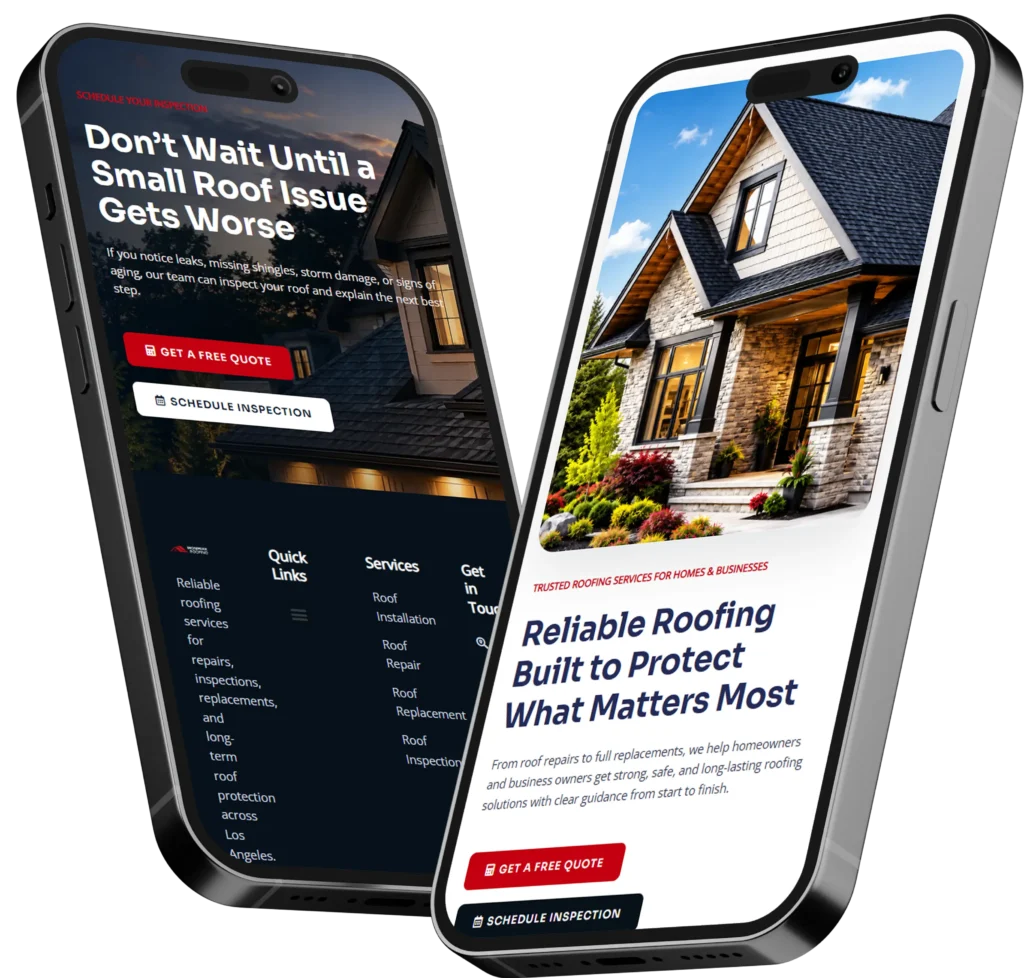
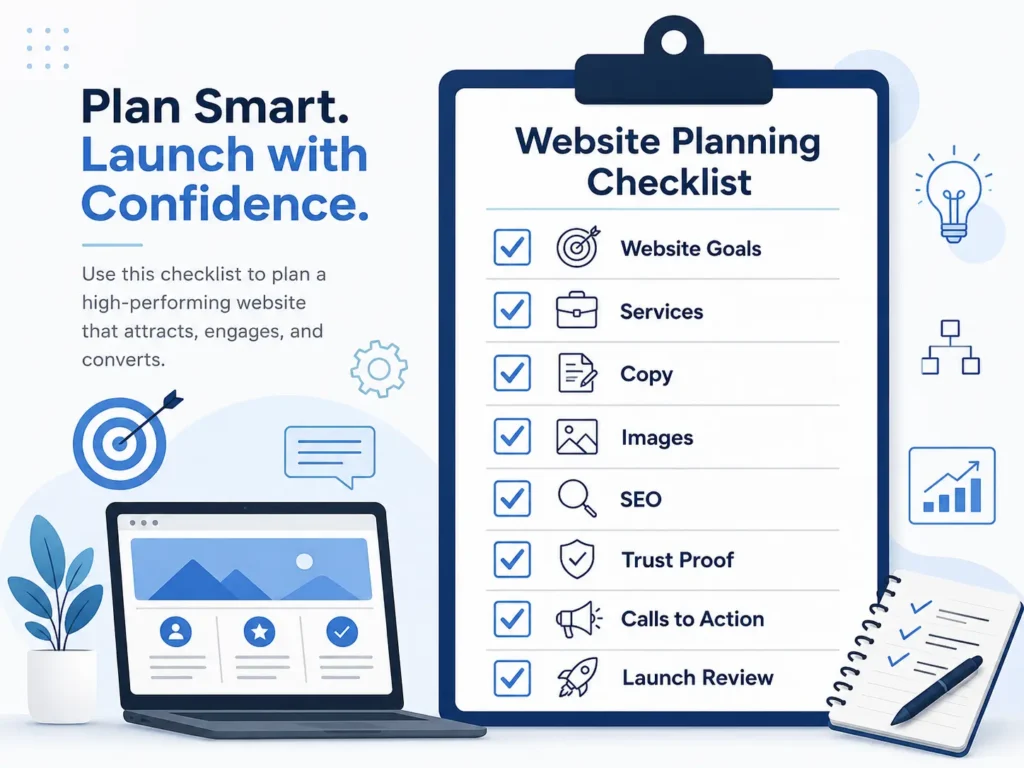
A website planning checklist for small business helps you decide what pages, content, calls to action, SEO basics, and trust elements your site needs before design starts. The best plan connects your services to clear goals like calls, bookings, quote requests, and local search visibility.
If you skip planning, you may end up with a pretty website that does not explain what you do, who you help, or why people should trust you. A good website should work like a sales assistant that answers questions, guides visitors, and makes it easy to take the next step.
In this guide, you’ll learn what to prepare before building or redesigning your website, why each step matters, how to organize your pages, and which website option is best for your business stage.
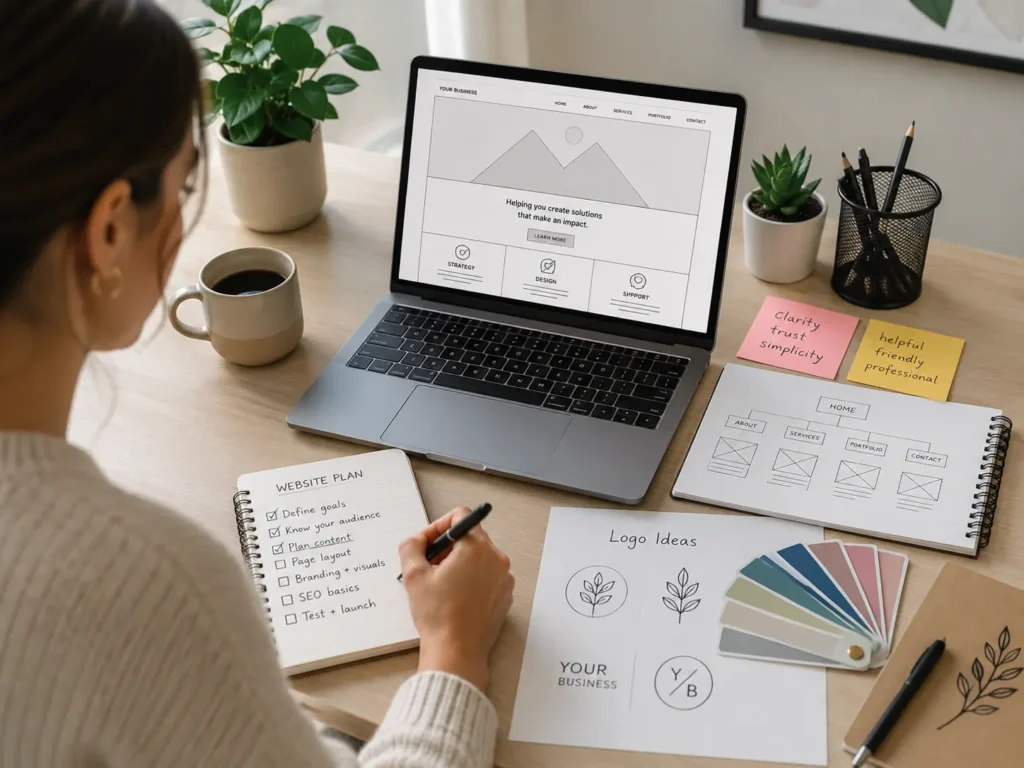
Need help turning your plan into a website that looks professional and brings leads? Start with small business web design experts who understand service-based businesses, landing pages, SEO structure, and conversion-focused design.
Why Website Planning Matters Before Design
Website planning matters because your website is not just an online brochure. It is often the first place people check before they call, book, request a quote, or compare you with another business.
Many small business owners start with colors, templates, or homepage ideas. Those details matter, but they should come after the strategy. Before choosing a layout, you need to know what your visitor wants, what action you want them to take, and what information they need to trust you.
For example, a local cleaning company may need service area pages, before-and-after photos, reviews, pricing guidance, and a fast quote form. A consultant may need case studies, a strong about page, service packages, and a booking calendar. A restaurant may need menus, location details, online ordering, and mobile-friendly directions.
A planned website saves time because your designer is not guessing. It also reduces revisions because the pages, copy, calls to action, images, and SEO direction are already clear.
Google’s SEO Starter Guide also explains that SEO helps search engines understand your content and helps users find your site through Search. That means planning your page topics, headings, internal links, and helpful answers early can make your website easier to understand for both people and search engines.
What to Prepare Before Building a Website
Before you hire a designer or start a redesign, gather the core details that shape your site. This does not need to be complicated. You only need clear answers that help your website speak to the right people.
Start with your business goal. Do you want more phone calls, consultation bookings, form submissions, online orders, newsletter signups, or visits to your location? A website for calls should highlight phone buttons, service areas, and urgency. A website for bookings should make scheduling simple and visible. A website for trust should show reviews, photos, credentials, and proof of results.
Next, define your audience. Think about what they are worried about before hiring you. Are they concerned about price, quality, speed, safety, experience, or communication? Your content should answer those concerns before they become objections.
Then prepare your service list. Each main service should have its own clear section or page when possible. This helps visitors understand what you offer and gives search engines a better topic structure.
Here is a practical planning table you can use before speaking with a web designer:
| Website Planning Area | What to Prepare | Why It Matters |
|---|---|---|
| Main goal | Calls, bookings, quotes, sales, or inquiries | Helps design the right call to action |
| Target customer | Who you serve and what they need | Makes your copy more specific |
| Core services | Main offers and service details | Helps organize pages and SEO topics |
| Trust proof | Reviews, photos, awards, licenses, results | Reduces doubt before visitors contact you |
| Brand assets | Logo, colors, images, tone, fonts | Keeps the website consistent |
| Local SEO details | City, service areas, Google Business Profile | Helps local customers find you |
| Lead path | Forms, phone links, booking tools, email | Makes conversion easier |
| Competitors | 3 to 5 websites you like or compete with | Helps position your site better |
If your current site feels outdated, unclear, or slow, review website design & development services before starting the next version. A good redesign should improve structure, trust, mobile experience, and conversions, not just the look.
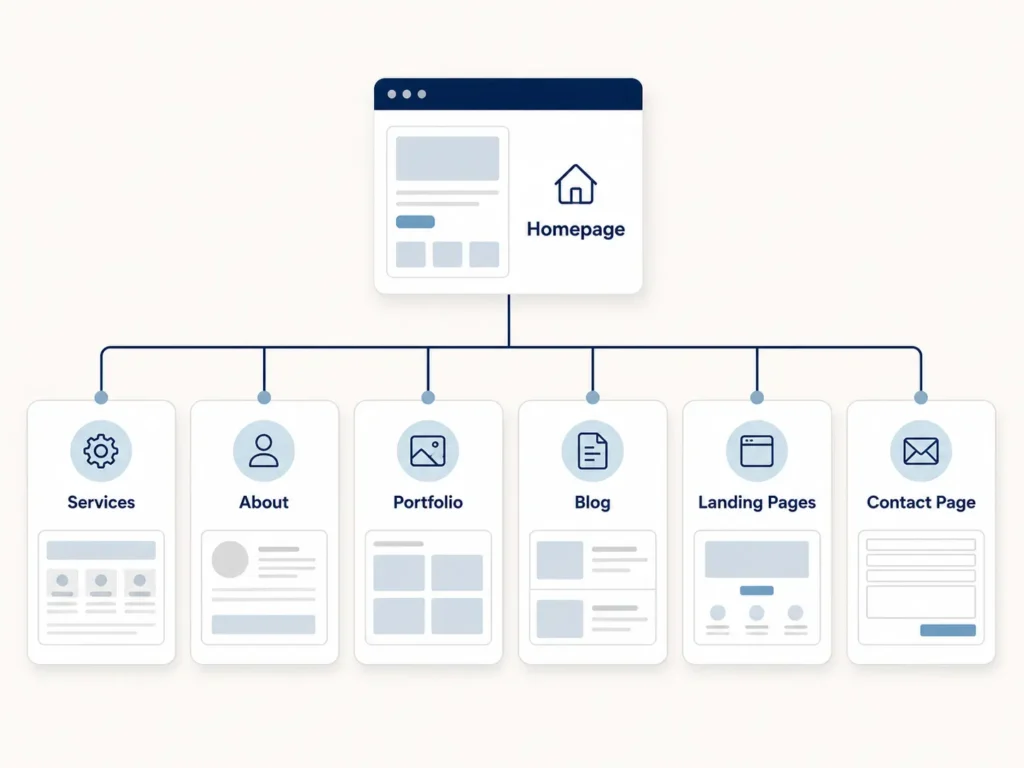
Pages Every Small Business Website Should Plan
A small business website does not need dozens of pages to work well. It needs the right pages with clear purpose. The best structure depends on your business, but most service businesses should plan these core pages.
Your homepage should quickly explain what you do, who you help, where you work, and why visitors should choose you. It should include a strong headline, a short service overview, trust proof, and a clear call to action.
Your service pages should explain each offer in more detail. A good service page answers what is included, who it is for, how the process works, and what result the customer can expect. This is where many small businesses lose leads because they only list services without explaining value.
Your about page should build trust. It should not only tell your story. It should explain your experience, values, approach, and why customers feel comfortable working with you.
Your portfolio or sample work page is important if your service is visual, creative, technical, or results-based. Visitors want proof before they contact you. You can use portfolio highlights as inspiration for showing work in a way that feels simple and credible.
Your contact page should remove friction. Include a short form, clickable phone number, email, business hours, service area, and what happens after someone reaches out. If you accept bookings, add a booking button near the top.
For service businesses, landing pages can also be useful. A landing page focuses on one offer, one audience, or one campaign. For example, a “website redesign for contractors” landing page can speak more directly than a general services page.
How to Plan Content That Builds Trust
Good website content does more than fill space. It helps visitors feel understood. Small business owners should plan content around the questions customers already ask before buying.
Start with your most common customer questions. These can become sections on your service pages, blog posts, or FAQs. Questions about cost, timeline, process, guarantees, service area, maintenance, and results are usually important.
Next, collect proof. This includes testimonials, client logos, before-and-after examples, project photos, screenshots, video reviews, awards, certifications, and years of experience. Trust signals are especially important when someone is deciding whether to call you or a competitor.
You should also prepare practical examples. Instead of saying “we build professional websites,” explain what that means. For example, “We design service pages with clear calls to action, fast mobile layouts, contact forms, trust sections, and SEO-friendly headings.”
The SBA’s marketing and sales guide encourages businesses to plan how they will reach and persuade customers. Your website should support that same goal by giving visitors enough confidence to take action.
A simple trust-building content formula is:
✅ Problem: What is the visitor struggling with?
✅ Solution: How does your service help?
✅ Proof: Why should they trust you?
✅ Action: What should they do next?
If you want more support choosing the right person for your project, read this guide on how to hire a remote web designer. It can help you compare skill, communication, process, and value before making a decision.
SEO Planning for a Small Business Website
SEO should not be added after the website is finished. It should be part of the planning stage because your page structure, headings, content, internal links, and technical setup all affect how easy your website is to understand.
Begin with your main services and locations. A local web design business, for example, may need pages for website design, redesign, landing pages, SEO setup, maintenance, and small business websites. A home service business may need service pages plus city pages if it serves multiple areas.
Plan one main topic per important page. Do not try to rank one page for every service. A page about “website redesign” should focus on redesign problems, process, signs you need a redesign, and expected results. A page about “landing page design” should focus on campaigns, conversions, form fills, and lead capture.
Internal links are also helpful. They guide users to related pages and help connect your content. For example, a blog post about planning your website can naturally link to a services page, a portfolio page, and a related article like website project checklist for small business.
Also plan your metadata. Every important page should have a unique title tag and meta description. These should explain the page clearly and include the main idea naturally. Avoid stuffing keywords. Write for people first.
Technical basics matter too. Your site should load quickly, work well on mobile, use clear navigation, have readable headings, include image alt text, and make contact actions easy to find.
Design and Conversion Checklist
Design is not only about style. A strong small business website uses design to move visitors toward trust and action. Every section should have a job.
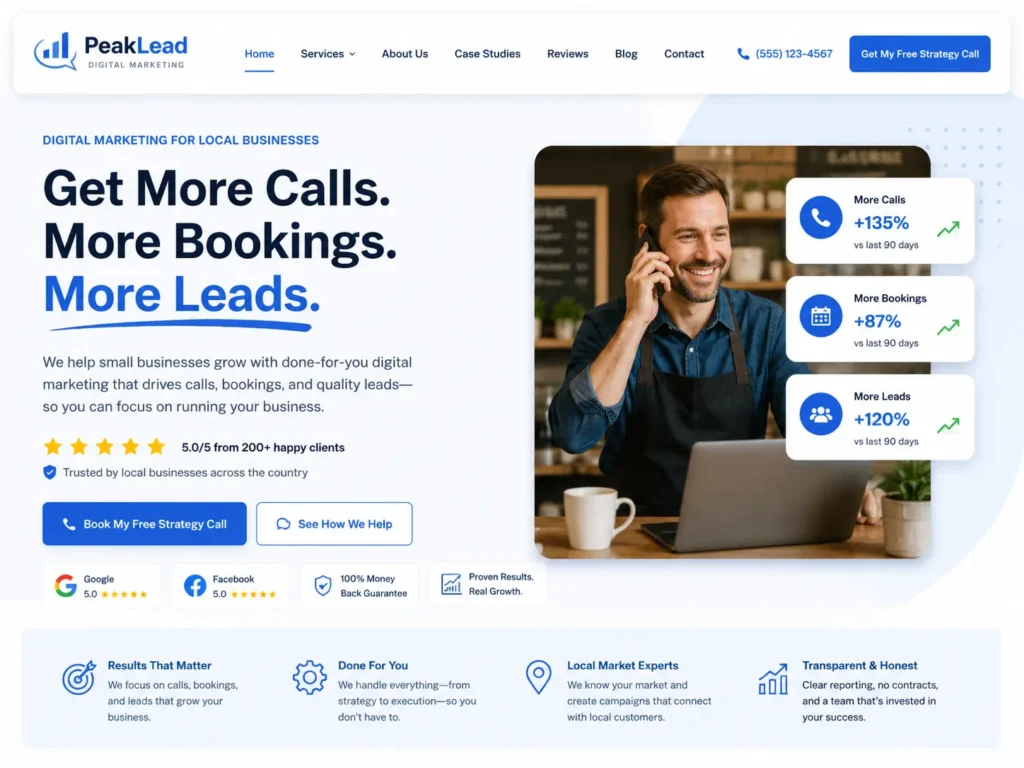
Your homepage should not make people search for what you do. The first screen should include a clear headline, short supporting text, and a visible call to action. For example, “Get a free website audit” is clearer than “Learn more” when your goal is lead generation.
Your buttons should match the visitor’s intent. If people are ready to talk, use “Book a Call” or “Request a Quote.” If they need more proof, use “View Our Work” or “See Website Packages.” If your offer is consultative, use a softer call to action like “Start Your Project.”
Mobile design is critical because many visitors will check your site from their phone. Phone numbers should be clickable, forms should be short, and important content should not be buried under large images.
Here is a quick conversion table for planning each key page:
| Page Type | Best Call to Action | Trust Element to Include | Best For |
|---|---|---|---|
| Homepage | Book a call or request a quote | Reviews, service summary, work samples | First impressions |
| Service page | Get pricing, schedule consult, request quote | Process, FAQs, testimonials | Lead generation |
| Landing page | Claim offer, book call, download guide | Specific proof for one offer | Ads and campaigns |
| About page | Meet the team or start a project | Story, credentials, photos | Trust building |
| Portfolio page | View project or contact us | Before-and-after, project notes | Proof of skill |
| Contact page | Send message or call now | Response time, service area, hours | Final conversion |
If you are comparing designers, this article about choosing a website designer for US small business can help you understand what to look for beyond visuals.
Which Website Option Is Best?
The best website option depends on your budget, timeline, skill level, and growth goals. There is no single answer for every business.
A DIY website can work if you are just testing an idea, have a very small budget, and only need a simple online presence. The downside is that DIY sites often take more time than expected. They may also miss important details like SEO structure, conversion flow, page speed, accessibility, and professional copy.
A template website can be a good middle option. It gives you a cleaner starting point and can work well for simple businesses. However, templates can become limiting if your services, landing pages, or booking process need custom structure.
A professional website designer is usually the best option when your website needs to generate leads, support paid ads, improve SEO, or replace an outdated site. A designer can help plan the page structure, user journey, trust sections, calls to action, and mobile experience.
Here is a simple way to choose:
✅ Choose DIY if you need something temporary and have time to learn.
✅ Choose a template if you need a basic professional look with limited customization.
✅ Choose a professional designer if your website needs to bring calls, bookings, or serious business growth.
The real question is not only “What does a website cost?” It is “What should this website help my business earn, save, or improve?”
Practical Tips Before Hiring a Web Designer
Before hiring a web designer, prepare your goals, content, examples, and questions. This makes the project smoother and helps you avoid paying for design work without a clear direction.
Gather your current website problems first. Is the site slow? Does it look outdated? Are visitors not calling? Are service pages too thin? Is your contact form hard to use? Clear problems lead to better solutions.
Then prepare examples of websites you like. Do not copy them, but explain what you like about them. Maybe the layout feels clean, the service pages are easy to read, or the call-to-action buttons stand out.
Ask your designer about process. A professional should be able to explain how they handle strategy, copy, design, development, mobile responsiveness, SEO basics, launch, and post-launch support.
Also ask what they need from you. Some designers need all copy and images upfront. Others help with content structure, messaging, and SEO planning. Knowing this early prevents delays.
One useful tip is to create a shared folder before the project starts. Add your logo, brand colors, team photos, service descriptions, testimonials, login details, and example websites. This saves time and keeps the project organized.
Common Website Planning Mistakes to Avoid
One common mistake is designing before strategy. A website can look beautiful but still fail if the message is unclear or the visitor does not know what to do next.
Another mistake is using vague copy. Phrases like “quality service” and “we care about customers” are not enough. Be specific. Explain your process, timeline, service area, guarantees, experience, and results.
Many small businesses also hide their contact options. If you want leads, your phone number, booking link, or contact button should be easy to find on every important page.
Another mistake is ignoring mobile users. Large images, tiny text, long forms, and hard-to-click buttons can hurt conversions. Always review your site on a phone before launch.
Finally, do not forget post-launch planning. A website needs updates, backups, security checks, SEO improvements, and content refreshes. Launch day is not the end. It is the start of measuring what works and improving over time.
Final Thoughts: website planning checklist for small business
A strong website starts with clear planning, not just design inspiration. When you know your goals, pages, content, SEO structure, trust signals, and conversion path, your website has a better chance of turning visitors into leads.
Use this guide before building a new site or redesigning an old one. The more prepared you are, the easier it is for a designer to create a website that looks professional, answers customer questions, and supports real business growth.
If your current site is not helping you get calls, bookings, or quote requests, it may be time to review your strategy and create a better plan before your next redesign.
Frequently Asked Questions
1. What should a small business include before starting a website design?
A small business should prepare its goals, target audience, services, brand assets, testimonials, images, service areas, and main calls to action before starting website design. The most important phrase is clear website goals because every page should support a business result like calls, bookings, quote requests, or local leads. Preparing these details early helps your designer build a site with better structure, stronger messaging, and fewer delays.
2. How can a website redesign help a small business get more leads?
A website redesign can help a small business get more leads by improving the layout, page speed, mobile experience, service pages, trust signals, and calls to action. The key benefit is better conversion flow because visitors need a clear path from interest to action. A redesign should not only make the site look newer. It should make it easier for people to understand your services, trust your business, and contact you quickly.
3. Do landing pages work better than regular website pages for bookings?
Landing pages can work better for bookings when they focus on one offer, one audience, and one action. The main phrase is focused landing page strategy because visitors are less distracted when the page is built around a specific service or campaign. Regular pages are still useful for general SEO and education, but landing pages are often stronger for ads, promotions, consultations, events, and service-specific booking goals.
4. Should I hire a web designer or build my small business website myself?
You can build your website yourself if you only need a basic online presence and have time to learn the tools. However, the best option for lead generation is hiring a professional web designer when your site needs strategy, SEO structure, strong copy flow, trust-building sections, and conversion-focused design. A professional can help avoid common mistakes and create a site that supports calls, bookings, and long-term growth.